Finance
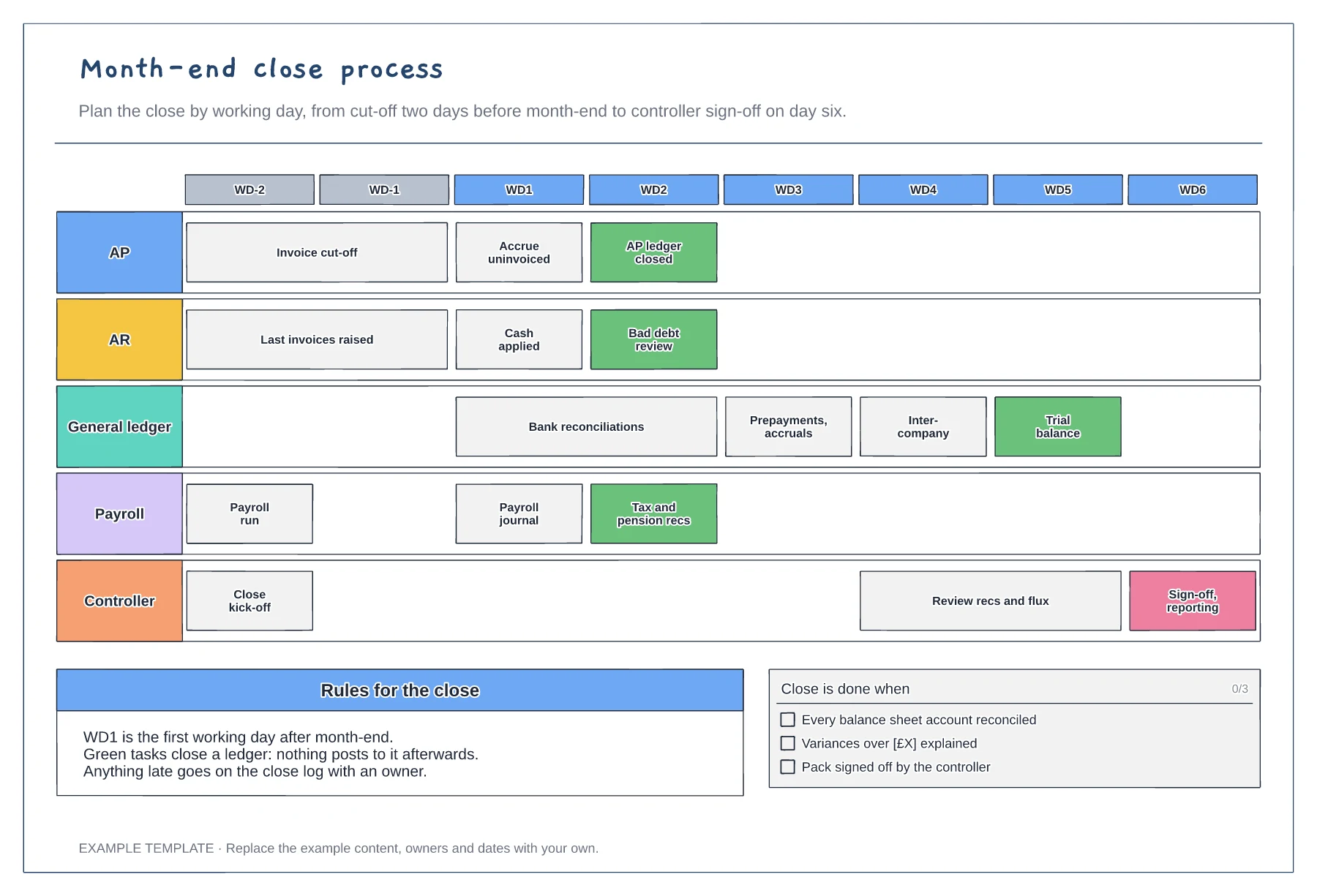
Month-end close process template
Working-day grid from WD-2 to WD6 · Tasks for five teams · Ledger close points and a done checklist
Preview and use template →The accounting cycle is the sequence of steps that turns everyday transactions into financial statements, then resets for the next period. This diagram puts the nine steps in a loop around one accounting period, from identifying transactions and journal entries to adjustments, statements and closing entries, with a table of what each key step produces.
This is a planning example, not financial, accounting, tax or legal advice. Check your own policies, auditors and local rules.
No account needed · Opens as your own editable page
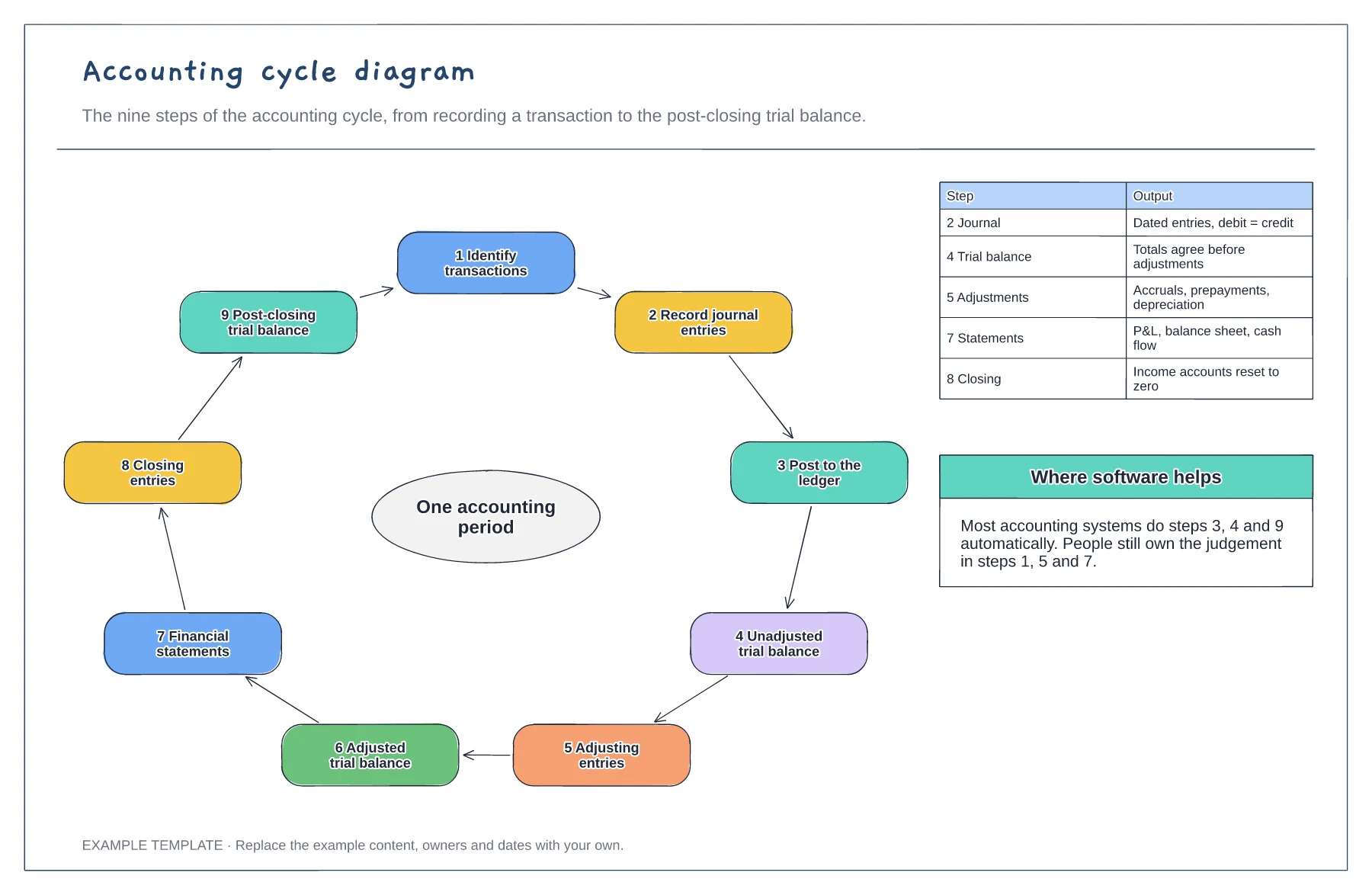
Pick a sale or a bill and trace it through each step, from the journal entry to the financial statements. It makes the cycle concrete.
Most accounting software posts to the ledger and produces trial balances automatically. Highlight the steps where people still make decisions.
Use the board to onboard new team members or students, then link each step to the procedure your team follows.
Those are steps most accounting software completes for you, such as posting to the ledger. Change the marks to reflect what your own system does.
No. Open the template and edit it in your browser. Your work saves on this device. An account is optional if you want to sync your workspace.
Yes. Use Export in the editor to save a PNG, SVG or PDF, or download an editable .epicdraw backup.
Working-day grid from WD-2 to WD6 · Tasks for five teams · Ledger close points and a done checklist
Preview and use template →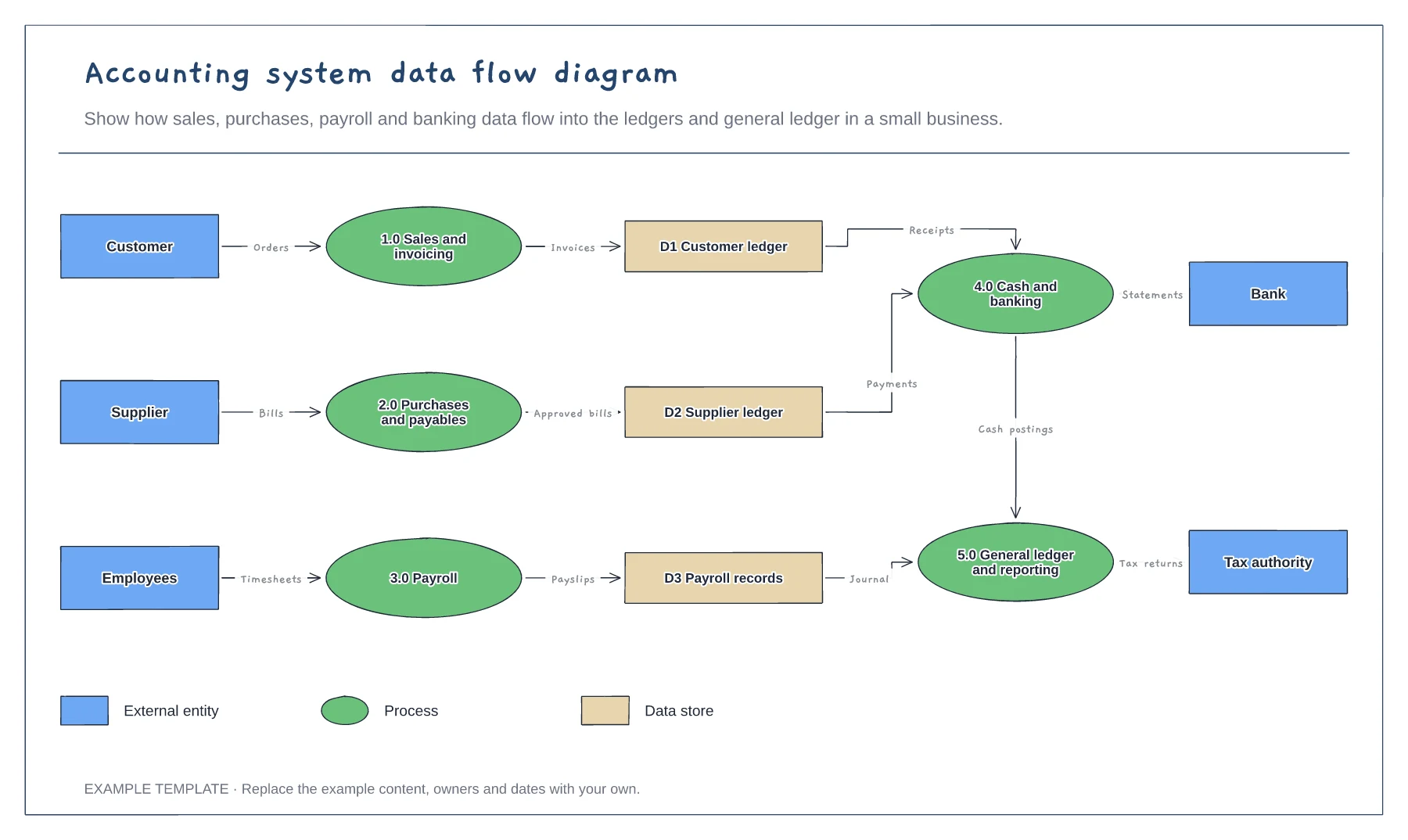
External entities, processes and data stores · Labelled data flows · Shape legend for DFD notation
Preview and use template →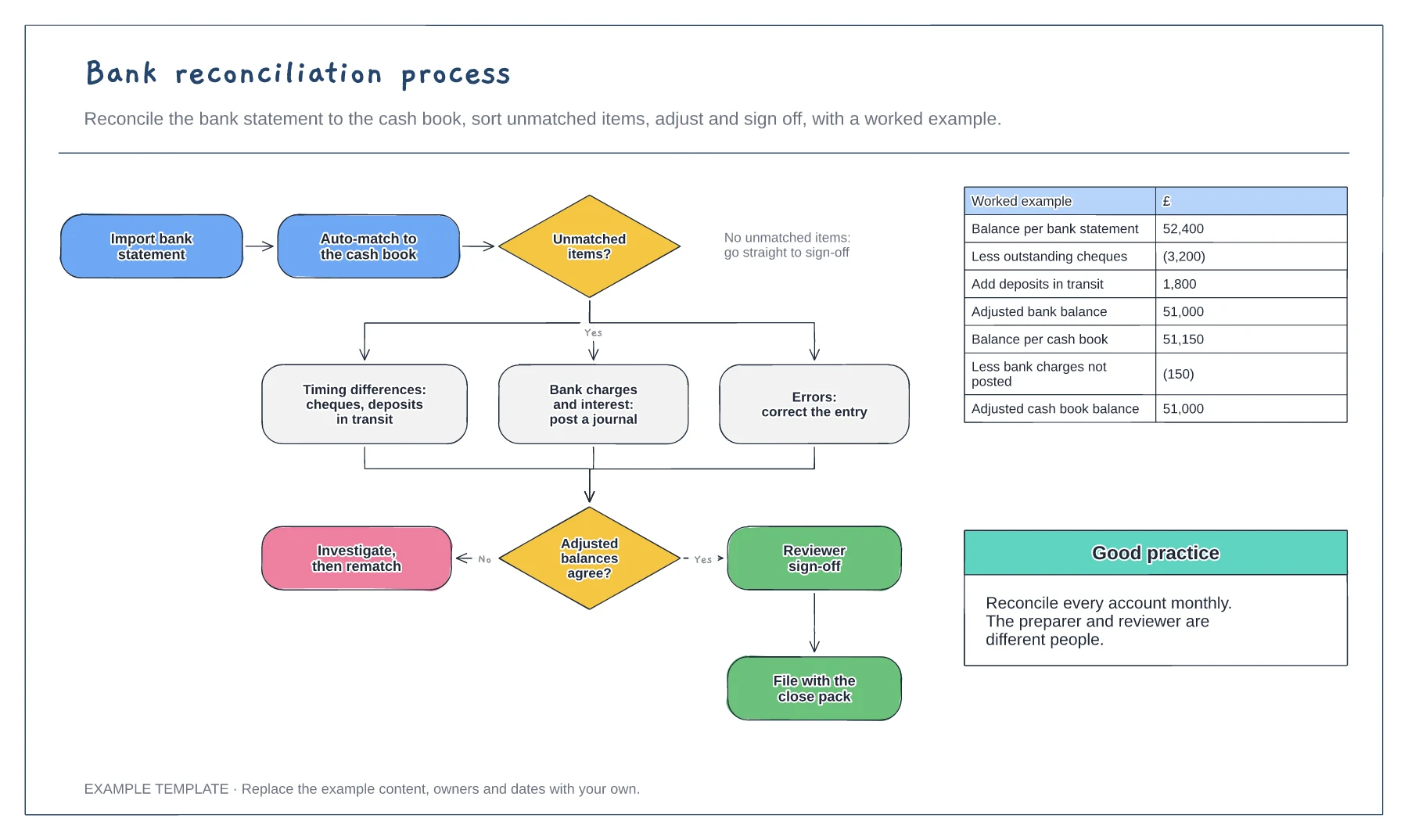
Import, match and adjust steps · Three kinds of unmatched item · Worked reconciliation example
Preview and use template →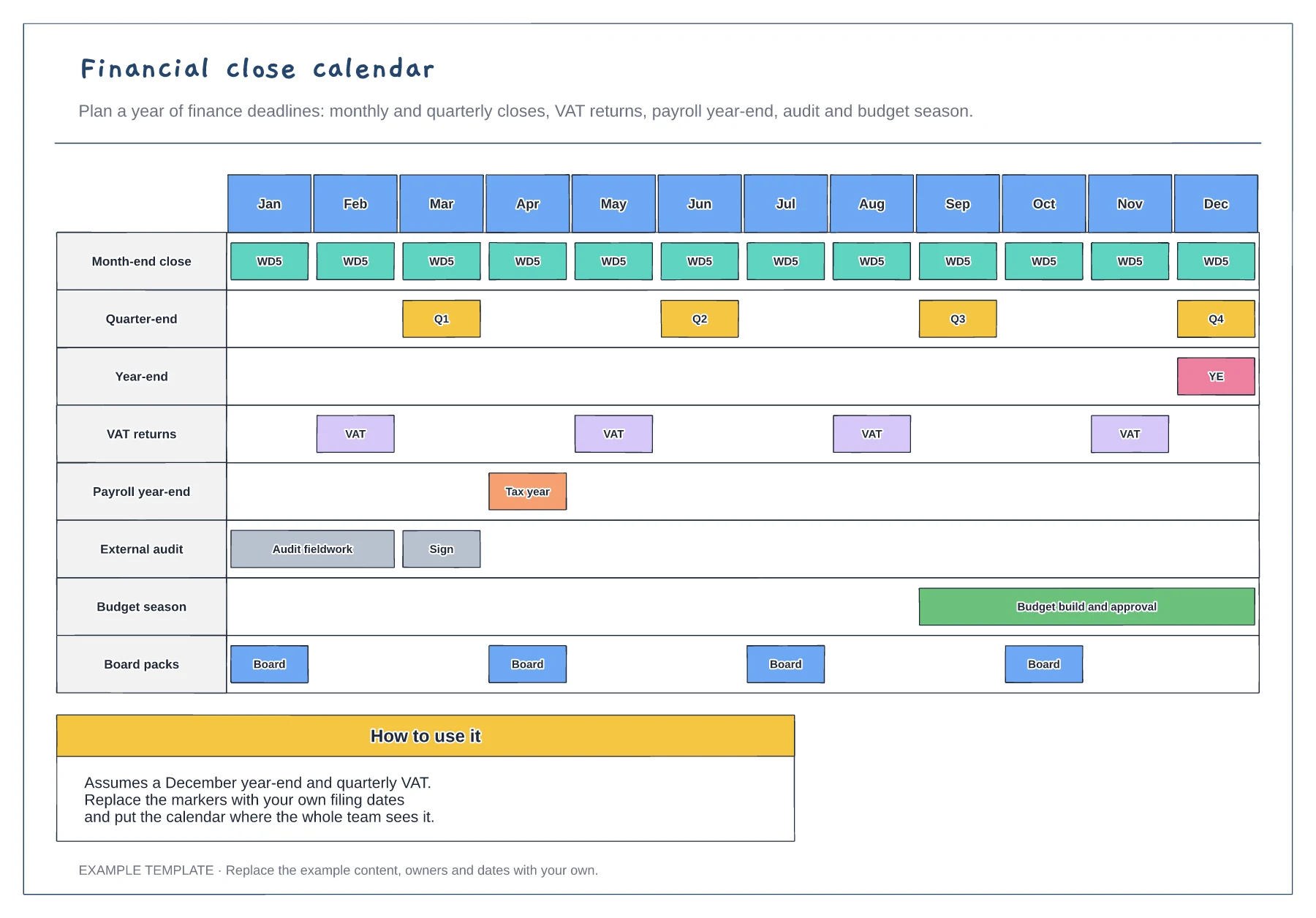
Twelve months on one page · Closes, filings, audit and budget · Board pack dates
Preview and use template →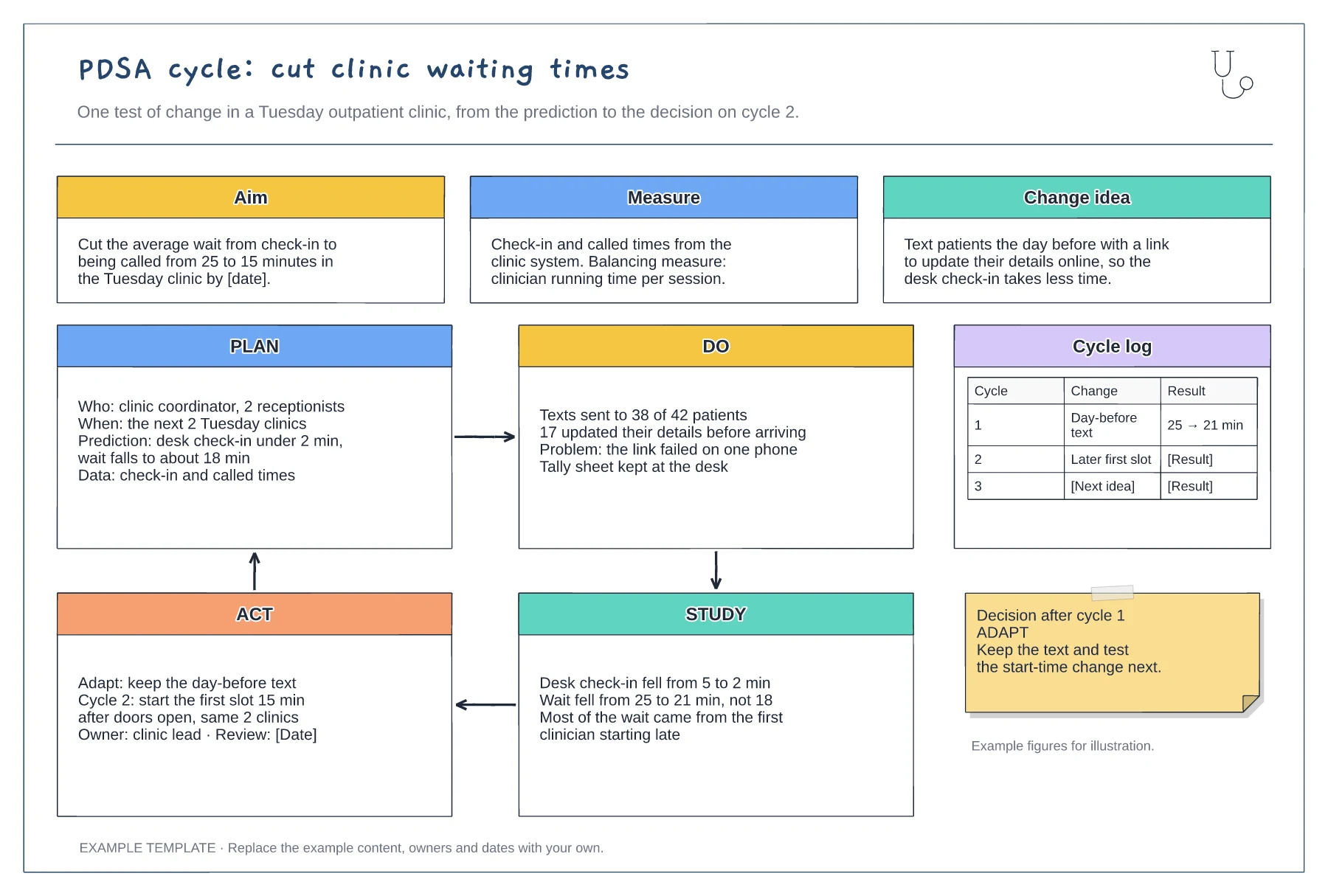
Aim, measure and change idea · Filled-in Plan, Do, Study and Act panels · Cycle log and decision note
Preview and use template →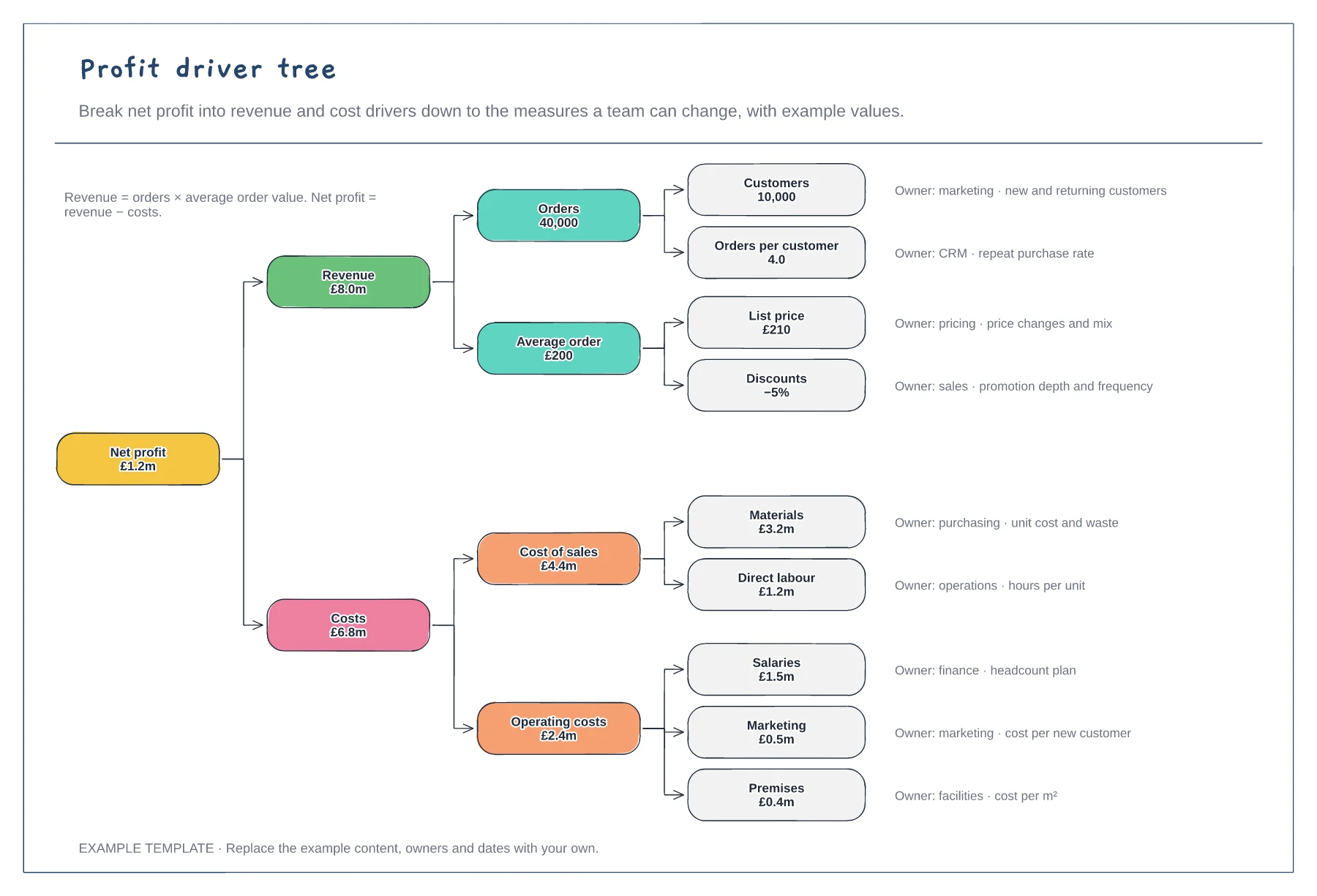
Net profit down to nine drivers · Example values that add up · An owner and measure for each driver
Preview and use template →