Construction
Pull planning board template
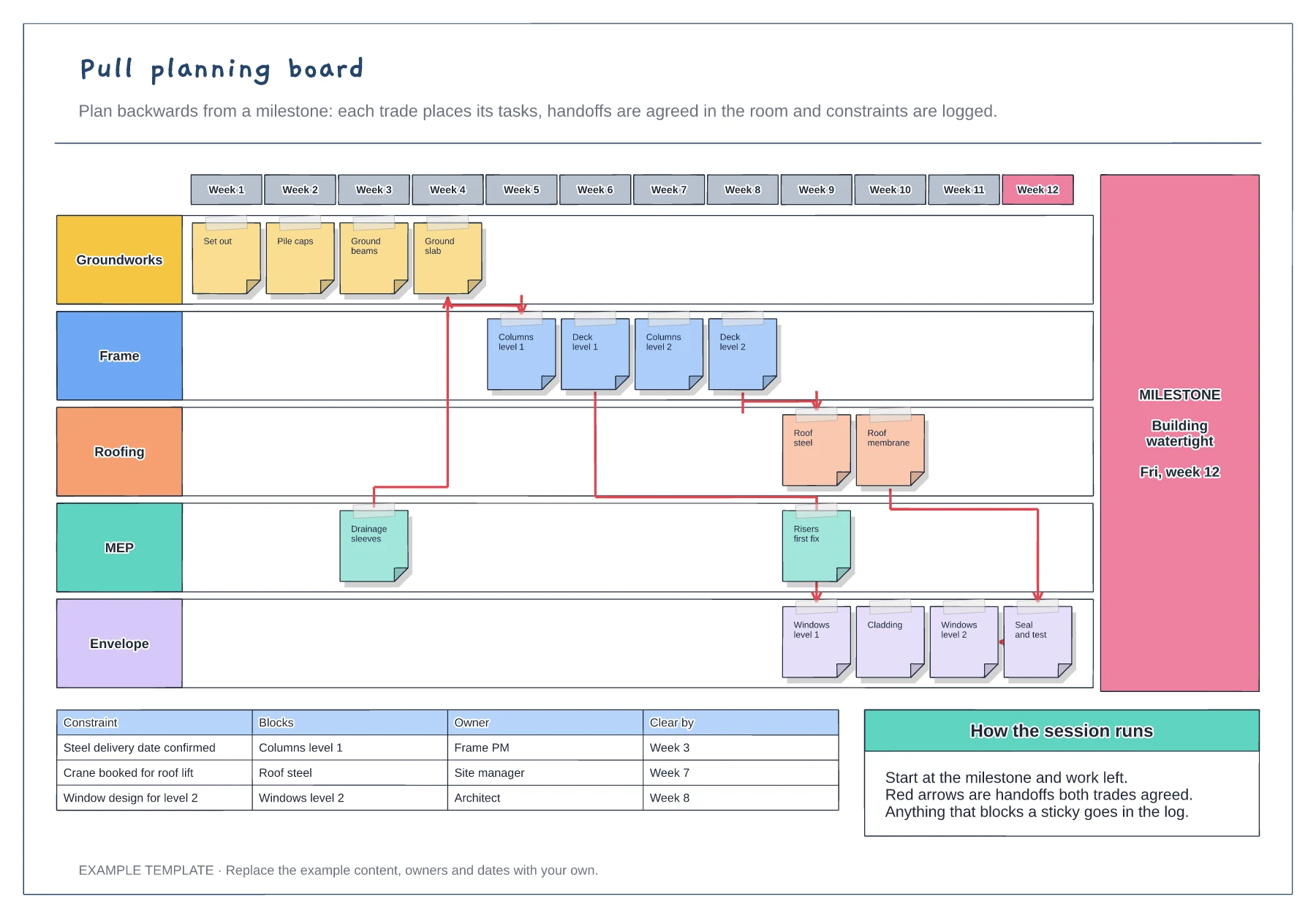
Week columns ending at a milestone · Sticky notes for each trade · Agreed handoffs and a constraints log
Preview and use template →A three-week look-ahead takes the master programme and turns the next fifteen working days into work that is actually ready to happen. This example plans six trades day by day, flags the activities blocked by missing design or deliveries, marks today, and shows in one column which trades can start and which cannot.
No account needed · Opens as your own editable page
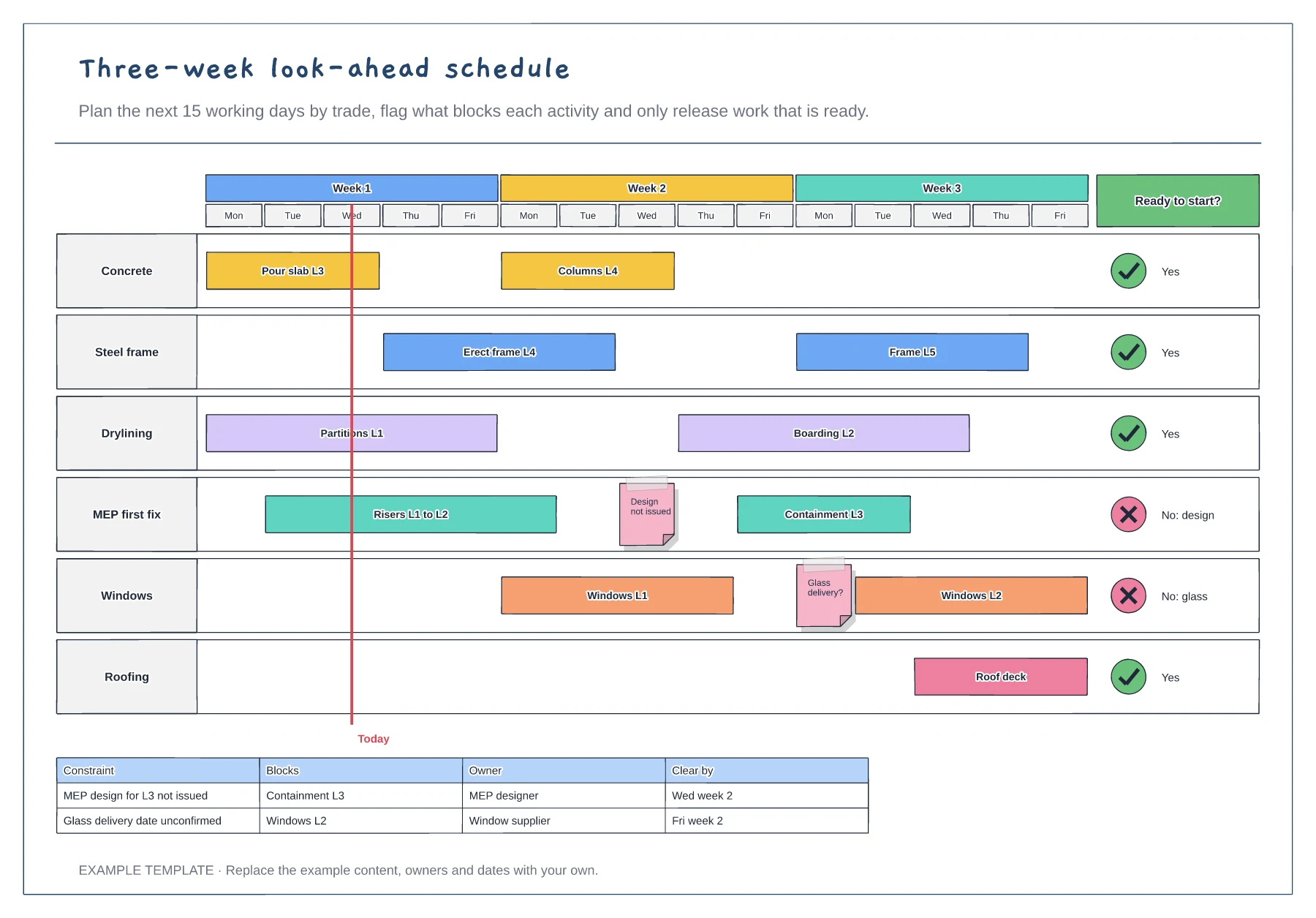
Copy the next three weeks of activities onto the board, broken down by trade and day.
For each activity ask whether design, materials, labour, equipment and the area before it are ready. Flag anything that is not.
Mark which trades can start and which cannot. Clear constraints with named owners before the activity reaches this week.
Set its Ready to start? cell to No with the reason, then add a row to the constraints table naming the owner and the date it must be cleared by.
No. Open the template and edit it in your browser. Your work saves on this device. An account is optional if you want to sync your workspace.
Yes. Use Export in the editor to save a PNG, SVG or PDF, or download an editable .epicdraw backup.
Week columns ending at a milestone · Sticky notes for each trade · Agreed handoffs and a constraints log
Preview and use template →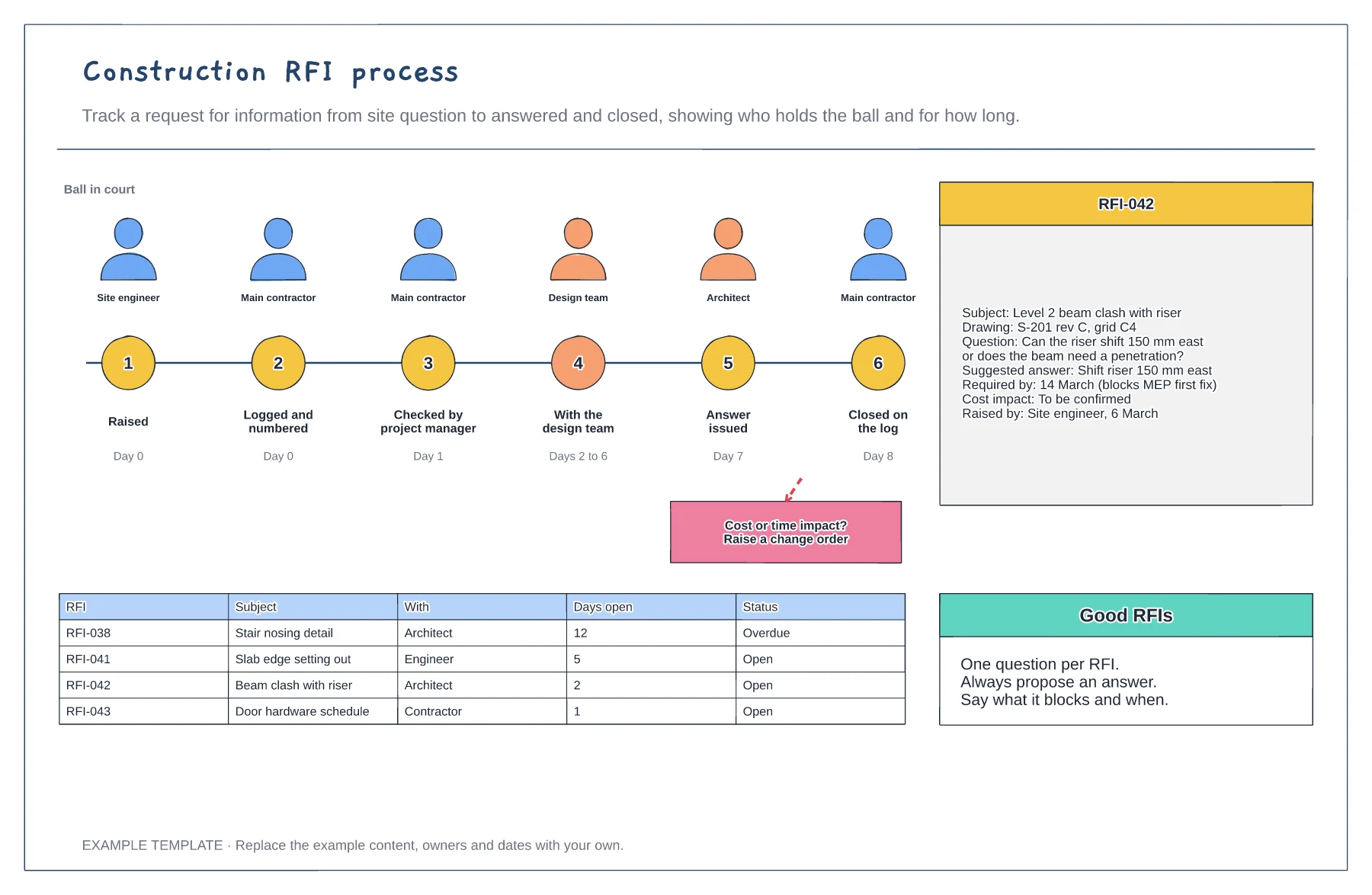
Six stages with who holds the RFI · Example RFI with all the key fields · Open RFI log with days open
Preview and use template →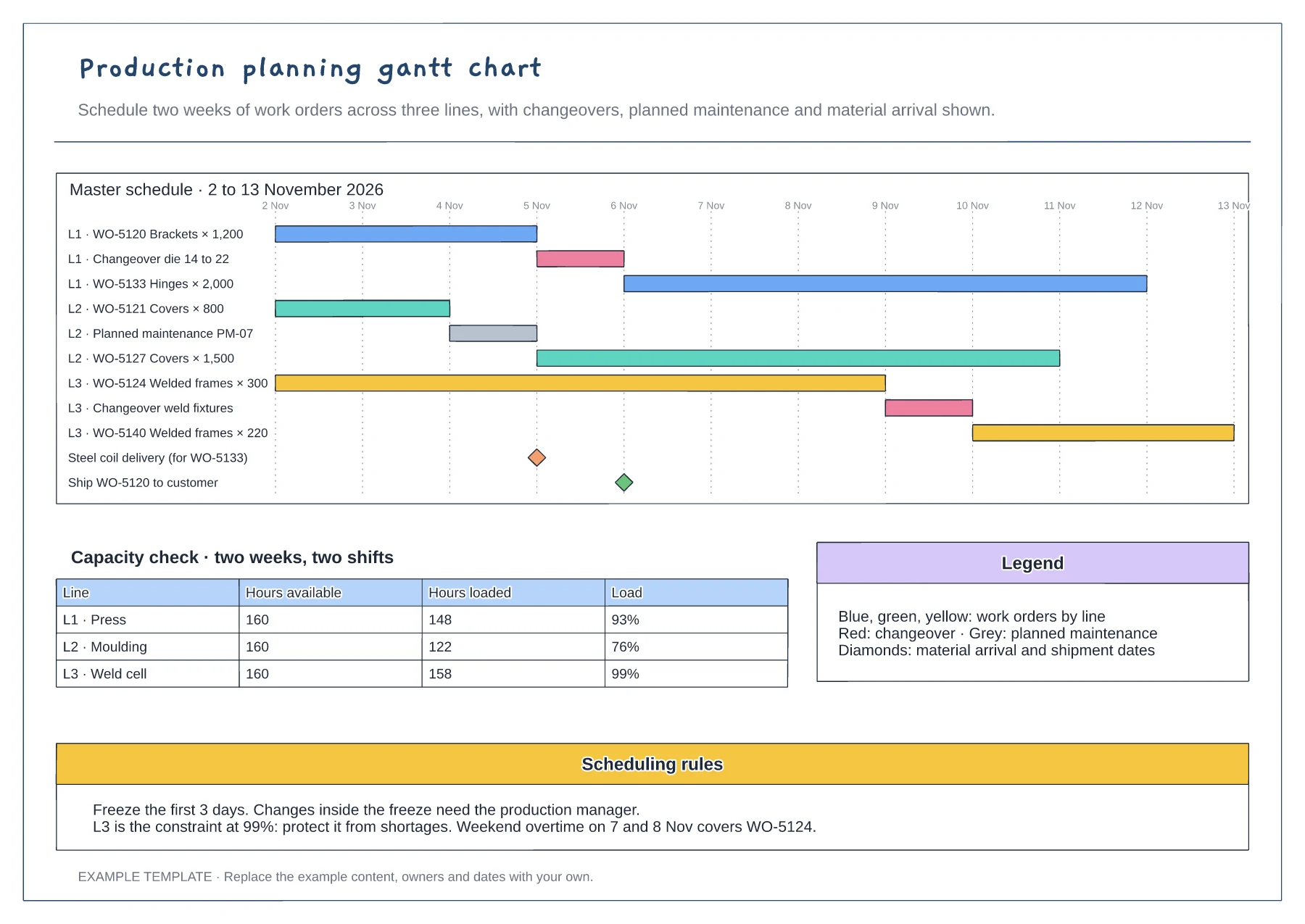
Gantt of work orders by line and day · Changeover, maintenance and milestone rows · Capacity table and scheduling rules
Preview and use template →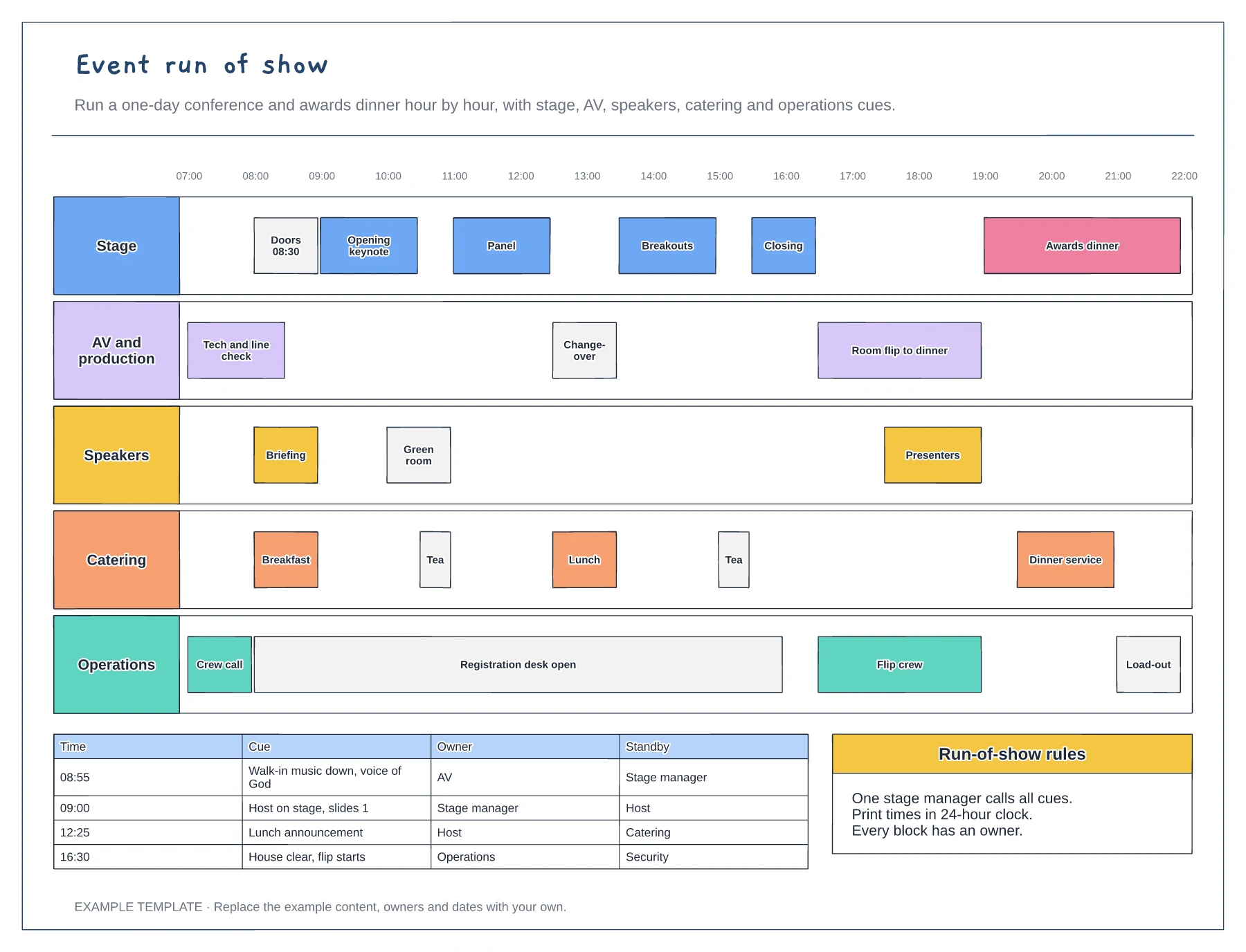
Hour-by-hour swimlanes for five teams · Changeovers and room flip blocks · Cue sheet with owner and standby
Preview and use template →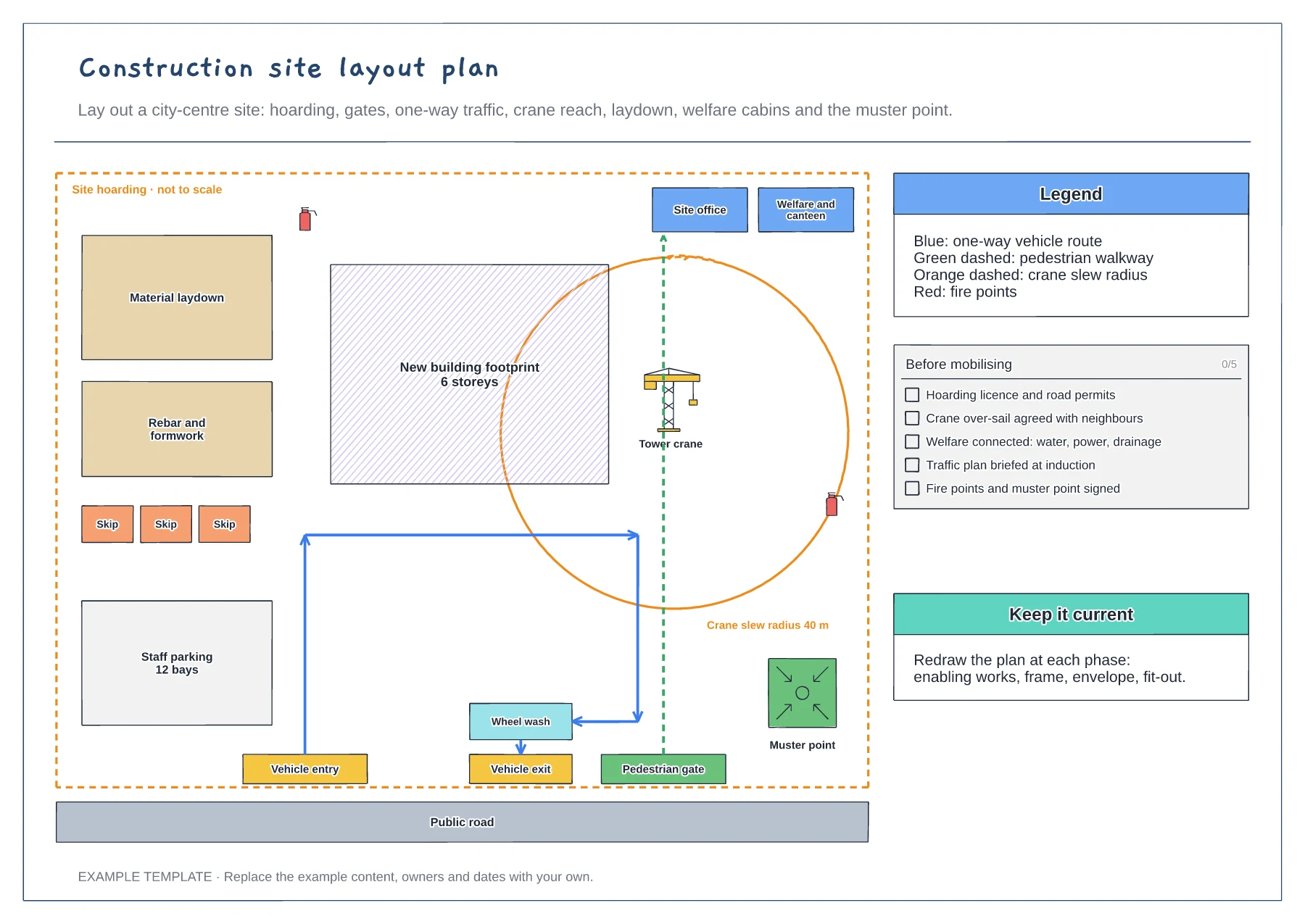
Hoarding, gates and one-way traffic route · Crane slew radius and laydown areas · Welfare, fire points and muster point
Preview and use template →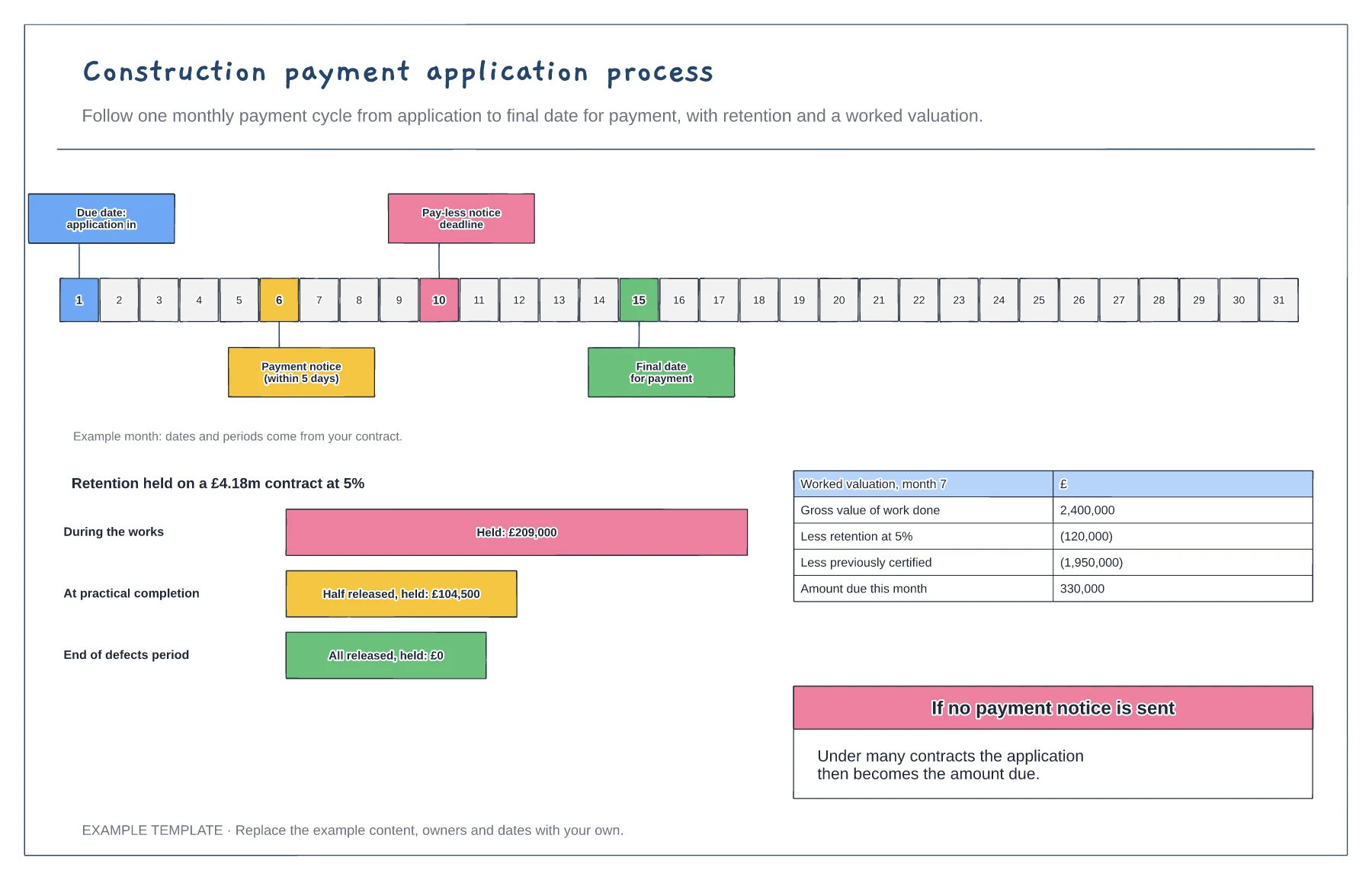
Monthly payment calendar with key dates · Retention held and released · Worked valuation to amount due
Preview and use template →