Marketing
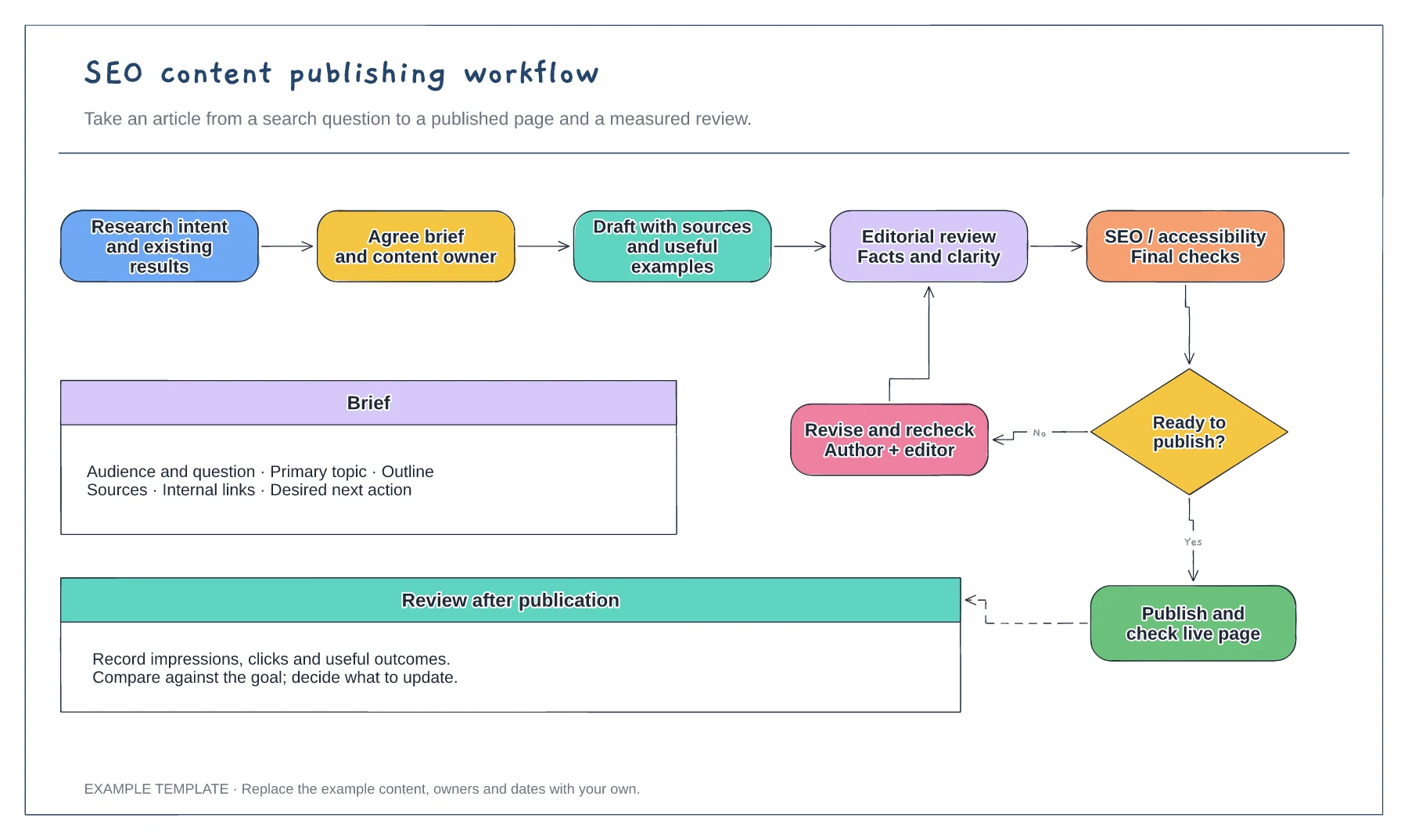
SEO content publishing workflow template
Search question and content brief · Draft, edit and approval loop · Publication and performance review
Preview and use template →Coordinate the work before, during and after a website migration. The example plan groups URL mapping, redirect checks, launch responsibilities and monitoring into phases that your team can adapt to its own release.
No account needed · Opens as your own editable page
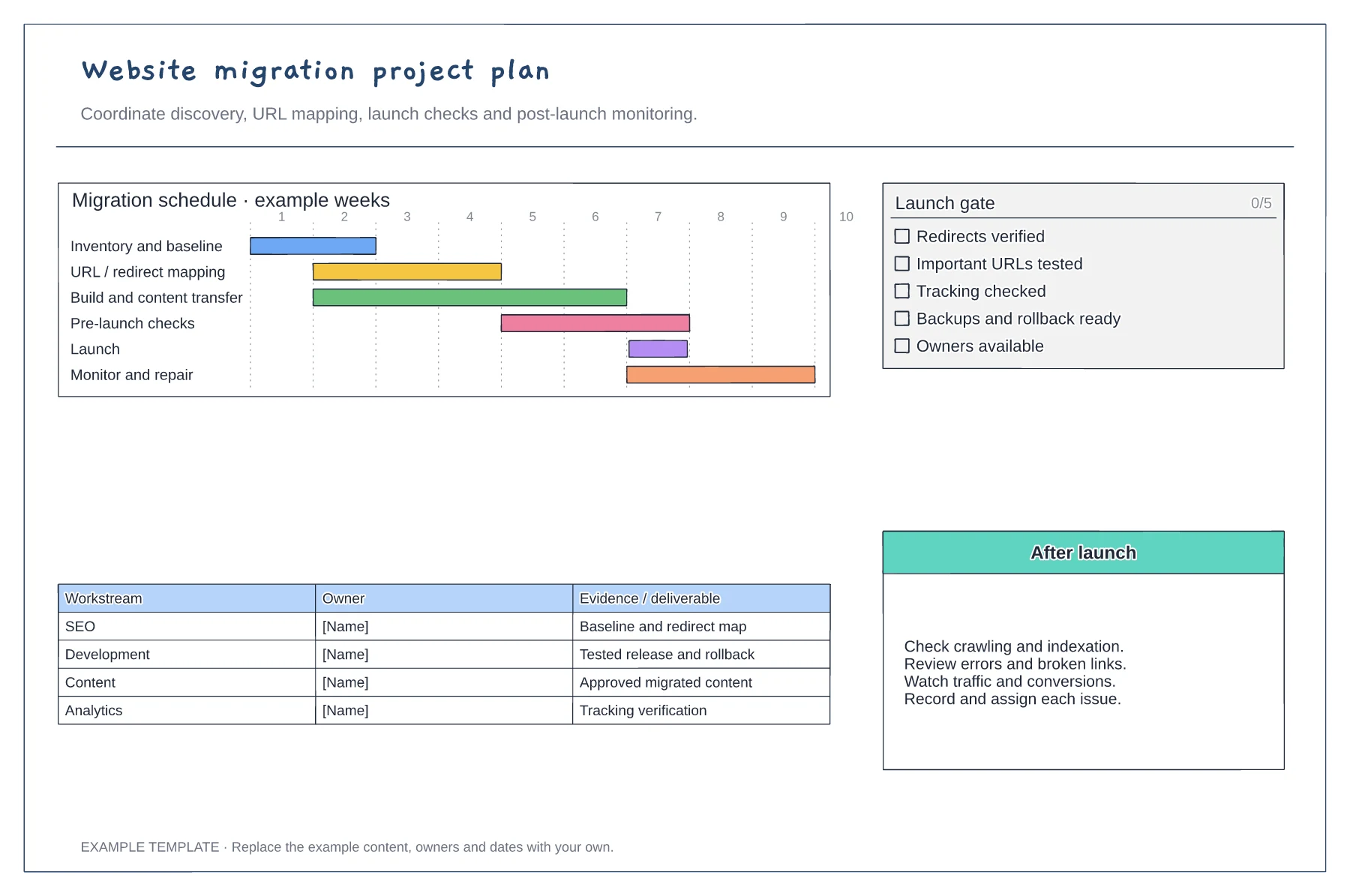
Record what is changing: domain, platform, design or URL structure. Identify the content, integrations and teams affected.
Assign owners to the URL map, redirects, analytics and critical journeys. Put the go/no-go decision and rollback responsibility beside the launch phase.
Choose when to check important URLs, crawl errors, tracking and customer journeys. Add an owner and a review date to each unresolved issue.
Yes. Add domain-specific tasks such as DNS coordination and checks of old-to-new URL redirects, alongside your content and tracking checks.
No. Open the template and edit it in your browser. Your work saves on this device. An account is optional if you want to sync your workspace.
Yes. Use Export in the editor to save a PNG, SVG or PDF, or download an editable .epicdraw backup.
Search question and content brief · Draft, edit and approval loop · Publication and performance review
Preview and use template →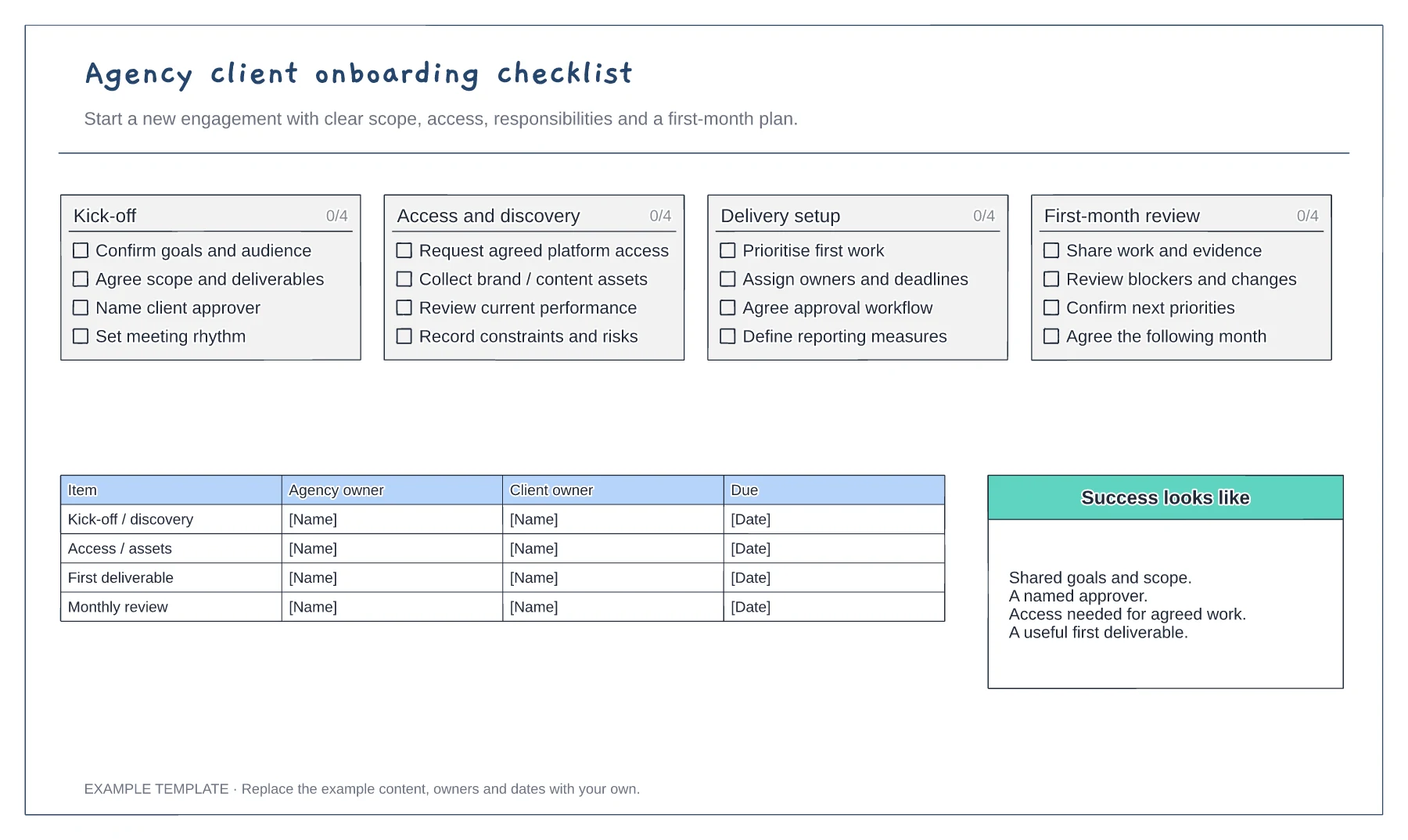
Scope and commercial handover · Access and working arrangements · Kickoff and first-month plan
Preview and use template →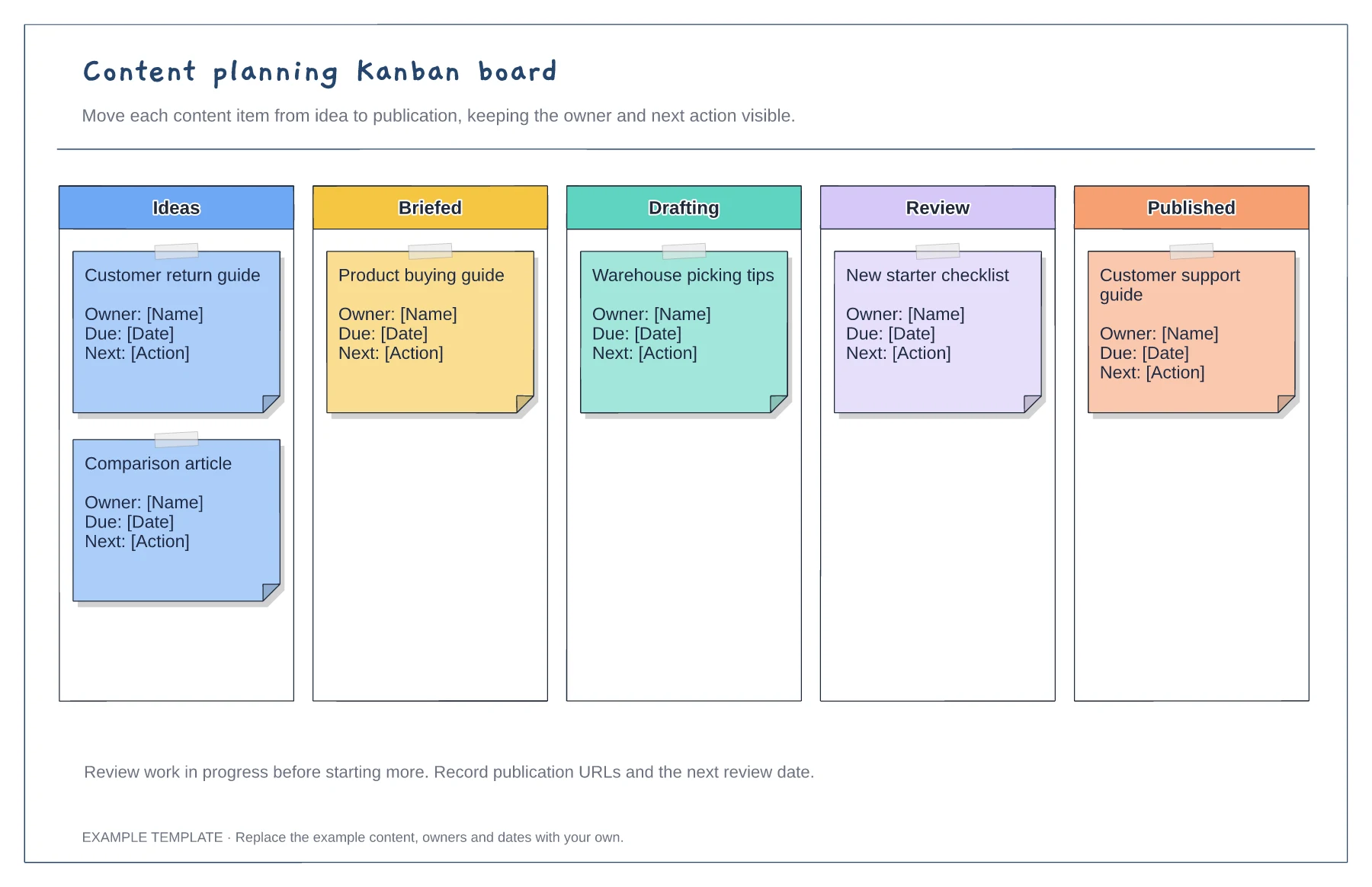
Columns from idea to published · Editable example content cards · Owner and next-action prompts
Preview and use template →