Marketing
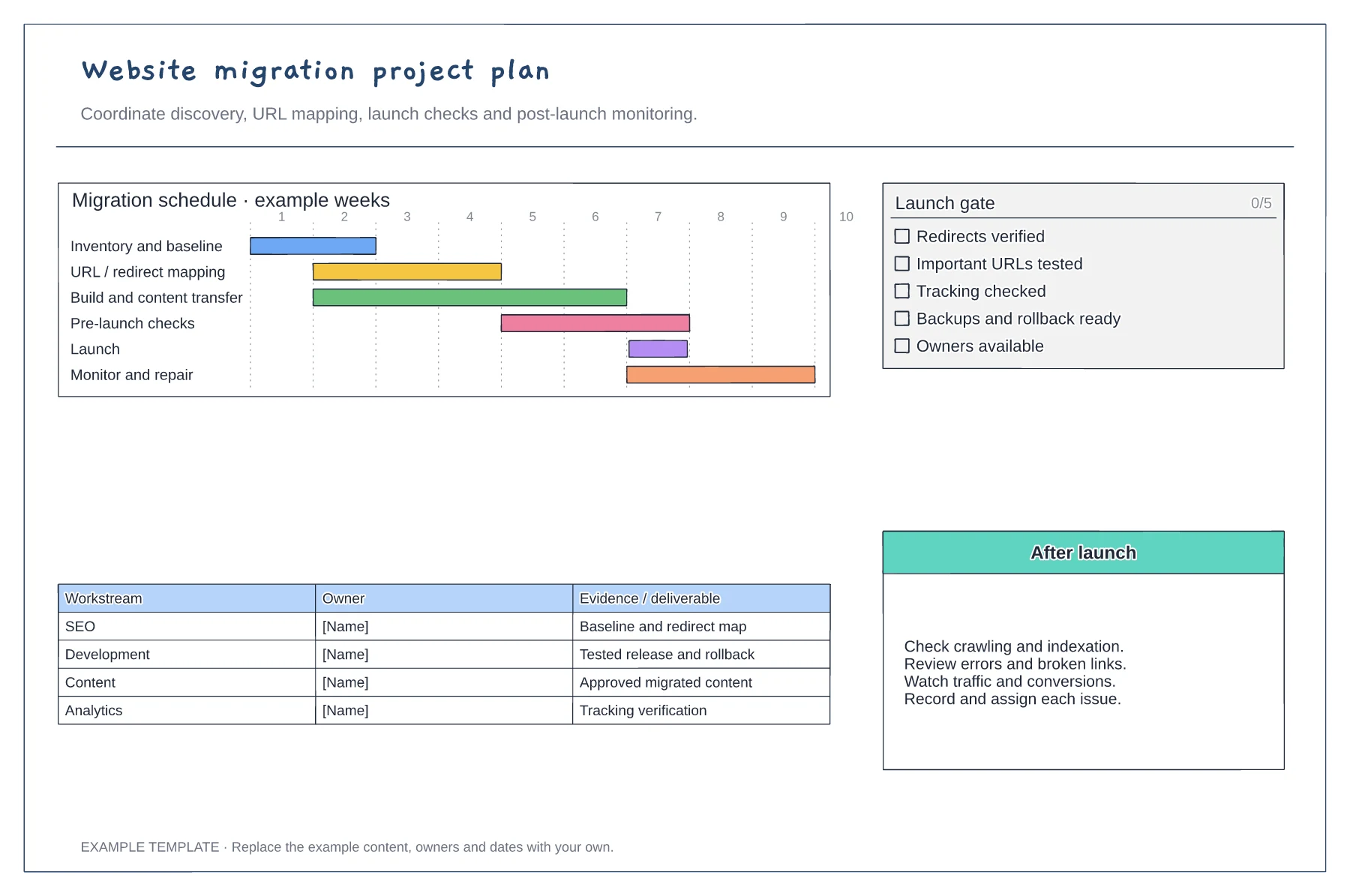
Website migration project plan template
Discovery and URL mapping · Build, QA and launch gates · Post-launch monitoring and ownership
Preview and use template →Turn a search question into a content brief, a reviewed article and a published page. This workflow makes the editorial handoffs visible and includes a review after publication, so content planning continues beyond launch day.
No account needed · Opens as your own editable page
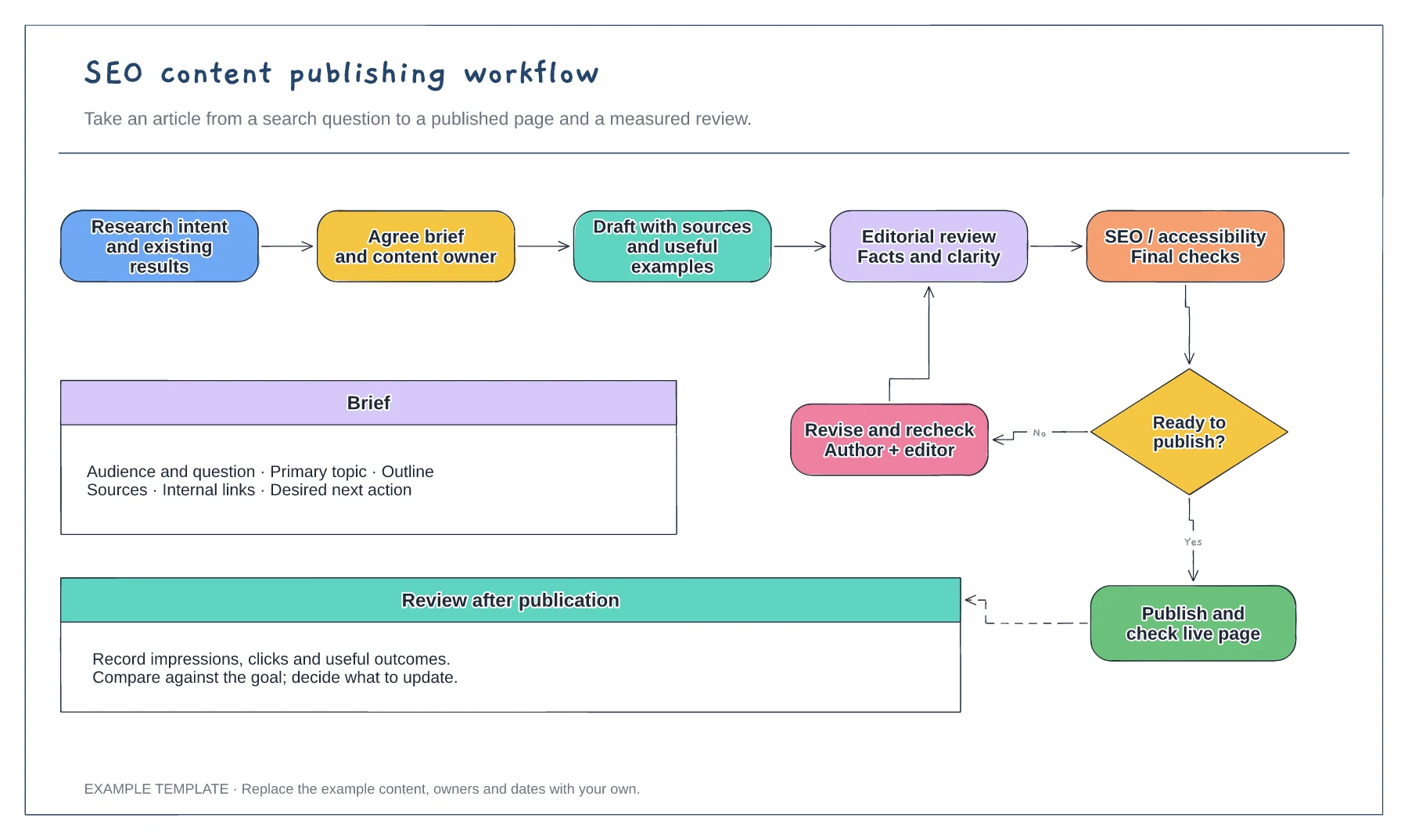
Write the question the page should answer, its intended reader and the evidence needed. Decide whether an existing page should be updated before commissioning a new one.
Name the writer, editor and final approver. Use the revision branch to show what happens when a draft needs clearer evidence or a better answer.
Add checks for the title, description, internal links and indexing settings. Choose a review date and measures that match the purpose of the page.
Yes. Change the first step to a content review and keep the drafting, approval and measurement stages that apply.
No. Open the template and edit it in your browser. Your work saves on this device. An account is optional if you want to sync your workspace.
Yes. Use Export in the editor to save a PNG, SVG or PDF, or download an editable .epicdraw backup.
Discovery and URL mapping · Build, QA and launch gates · Post-launch monitoring and ownership
Preview and use template →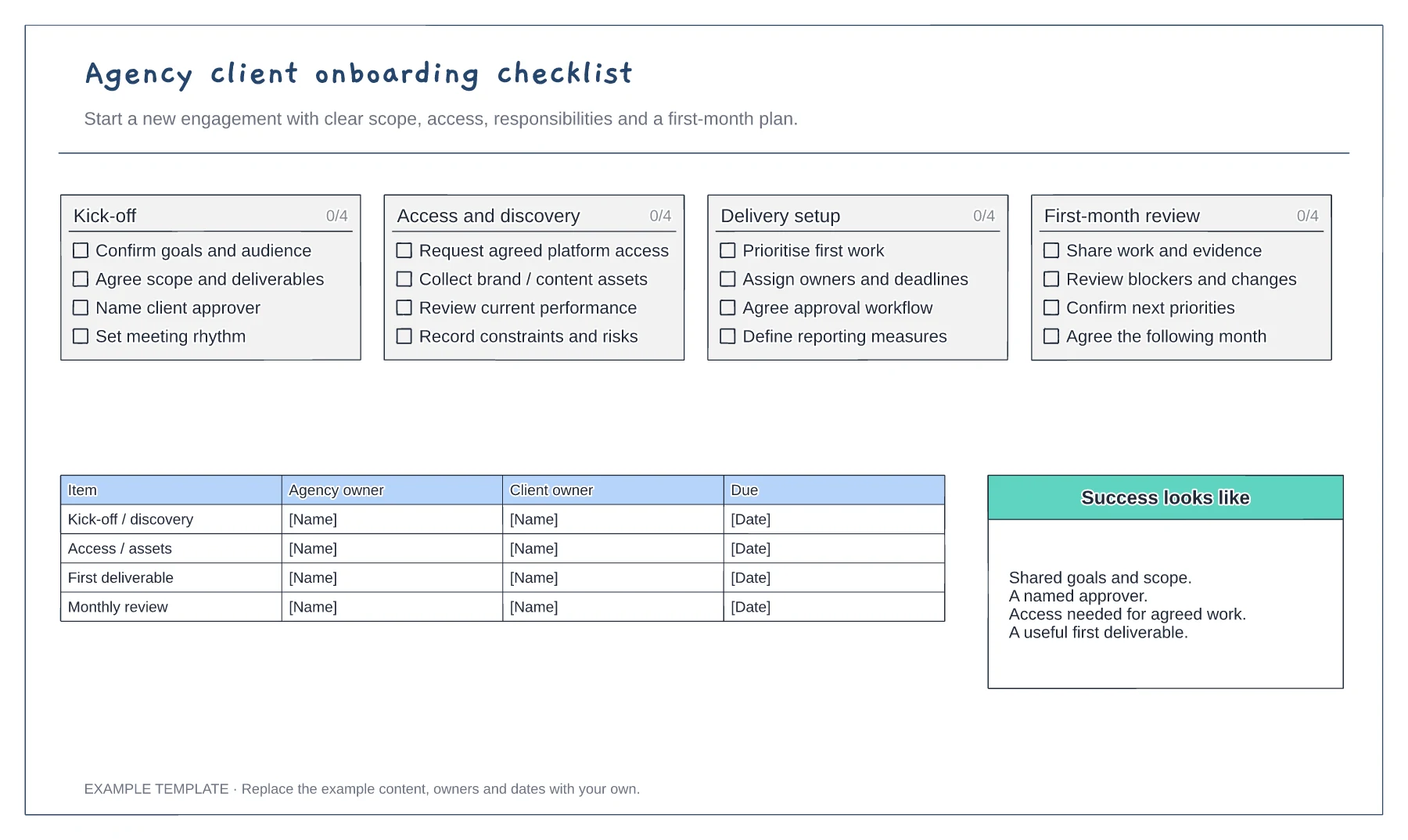
Scope and commercial handover · Access and working arrangements · Kickoff and first-month plan
Preview and use template →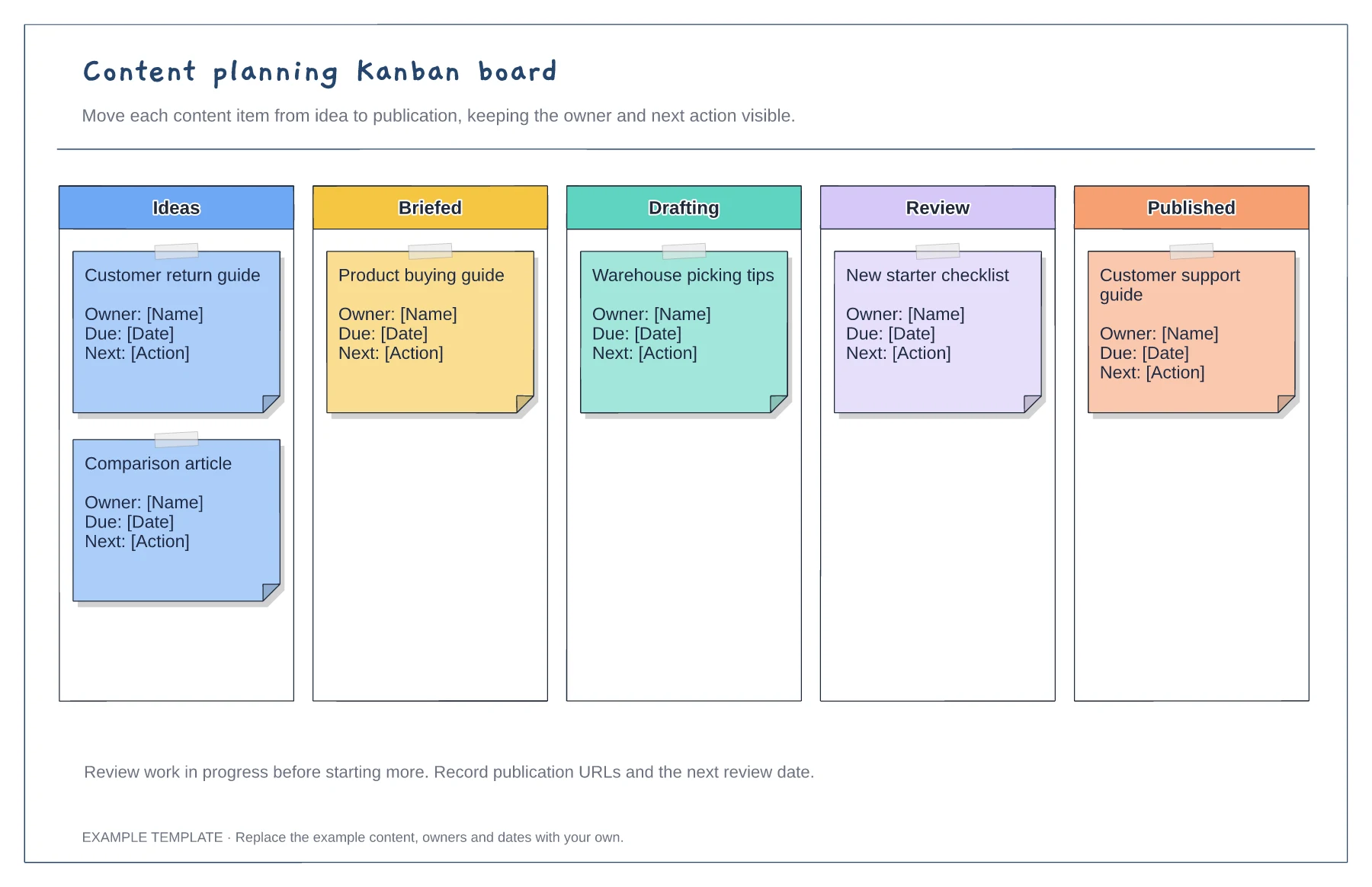
Columns from idea to published · Editable example content cards · Owner and next-action prompts
Preview and use template →