Kids and family
Sticker reward chart template
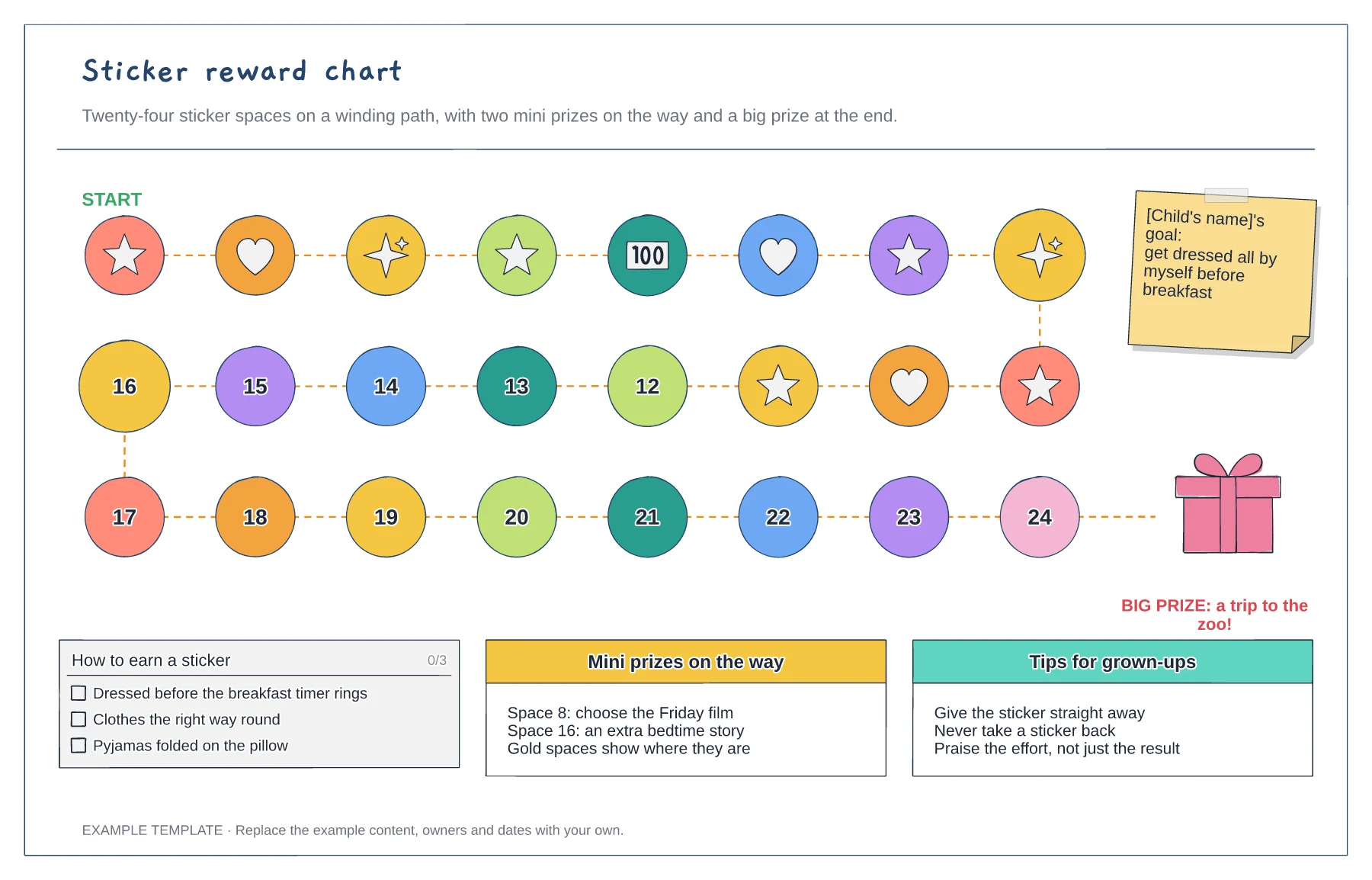
A winding path of 24 sticker spaces · Mini prizes on gold spaces · The goal, the rules and the big prize
Preview and use template →A chore chart turns jobs around the house into something children can see and tick off. This example gives three children two jobs each, with a picture beside every job so younger children can read it, a box for each day of the week, a gold star when they did it by themselves and a tick when they needed a hand. A star count for each child and a shared goal sit beside the grid.
No account needed · Opens as your own editable page
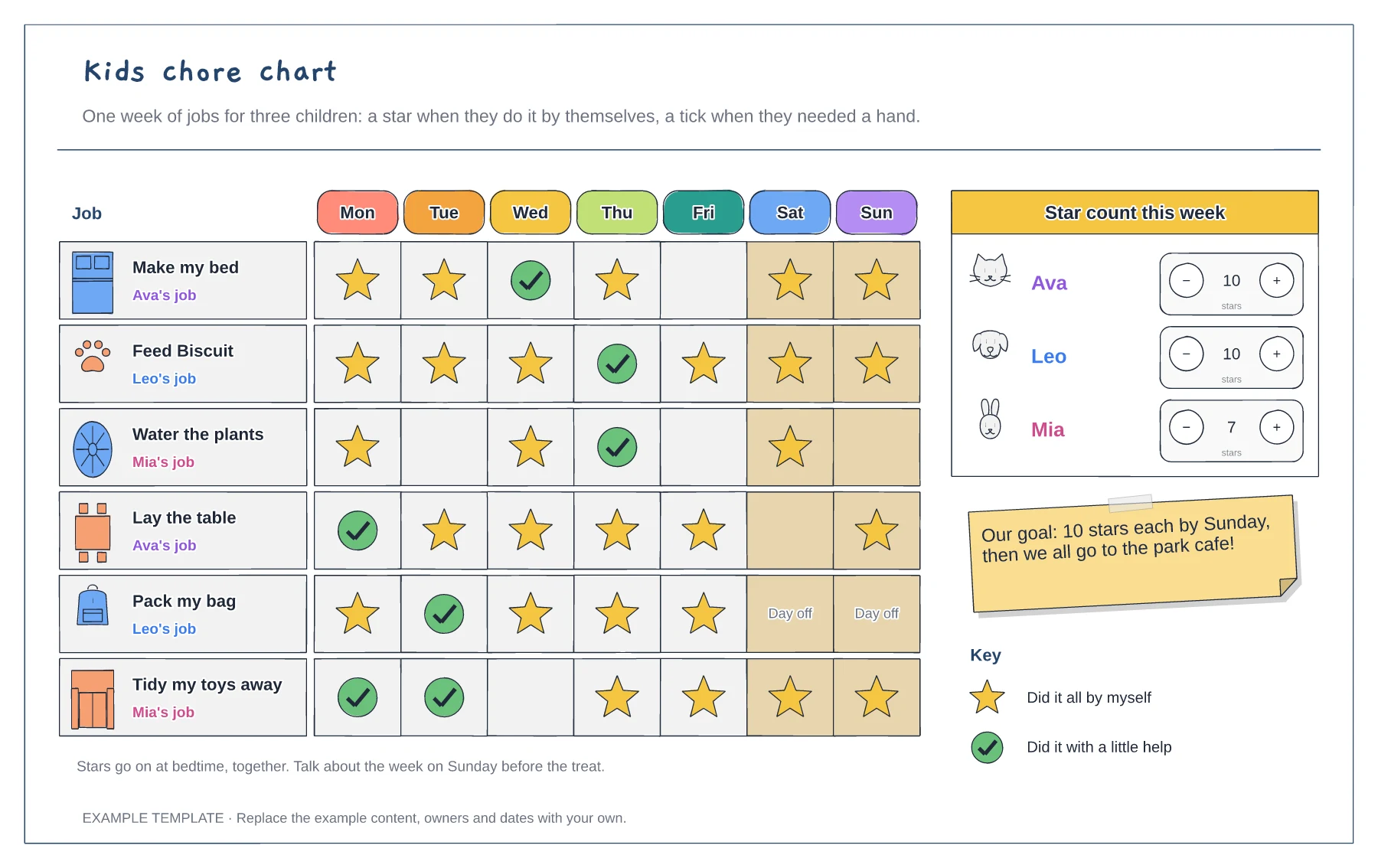
Choose one or two jobs per child that suit their age, like making the bed or feeding the dog, and add a picture for each.
Add stars or ticks at the same time each day, such as just before bedtime, so it becomes part of the routine.
Total the stars on Sunday, celebrate what went well and agree any changes for next week.
A star means the child did the job all by themselves and a tick means they needed a little help. Change the key if you would rather mark it another way.
No. Open the template and edit it in your browser. Your work saves on this device. An account is optional if you want to sync your workspace.
Yes. Use Export in the editor to save a PNG, SVG or PDF, or download an editable .epicdraw backup.
A winding path of 24 sticker spaces · Mini prizes on gold spaces · The goal, the rules and the big prize
Preview and use template →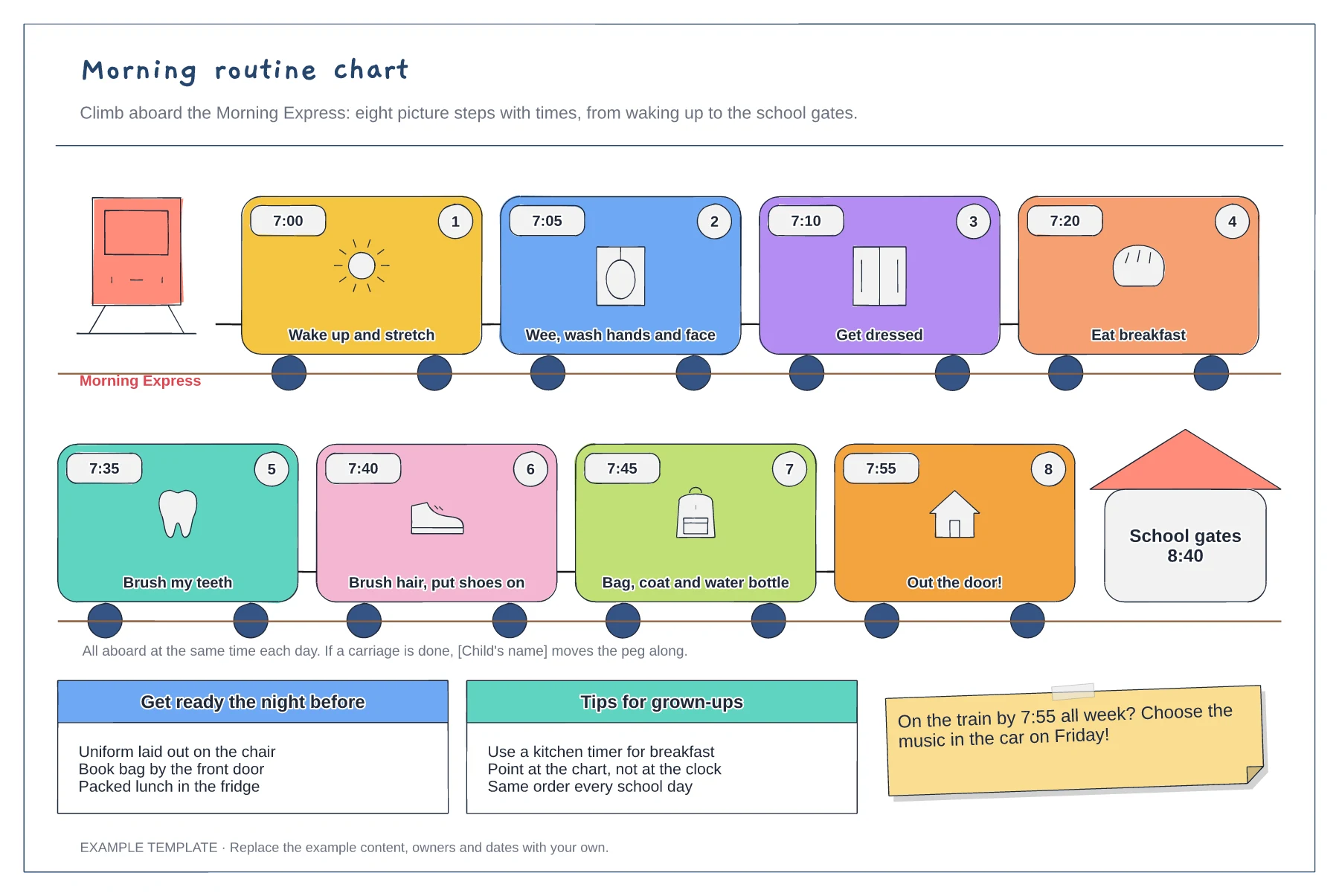
Eight picture steps with times · A numbered order from bed to the school gates · Night-before checklist and tips
Preview and use template →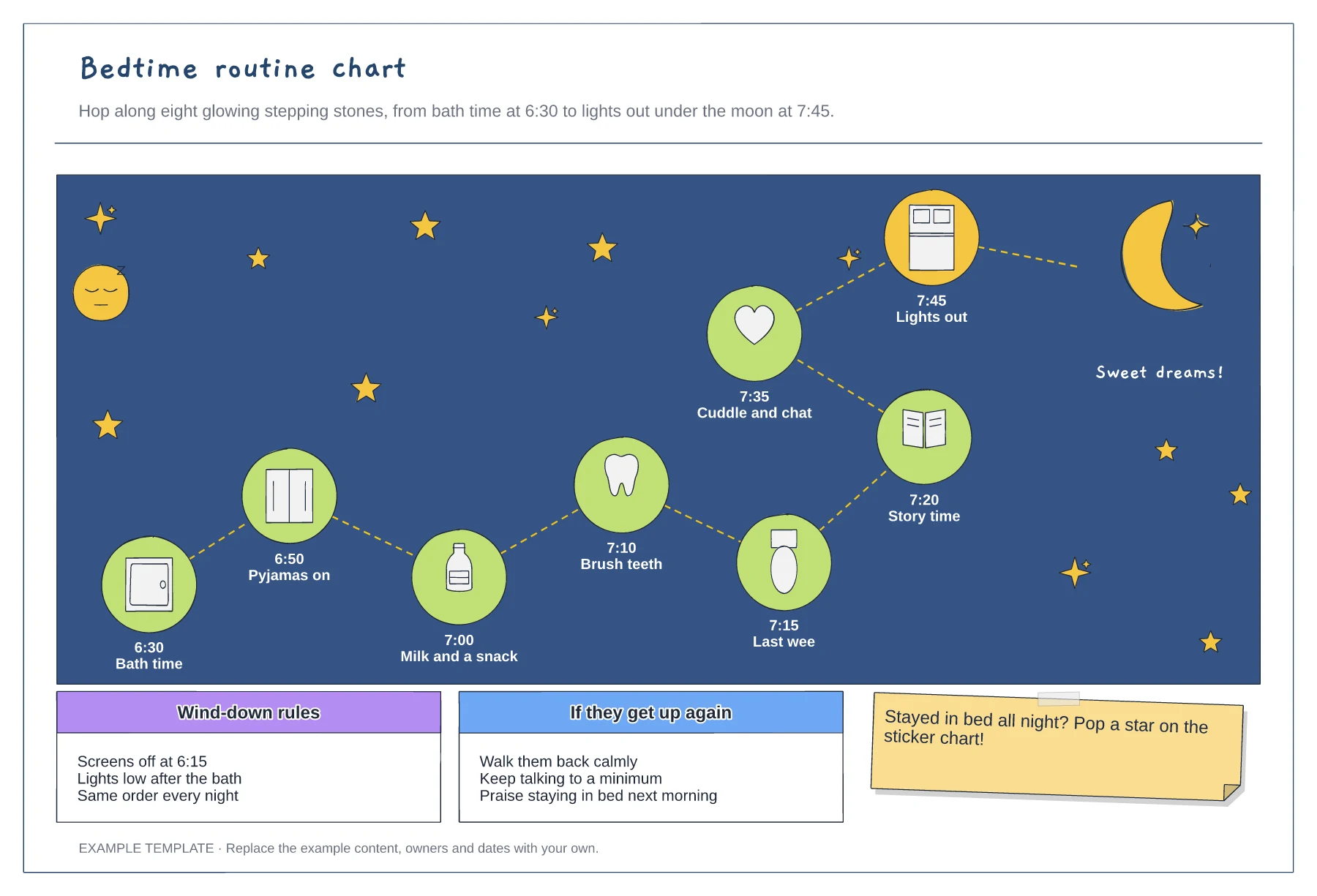
Eight picture steps with times · A path that ends at the moon · Wind-down rules and a plan for getting up
Preview and use template →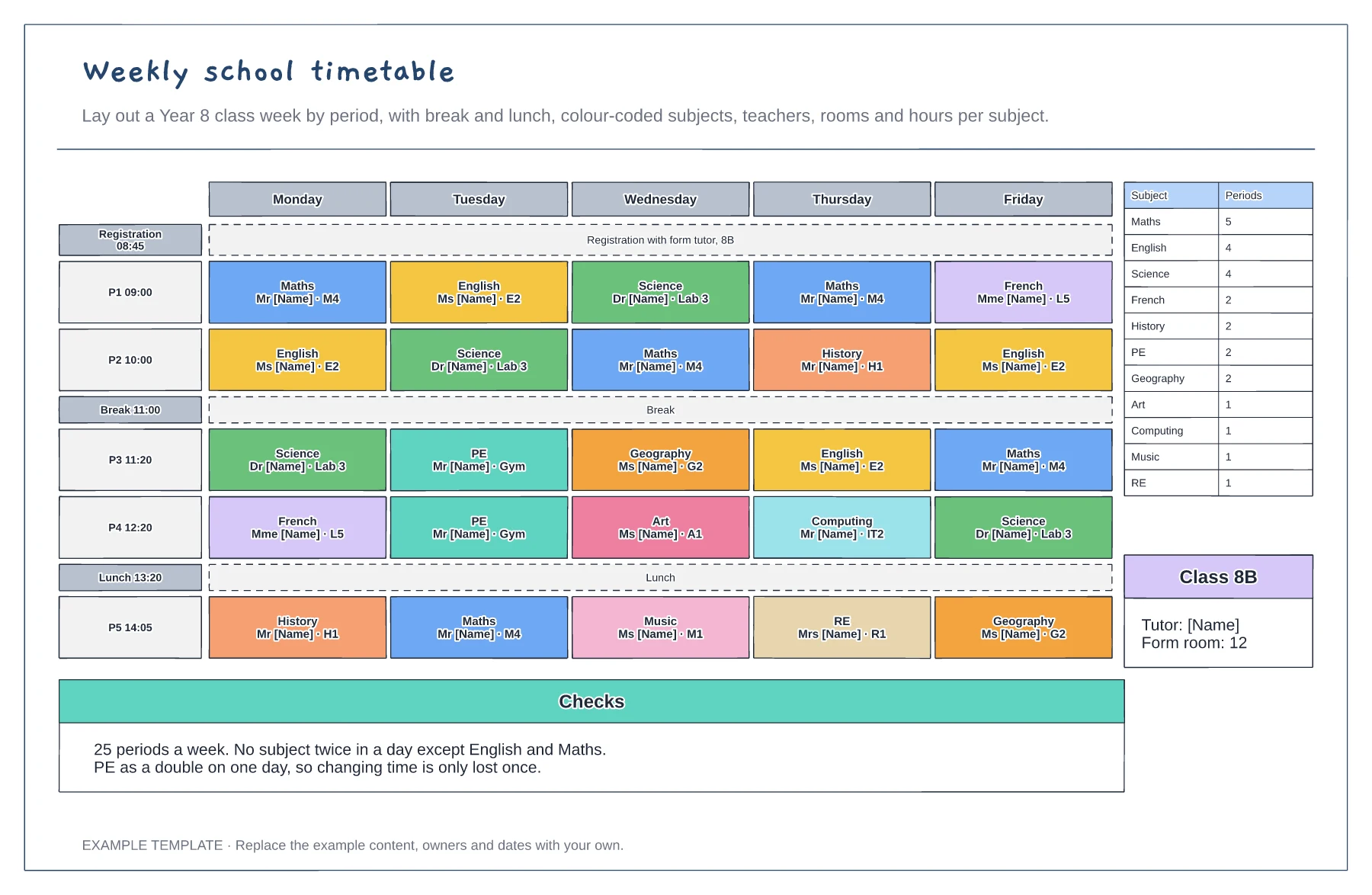
Five days by five periods with break and lunch · Subjects with teacher and room · Periods per subject and balance checks
Preview and use template →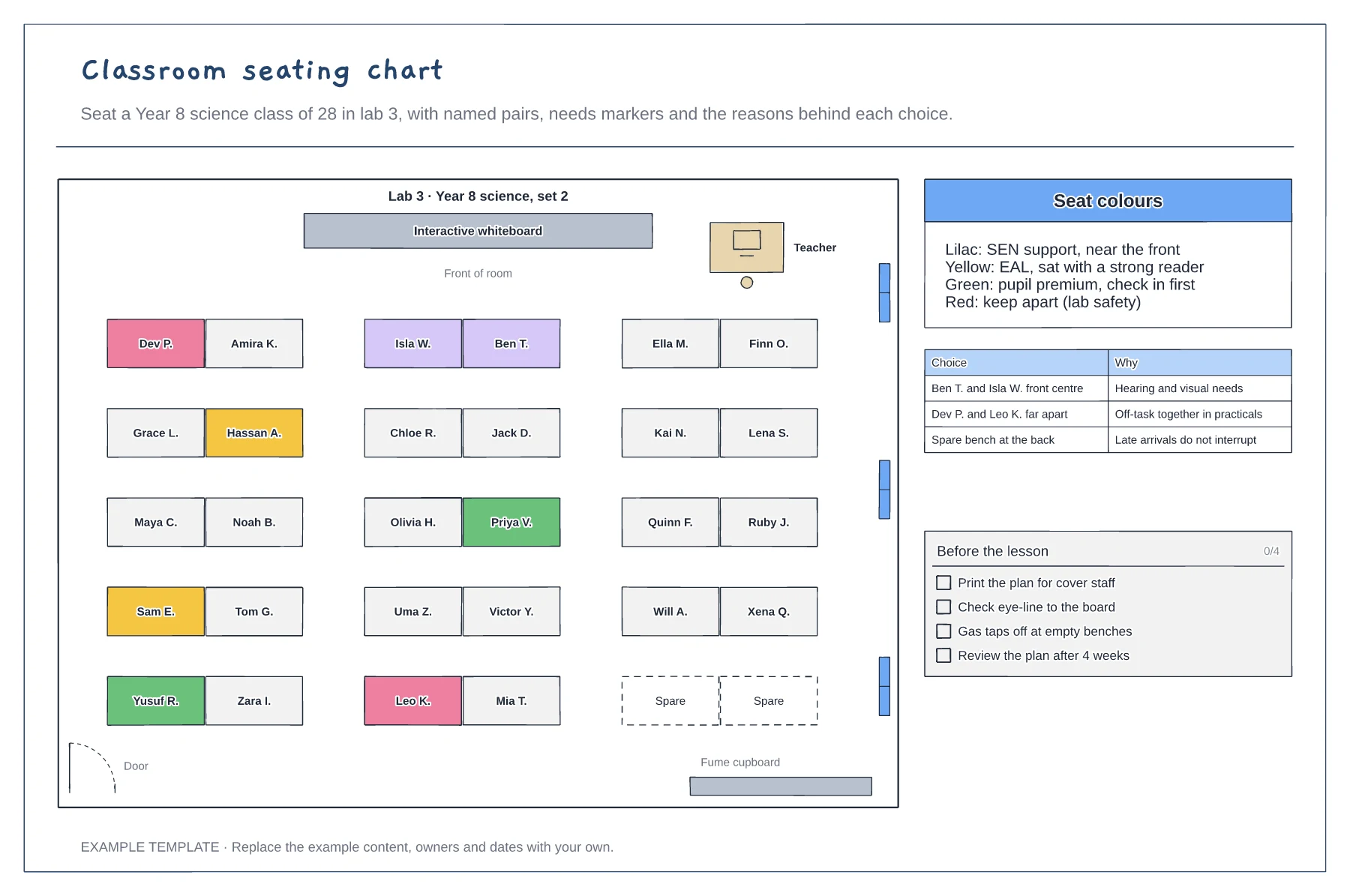
Room plan with paired benches and the board · Colour-coded seats for needs · Reasons for key choices and a pre-lesson check
Preview and use template →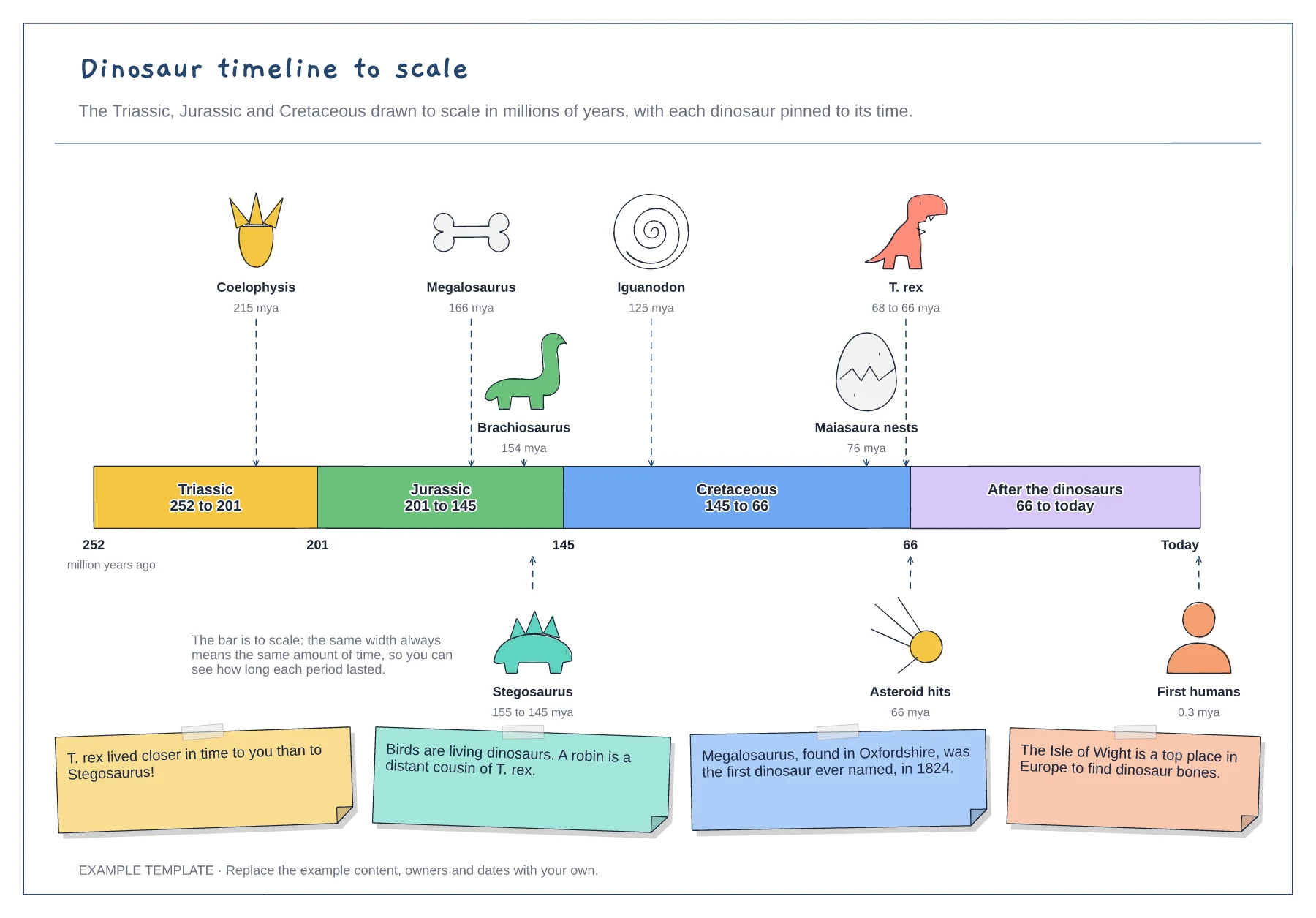
Three periods drawn to scale in millions of years · Dinosaurs pinned to the time they lived · Asteroid, first humans and fun facts
Preview and use template →