Kids and family
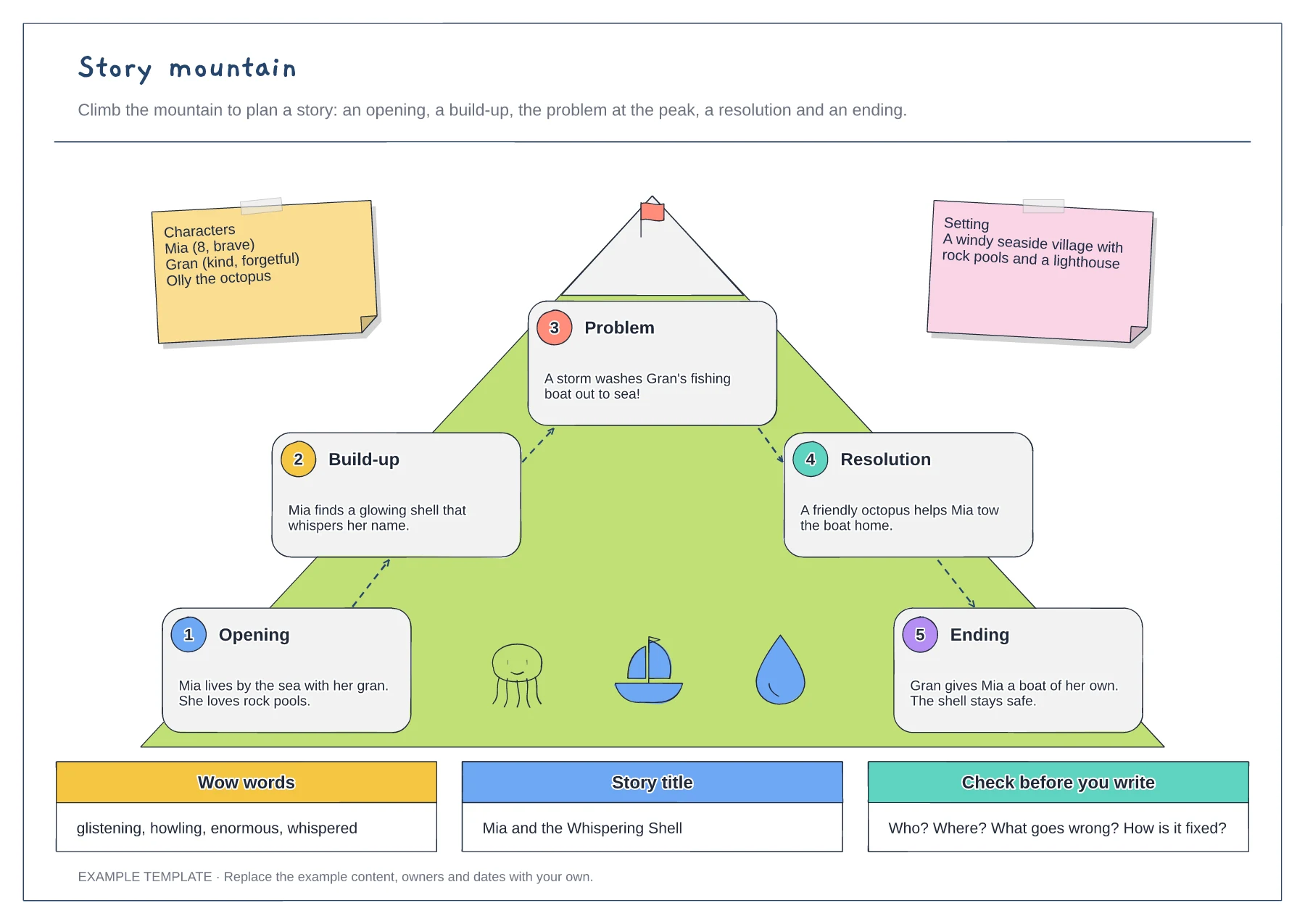
Story mountain template
Five numbered story stages · Characters and setting notes · Wow words, title and a final check
Preview and use template →A comic strip planner helps children tell a story in pictures. This example plans a six-panel comic about a dog who loses his lucky sock, with a caption box at the top of every panel, the characters, a speech bubble for what they say and a prop, plus a bank of sound effects and tips for keeping it funny.
No account needed · Opens as your own editable page
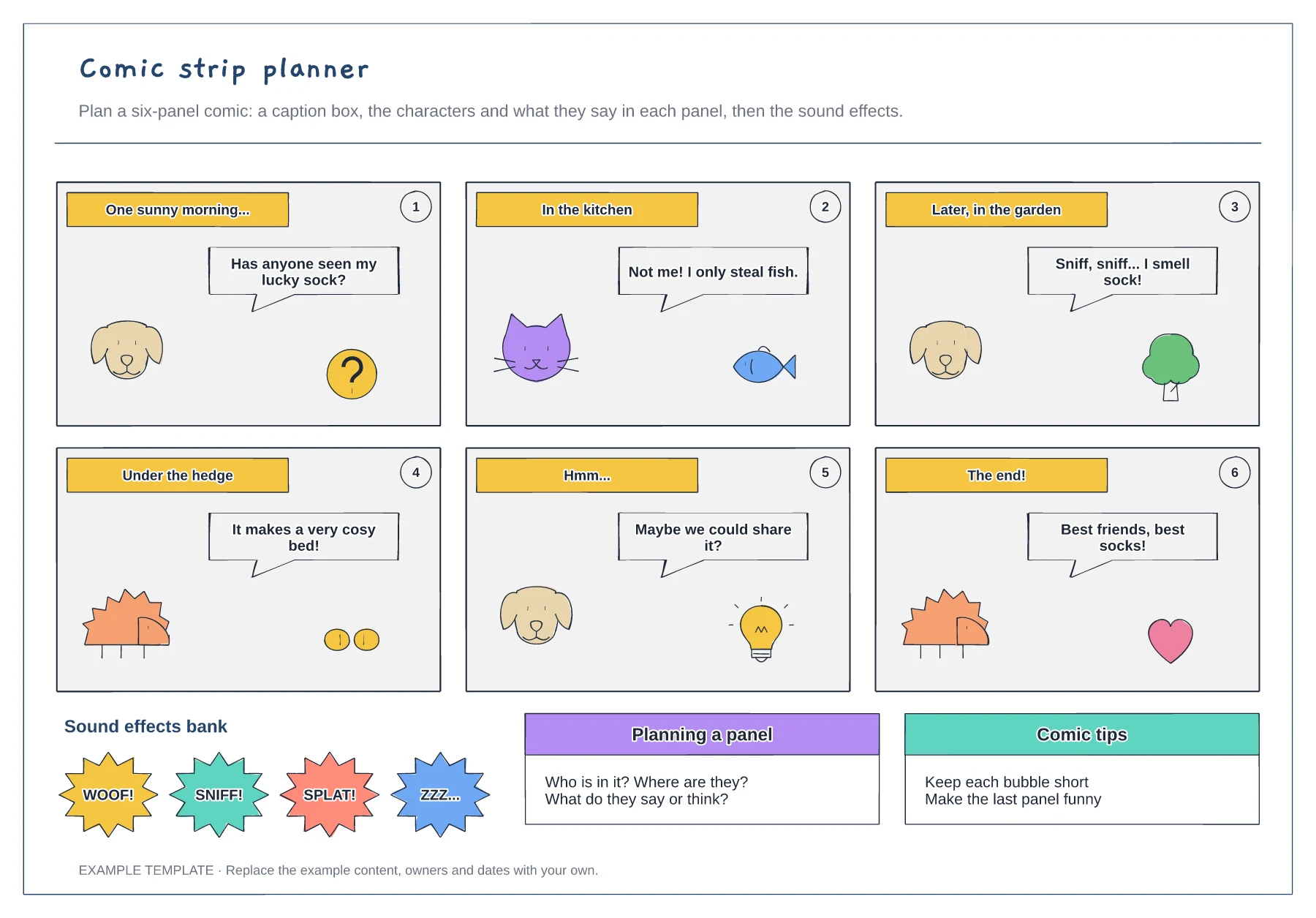
Write one sentence for each panel first, from the set-up to the funny ending.
Use the caption box to say where or when, then place the characters in each panel.
Keep each bubble short, then add sound effects to bring the action to life.
Yes. Copy a panel with its caption and speech bubble and place it in the strip, or delete panels for a shorter comic.
No. Open the template and edit it in your browser. Your work saves on this device. An account is optional if you want to sync your workspace.
Yes. Use Export in the editor to save a PNG, SVG or PDF, or download an editable .epicdraw backup.
Five numbered story stages · Characters and setting notes · Wow words, title and a final check
Preview and use template →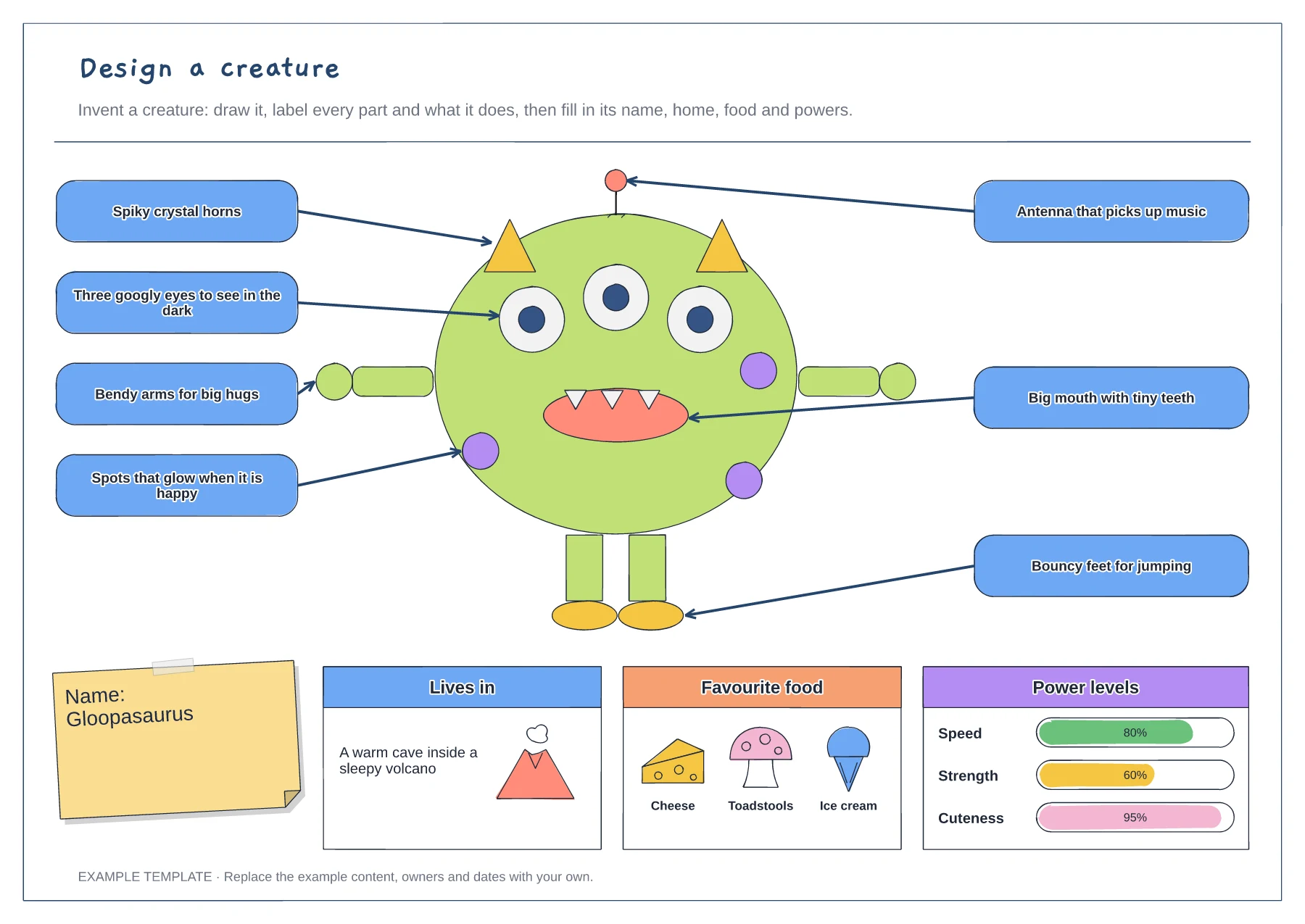
A creature built from simple shapes · Labels that explain each part · Name, habitat, food and power bars
Preview and use template →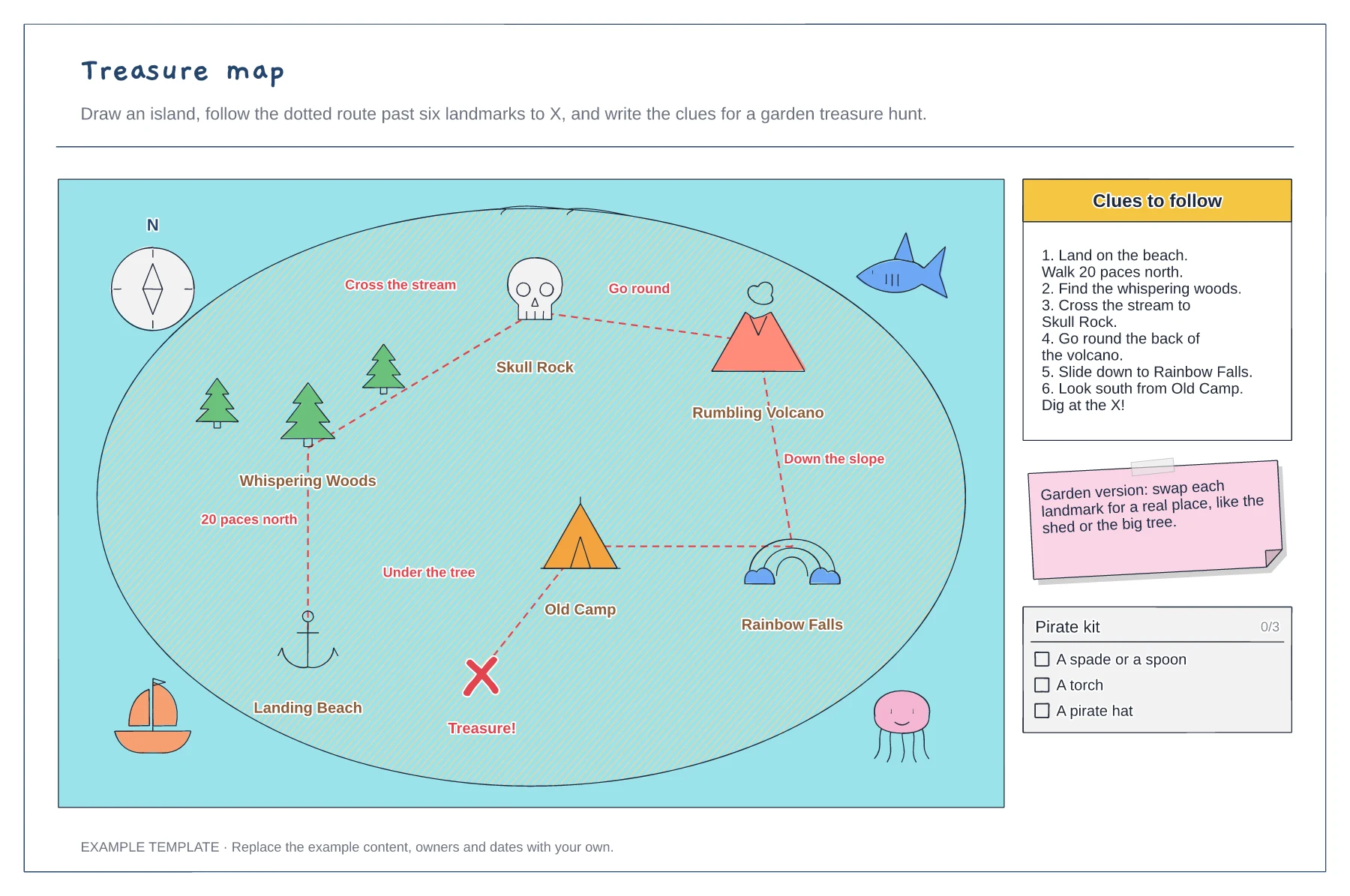
An island with six named landmarks · A dotted route to X with directions · Numbered clues and a kit list
Preview and use template →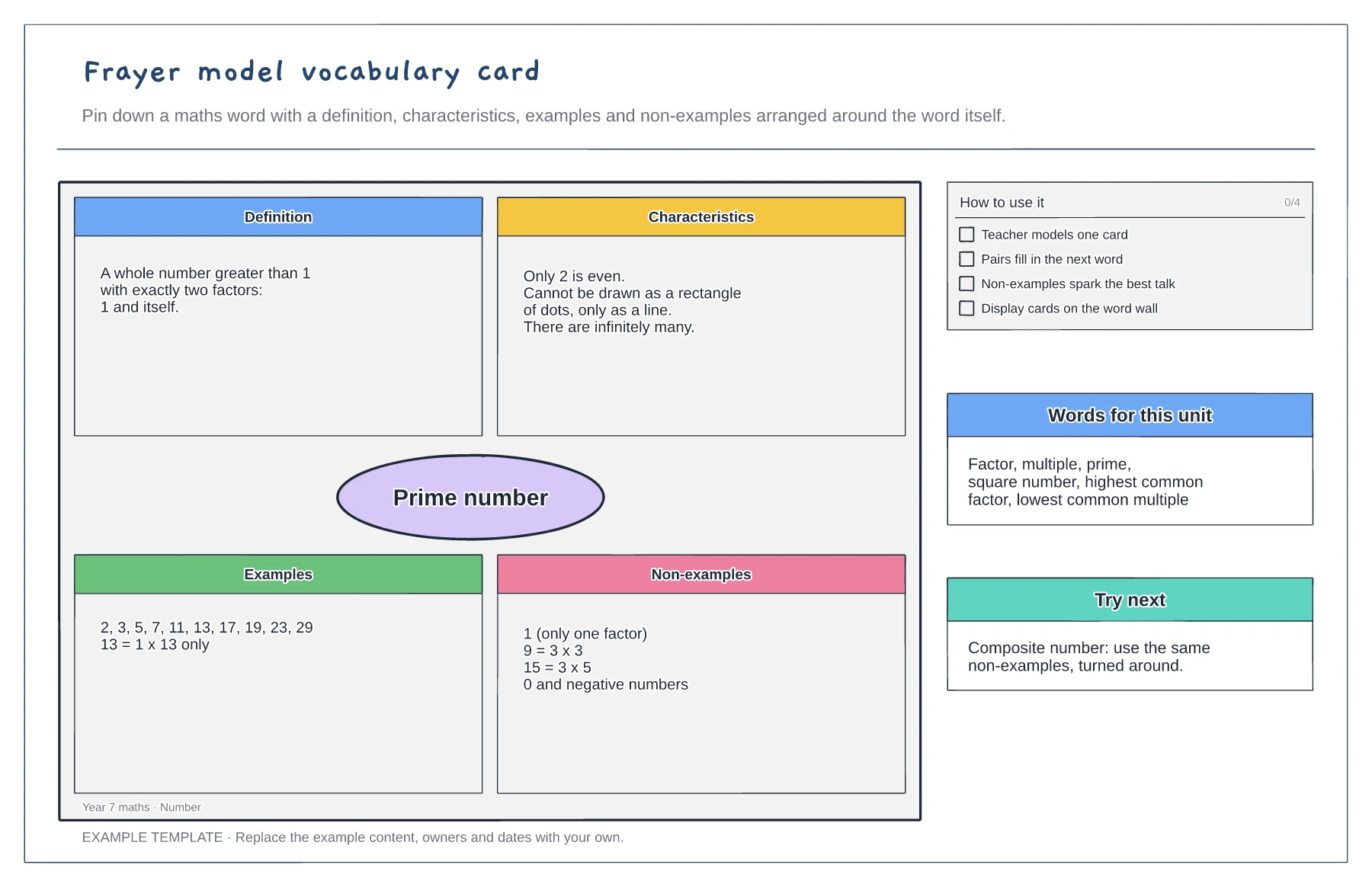
Definition, characteristics, examples and non-examples · A worked maths example · Tips and a word list for the unit
Preview and use template →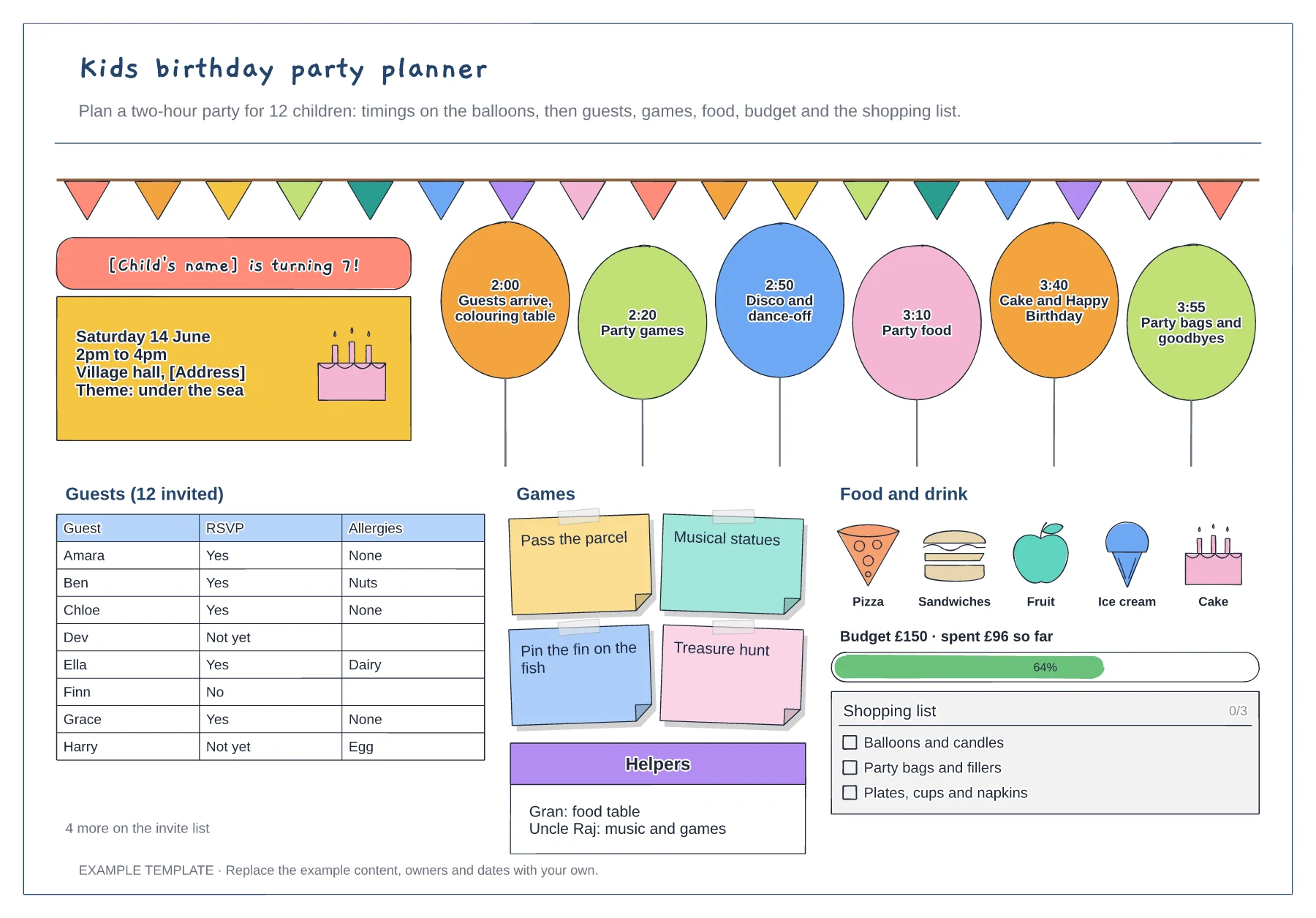
A balloon timetable for the party · Guest list with RSVPs and allergies · Games, food, budget and shopping list
Preview and use template →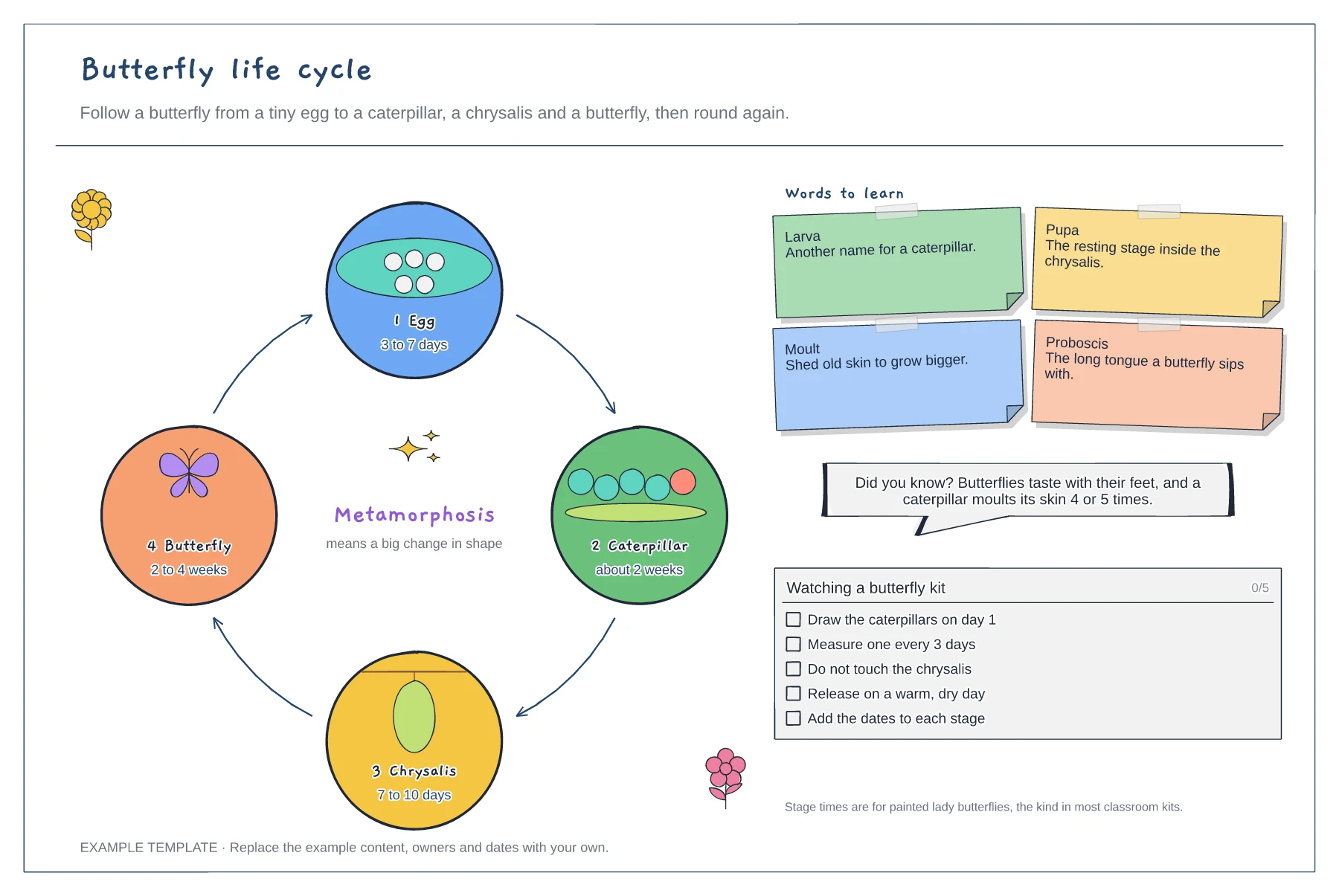
Four stages on a loop with arrows · Stage times and key words to learn · A checklist for watching a butterfly kit
Preview and use template →