Kids and family
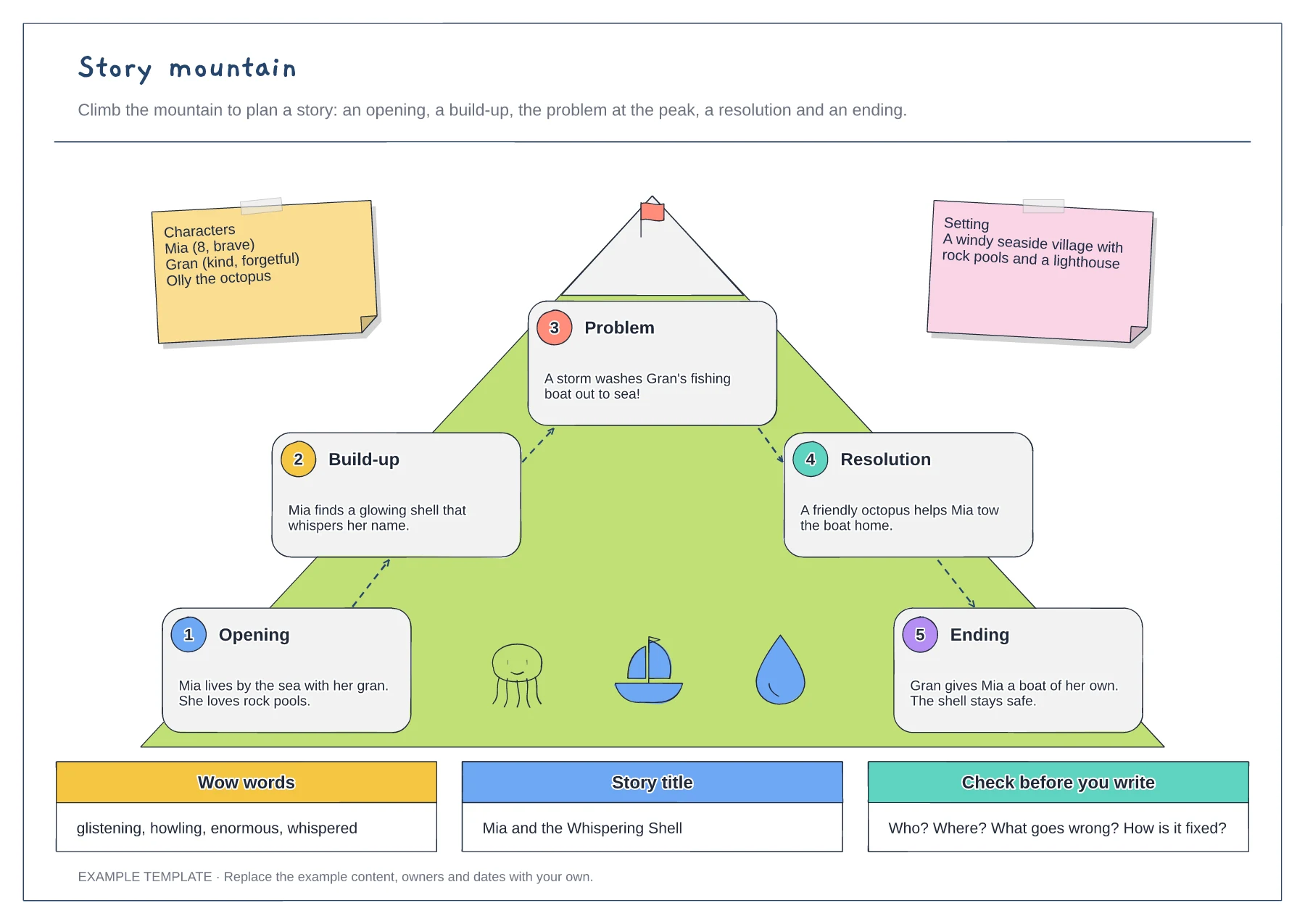
Story mountain template
Five numbered story stages · Characters and setting notes · Wow words, title and a final check
Preview and use template →Designing a creature mixes drawing, describing and a little science. This example builds a friendly monster from simple shapes, with a label and an arrow for every part explaining what it does, then a name card, where it lives, its favourite food and bars for speed, strength and cuteness.
No account needed · Opens as your own editable page
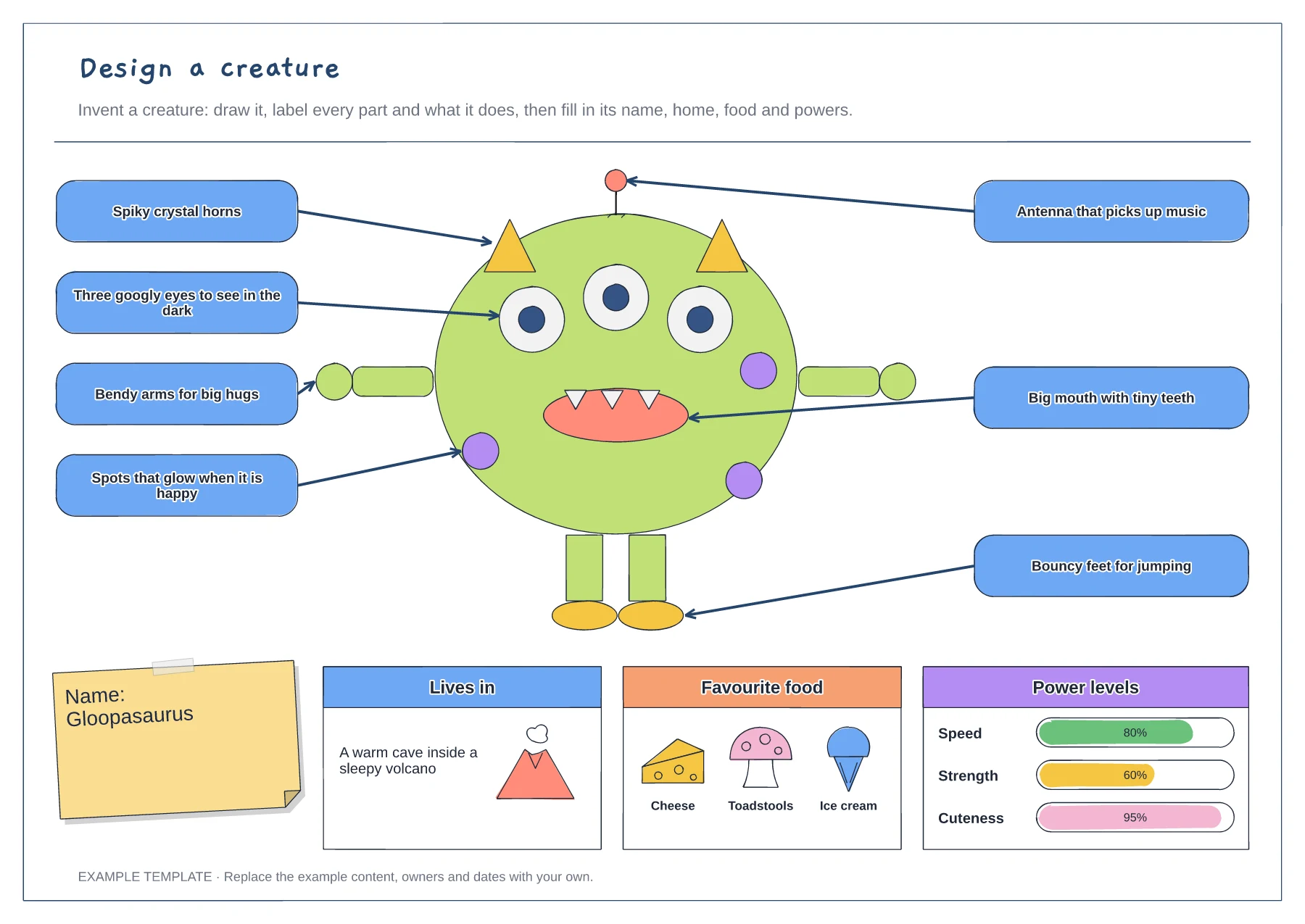
Start with one big shape for the body, then add eyes, a mouth, arms, legs and any extras.
Add a label for each part that says what it is and what it helps the creature do.
Give your creature a name, a home, a favourite food and power levels that match its parts.
Yes. Delete the Gloopasaurus and draw a new creature, then move the labels to its parts and fill in its name, home, food and powers.
No. Open the template and edit it in your browser. Your work saves on this device. An account is optional if you want to sync your workspace.
Yes. Use Export in the editor to save a PNG, SVG or PDF, or download an editable .epicdraw backup.
Five numbered story stages · Characters and setting notes · Wow words, title and a final check
Preview and use template →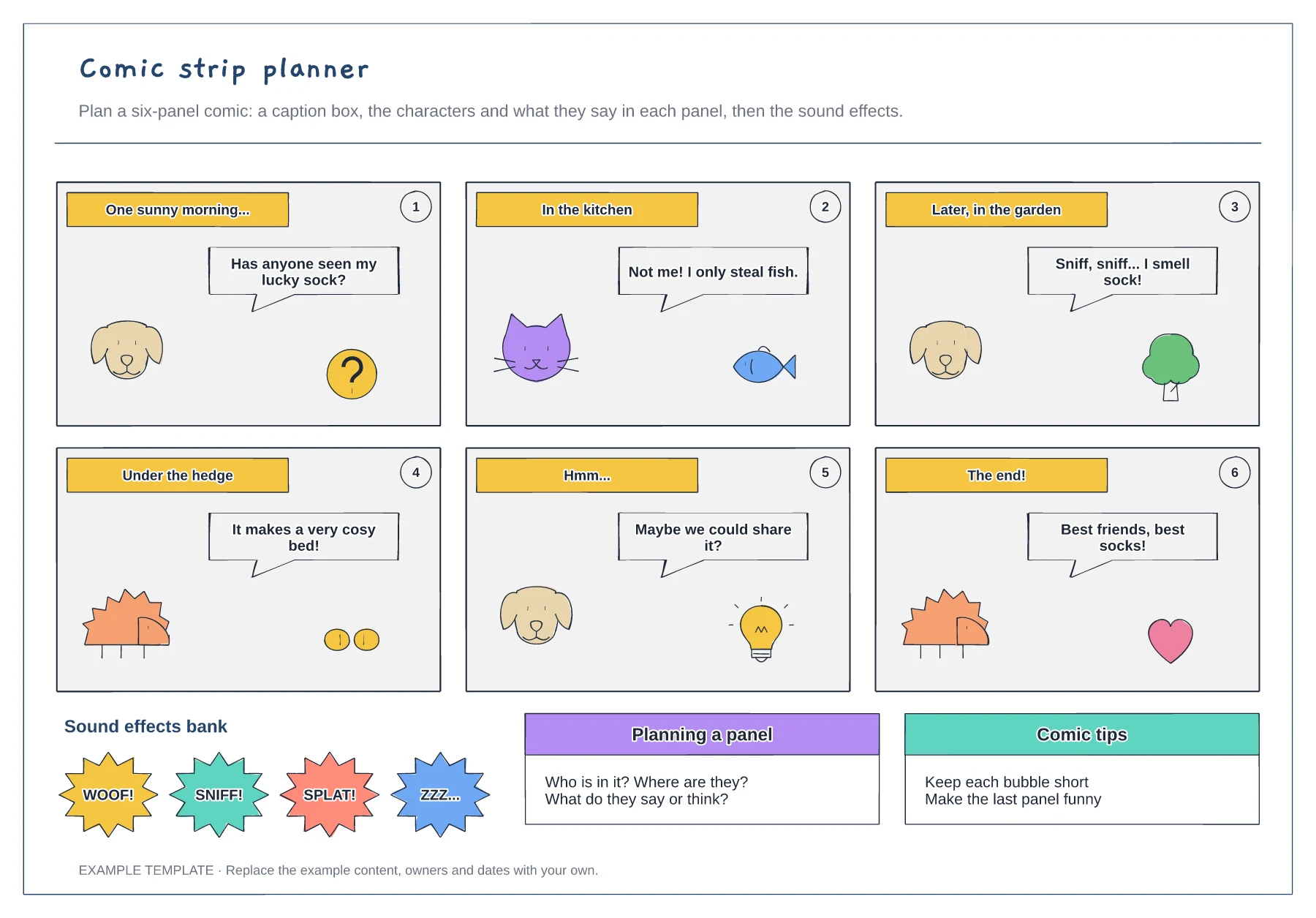
Six numbered panels · Caption boxes and speech bubbles · A sound-effects bank and tips
Preview and use template →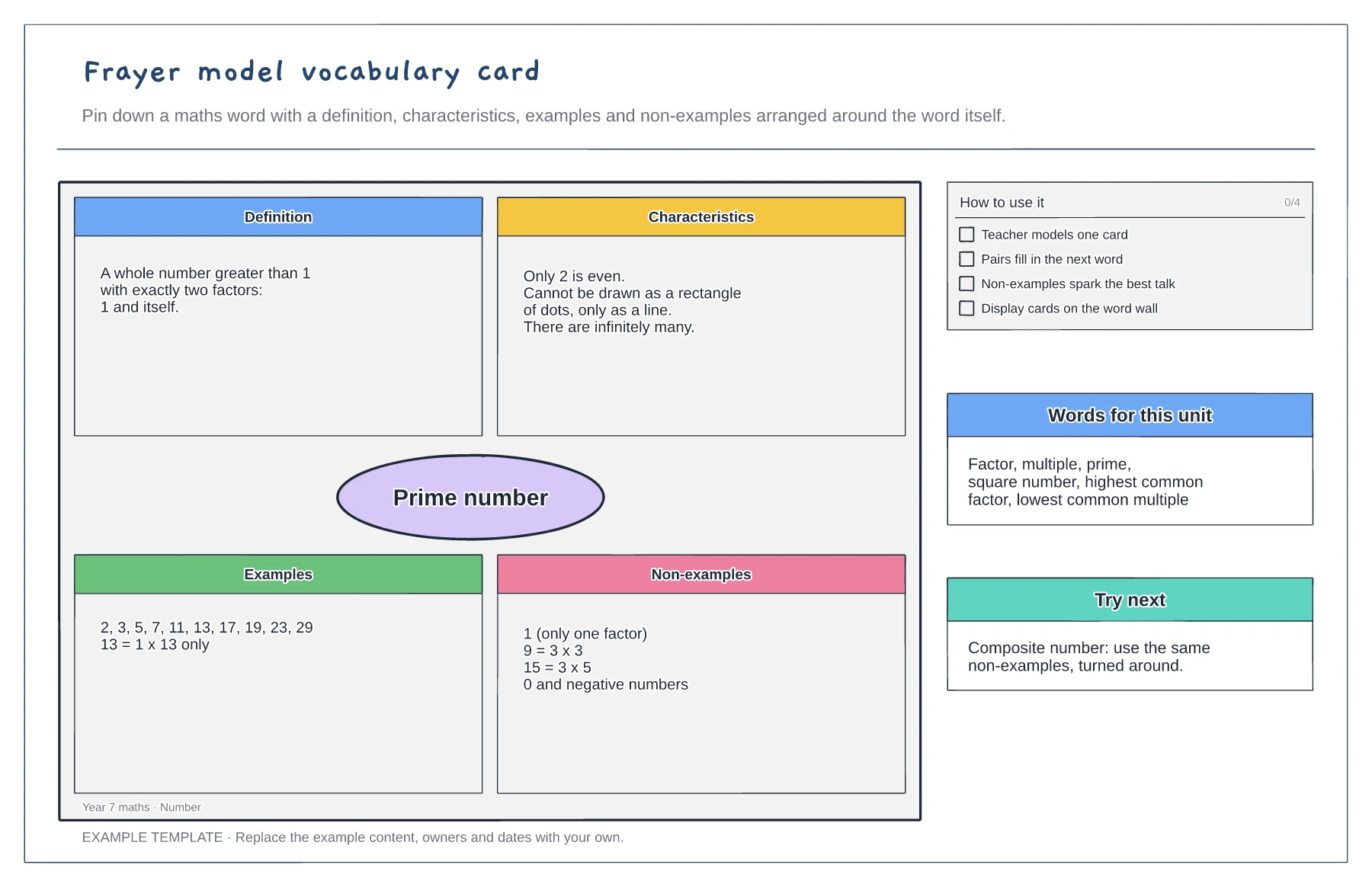
Definition, characteristics, examples and non-examples · A worked maths example · Tips and a word list for the unit
Preview and use template →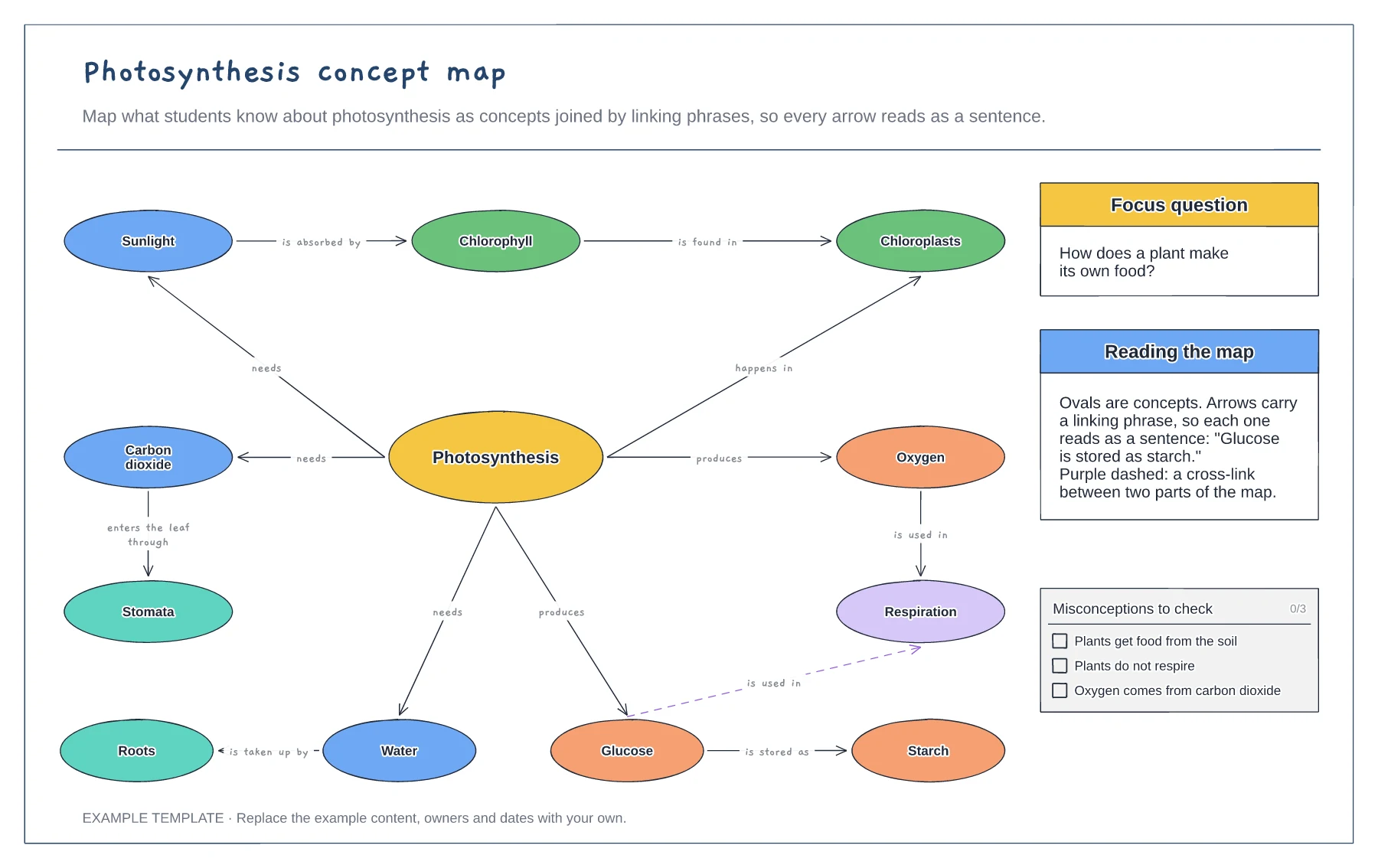
Concepts joined by linking phrases · A focus question and a cross-link · Common misconceptions to check
Preview and use template →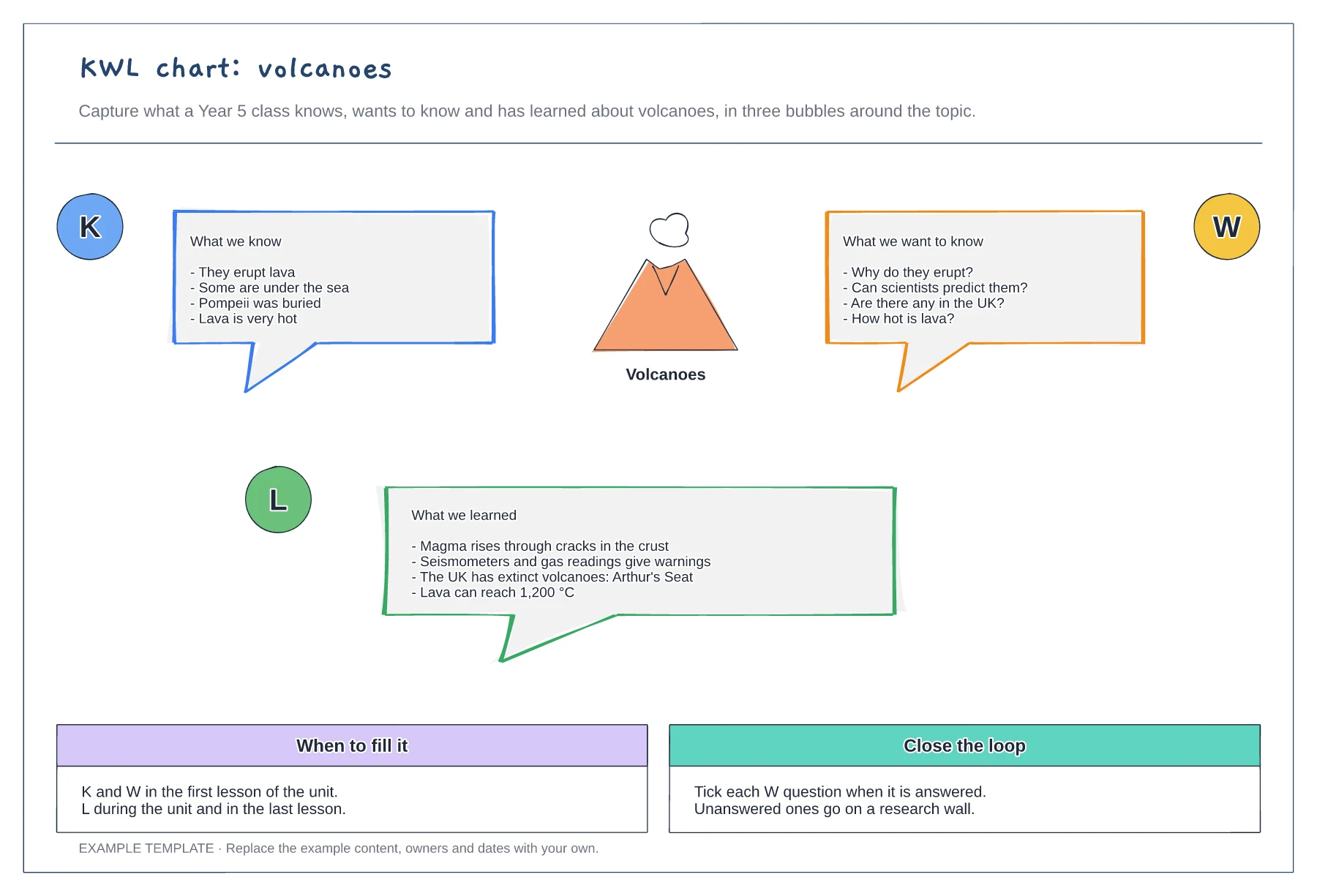
Know, want to know and learned bubbles · A worked example on volcanoes · When to fill it and how to close the loop
Preview and use template →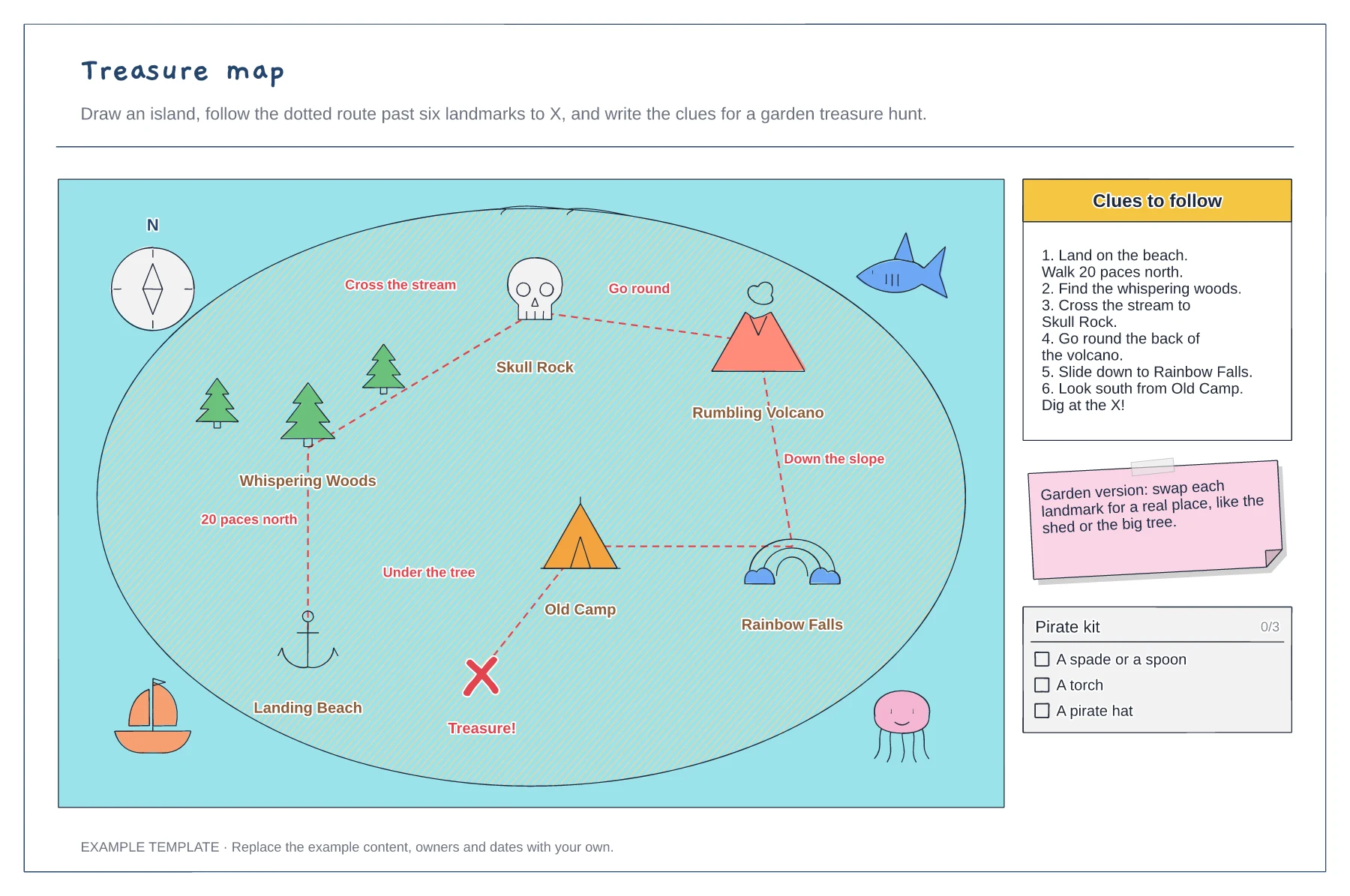
An island with six named landmarks · A dotted route to X with directions · Numbered clues and a kit list
Preview and use template →