Design
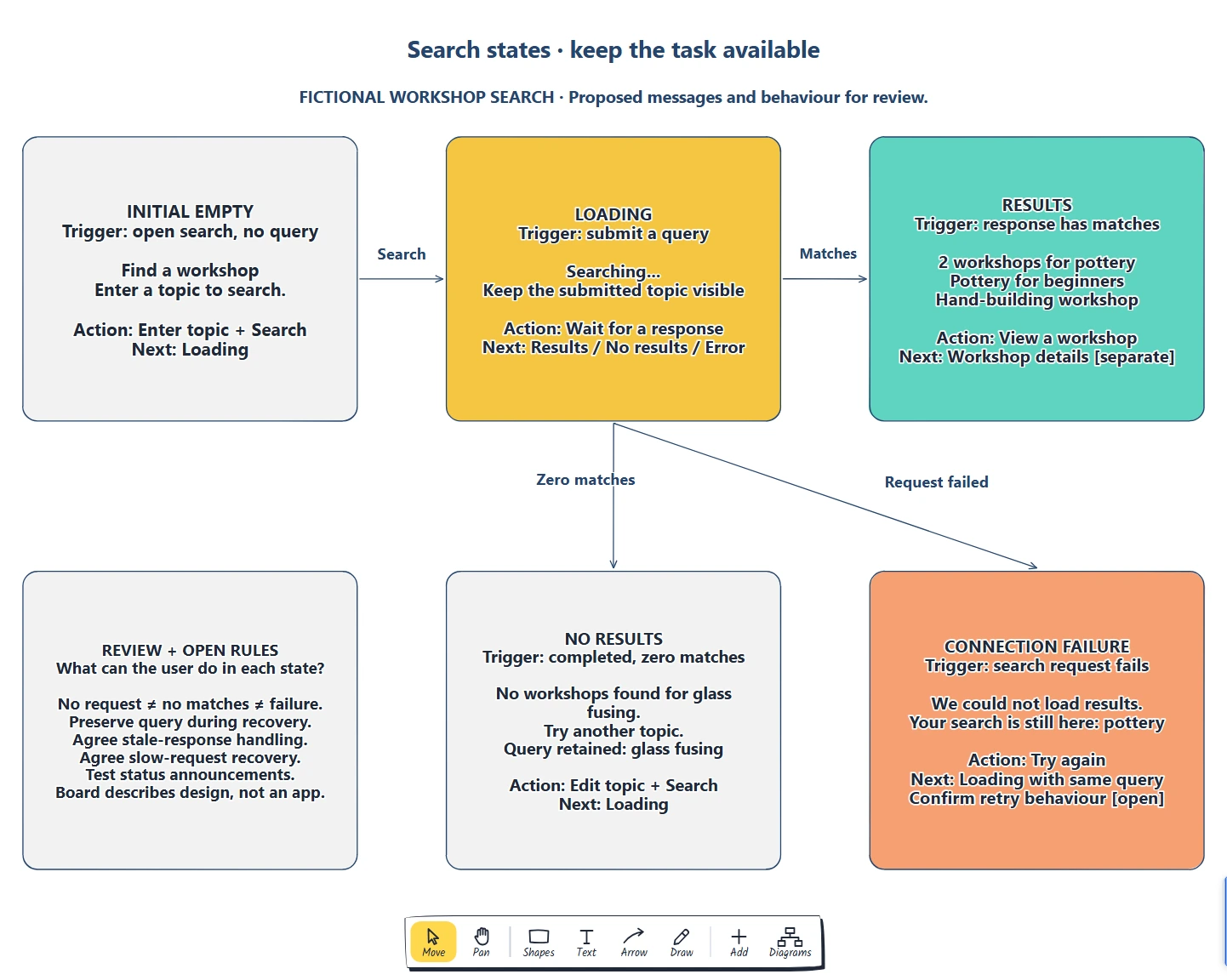
Interface state board and inventory template
List state triggers. · Sketch content and actions. · What can the user do in each state?
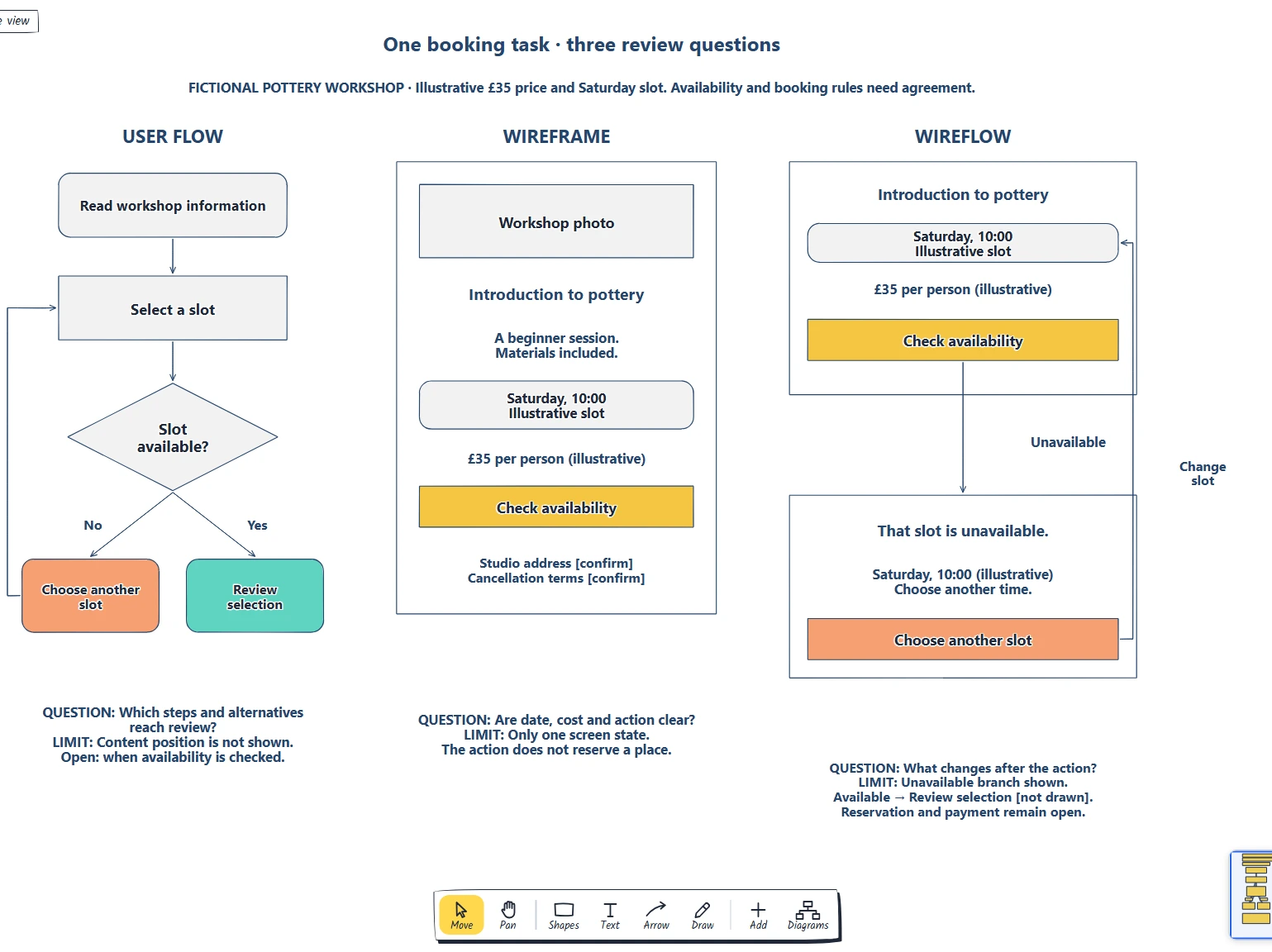
Preview and use template →Use a user flow for steps and decisions, a wireframe for screen content, and a wireflow for action-to-state changes. Choose from the question your team needs to answer.
No account needed · Opens as your own editable page
Teams produce the wrong drawing for the decision being discussed.
Choose the right drawing for your next design review.
Choose the representation that answers a specific review question. Do we need to discuss sequence, content or both?
No. The user flow shows steps and alternatives, the wireframe shows one screen and the wireflow joins the two, so delete the views your review does not need.
No. Open the template and edit it in your browser. Your work saves on this device. An account is optional if you want to sync your workspace.
Yes. Use Export in the editor to save a PNG, SVG or PDF, or download an editable .epicdraw backup.
List state triggers. · Sketch content and actions. · What can the user do in each state?
Preview and use template →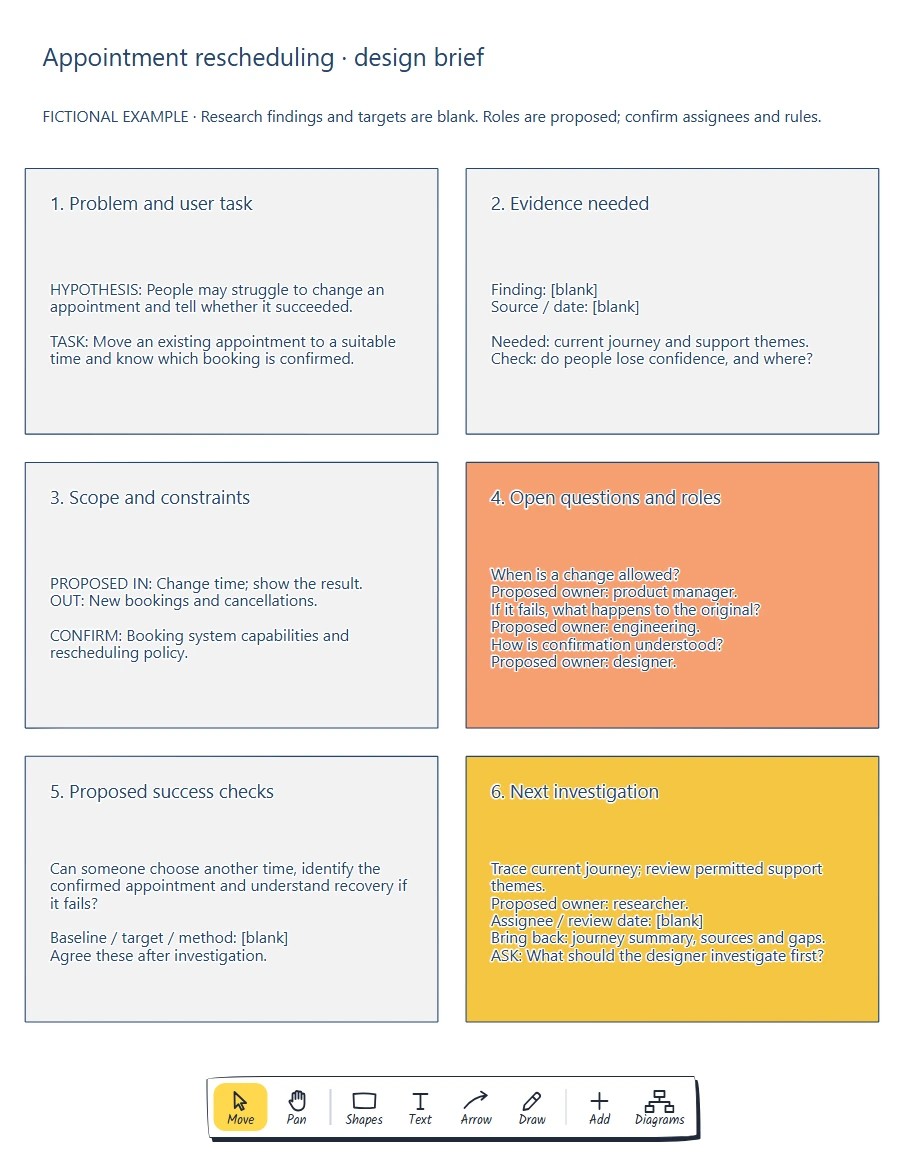
Define the problem with evidence. · Set constraints and success checks. · What should the designer investigate first?
Preview and use template →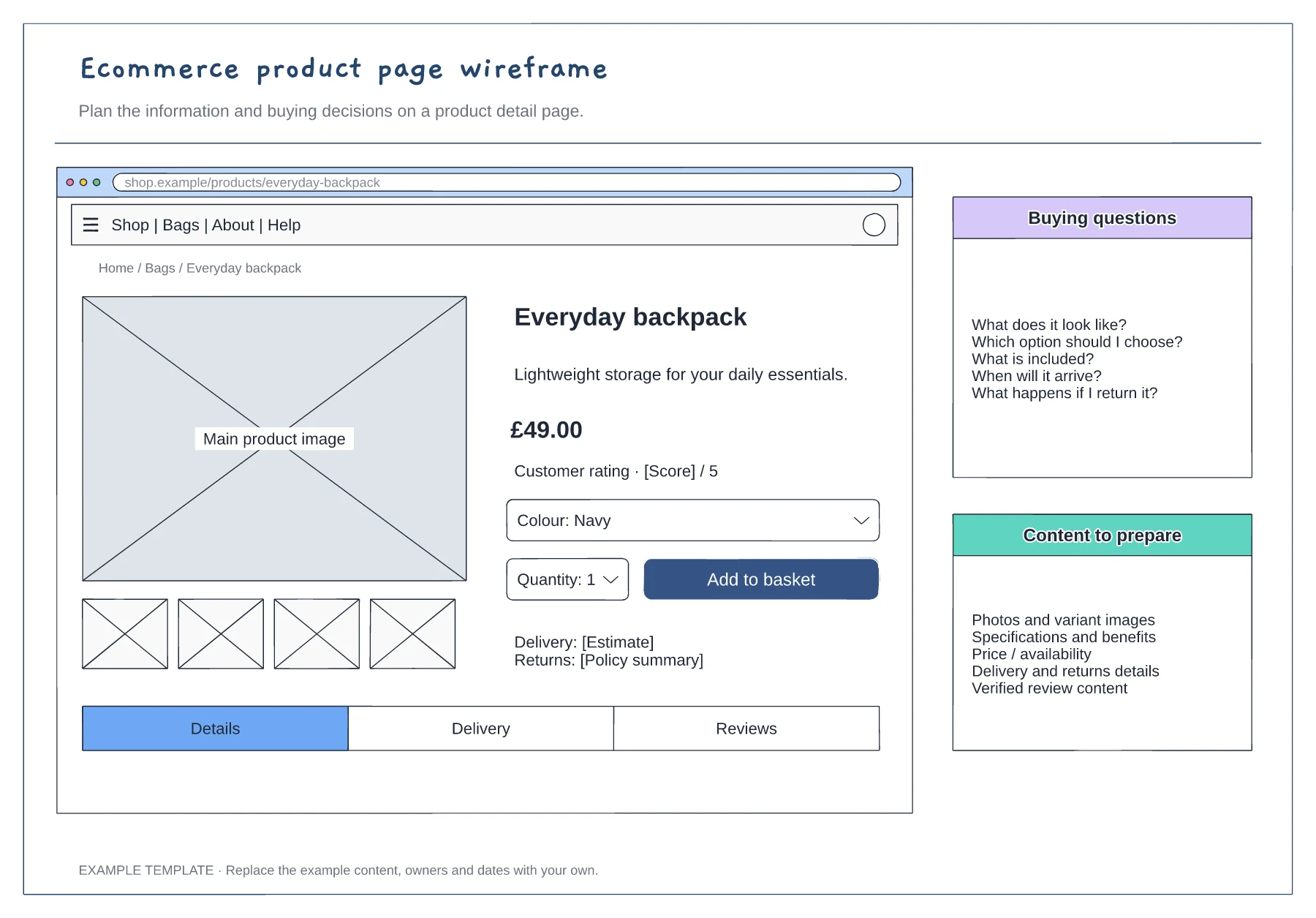
Product gallery and buying panel · Delivery, returns and trust information · Details and supporting content
Preview and use template →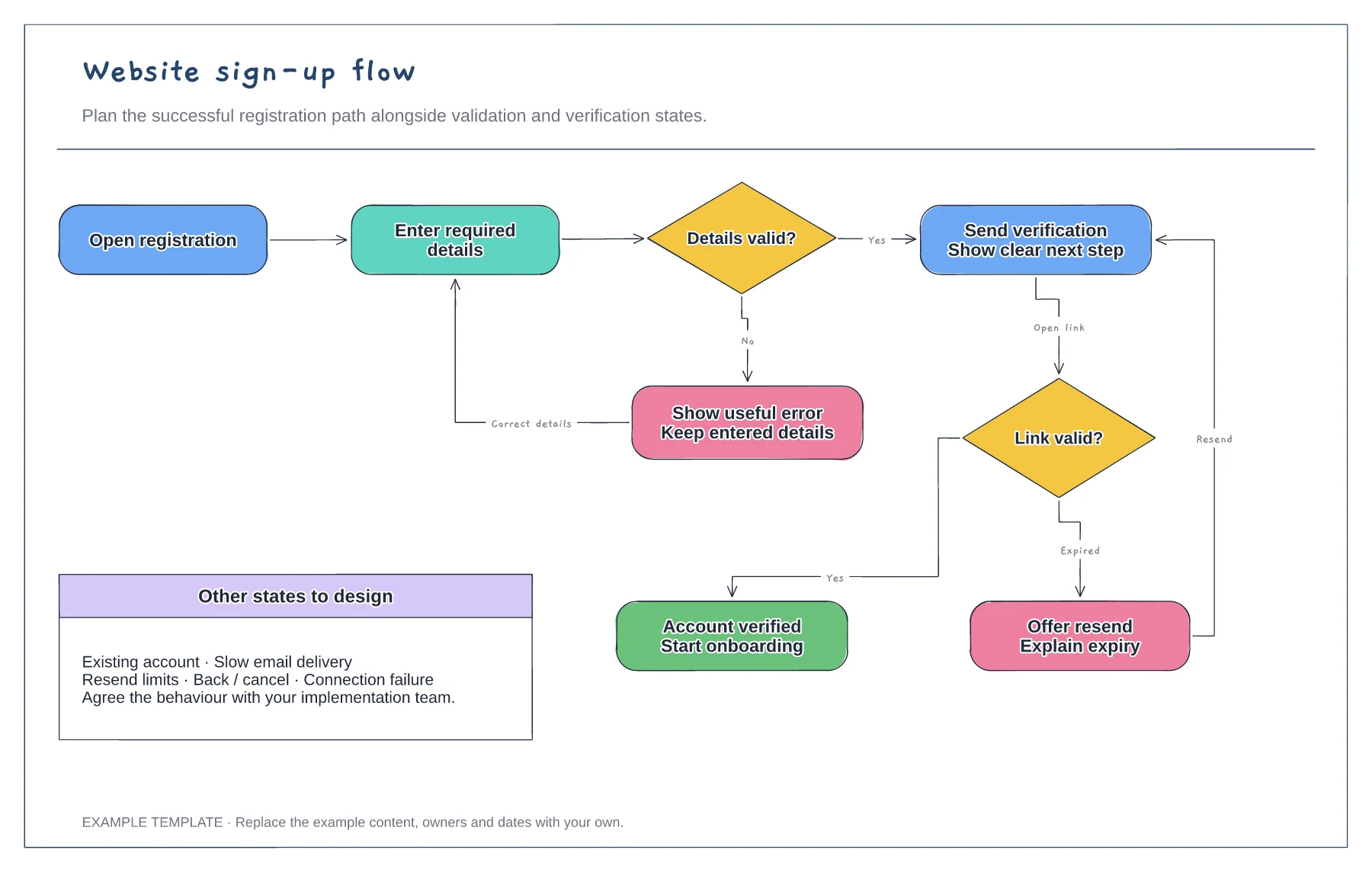
Registration form and validation · Verification and resend path · Successful access and error recovery
Preview and use template →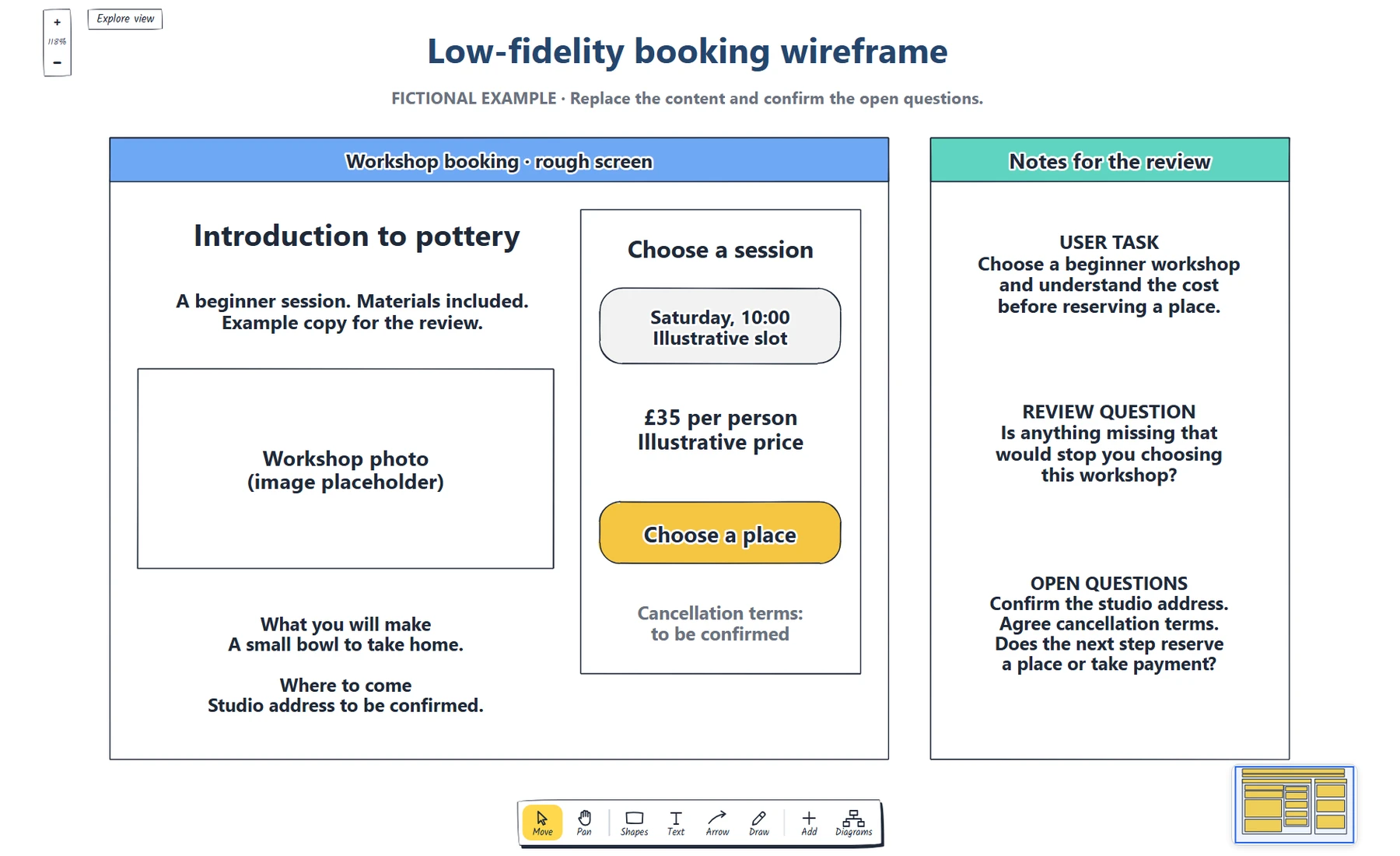
Define the booking task. · Place real content and a next step. · Which information does someone need before choosing a workshop?
Preview and use template →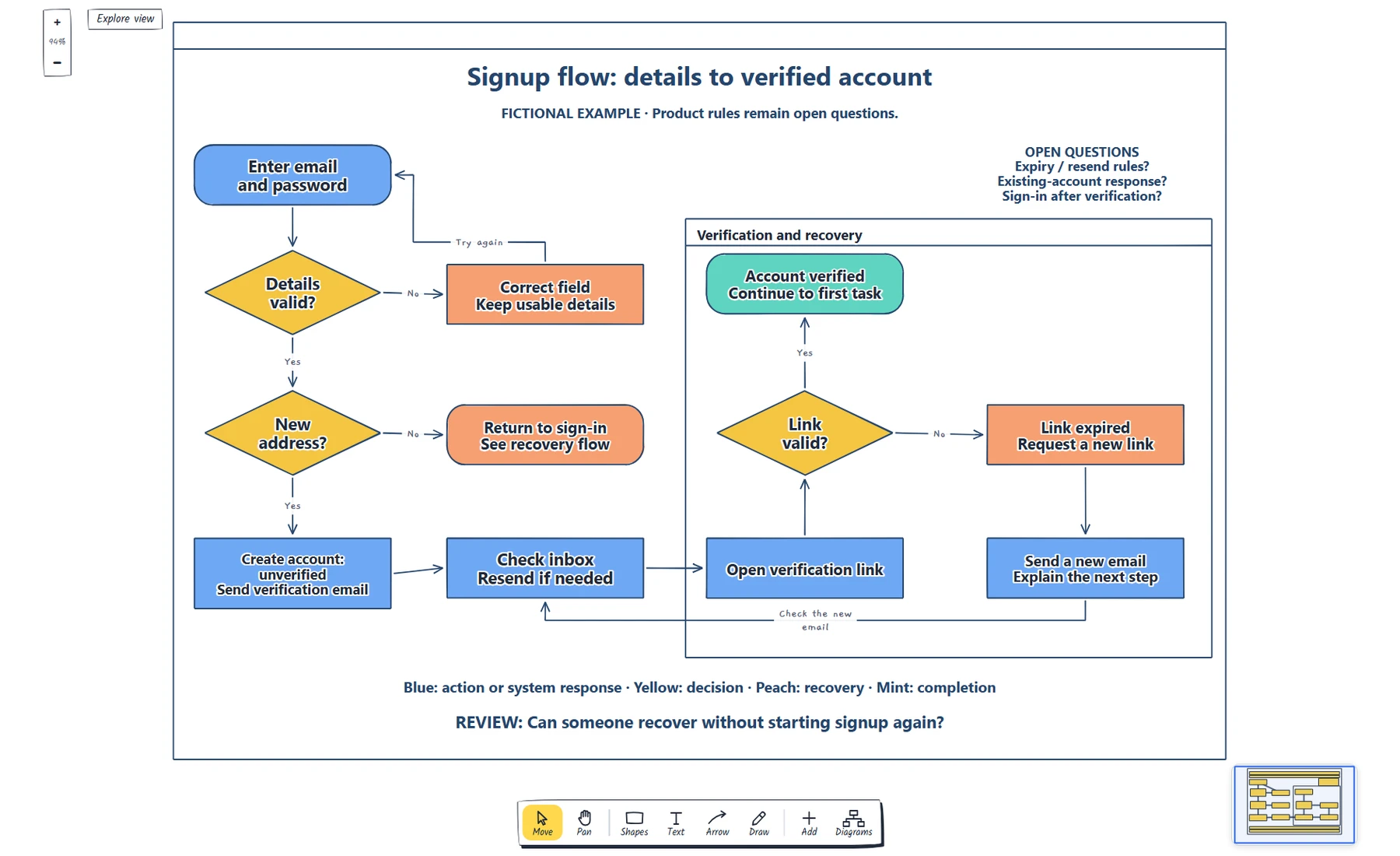
Name the starting point and completion state. · Label each decision and its outcomes. · Trace validation, sign-in and resend recovery.
Preview and use template →