Design
Three-part comparison board template
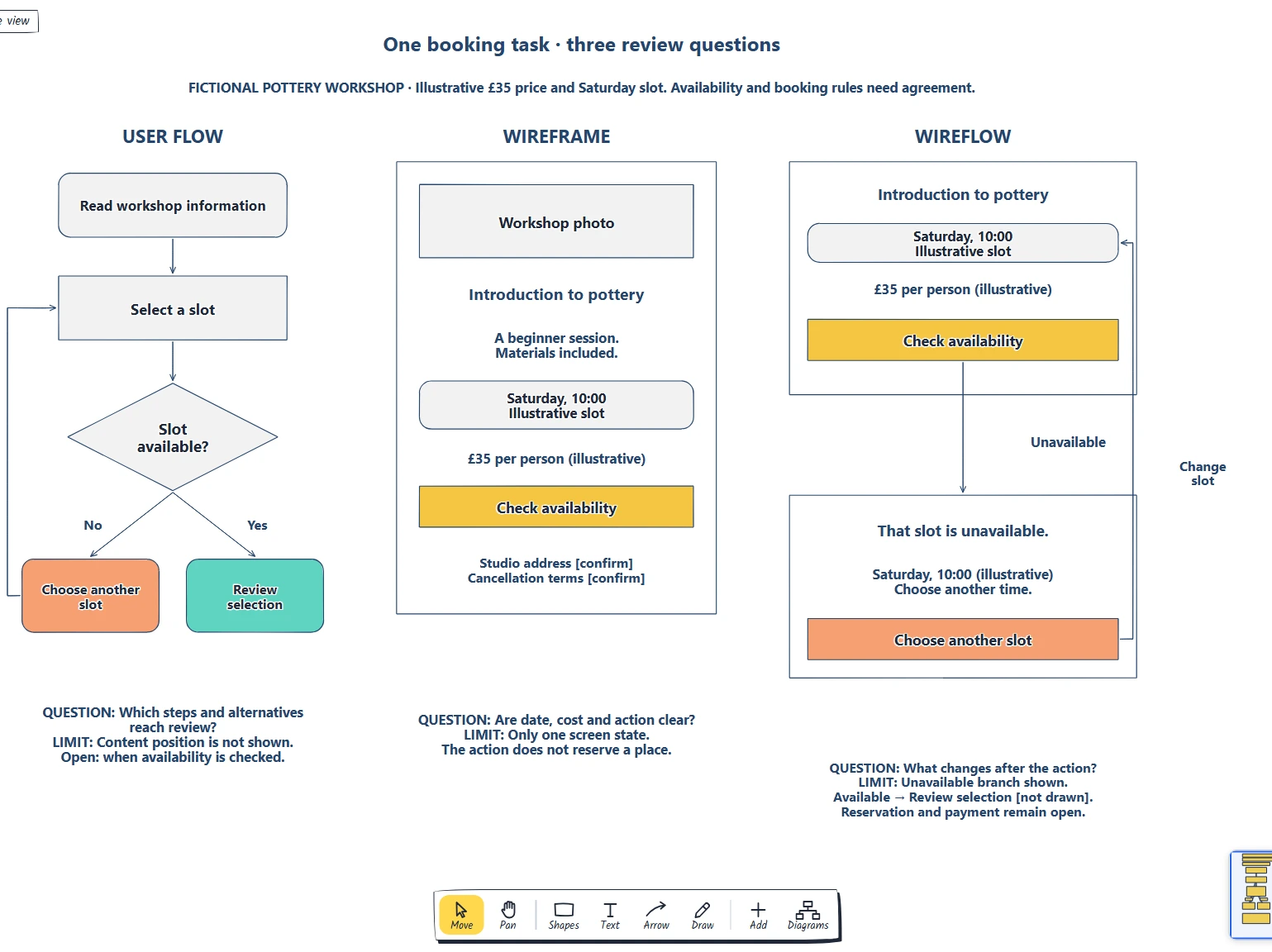
Name the review question. · Compare steps screens and transitions. · Do we need to discuss sequence, content or both?
Preview and use template →Write a design brief your team can act on.
No account needed · Opens as your own editable page
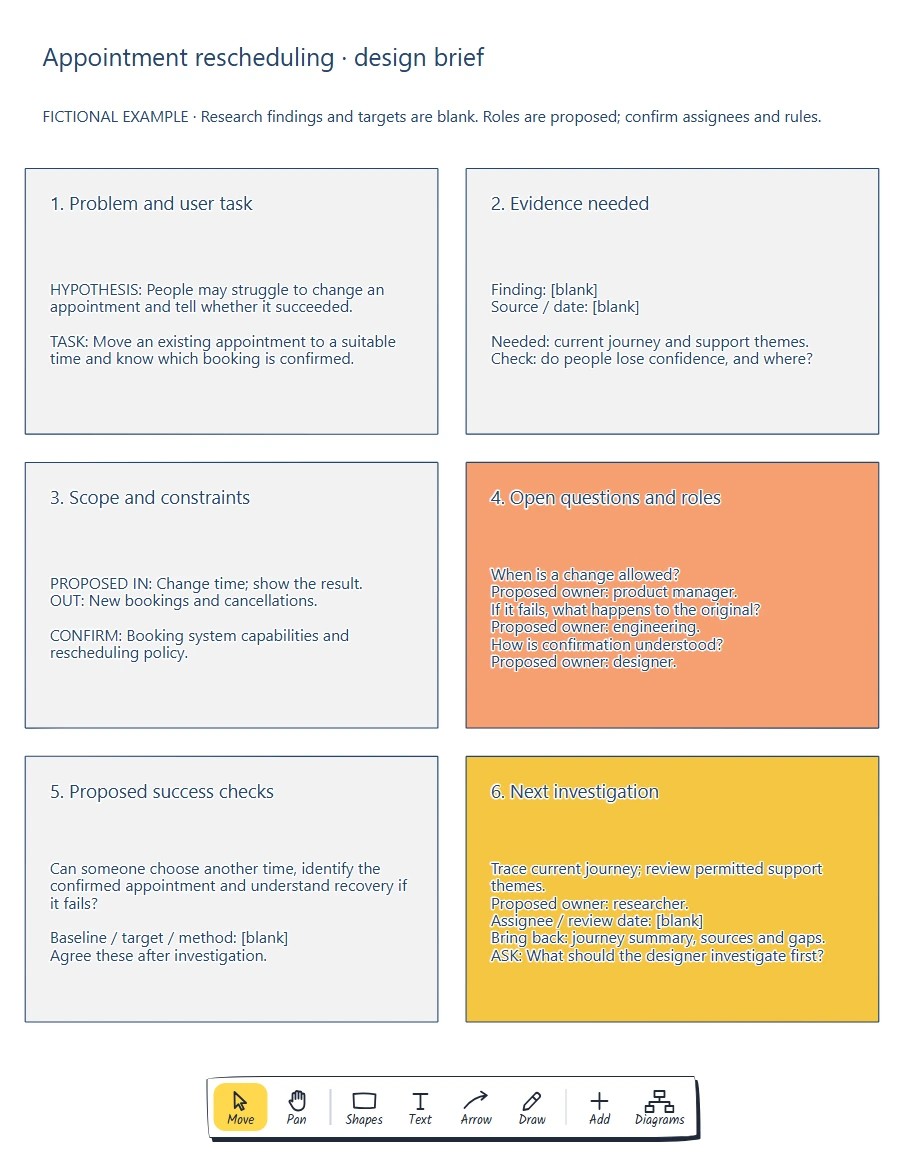
Design requests omit constraints and evidence.
Give your designer a clear task and a useful starting point.
Write a brief with a user problem, scope and open questions. What should the designer investigate first?
Yes. Every label, box and line is editable, so replace the fictional example with your own screens and notes.
No. Open the template and edit it in your browser. Your work saves on this device. An account is optional if you want to sync your workspace.
Yes. Use Export in the editor to save a PNG, SVG or PDF, or download an editable .epicdraw backup.
Name the review question. · Compare steps screens and transitions. · Do we need to discuss sequence, content or both?
Preview and use template →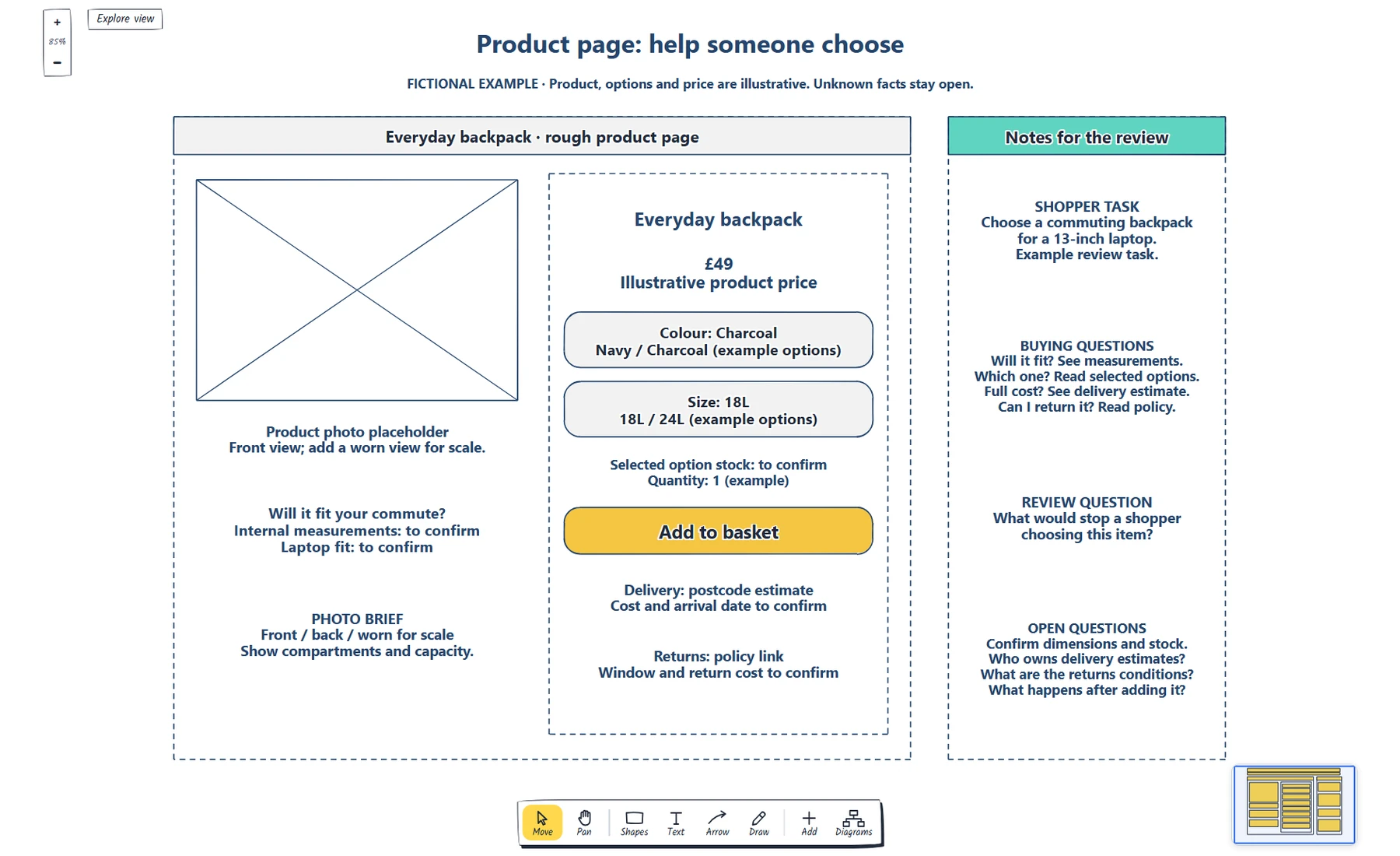
Define the shopper task and photo brief. · Make the selected options and availability clear. · Show where price, delivery and returns questions are answered.
Preview and use template →
Name the reader and main action · Specify the explanation and demonstration · Mark evidence and practical terms to confirm
Preview and use template →
Compare the same rows across plans. · Define limits and how they are counted. · Keep price, billing unit and period together.
Preview and use template →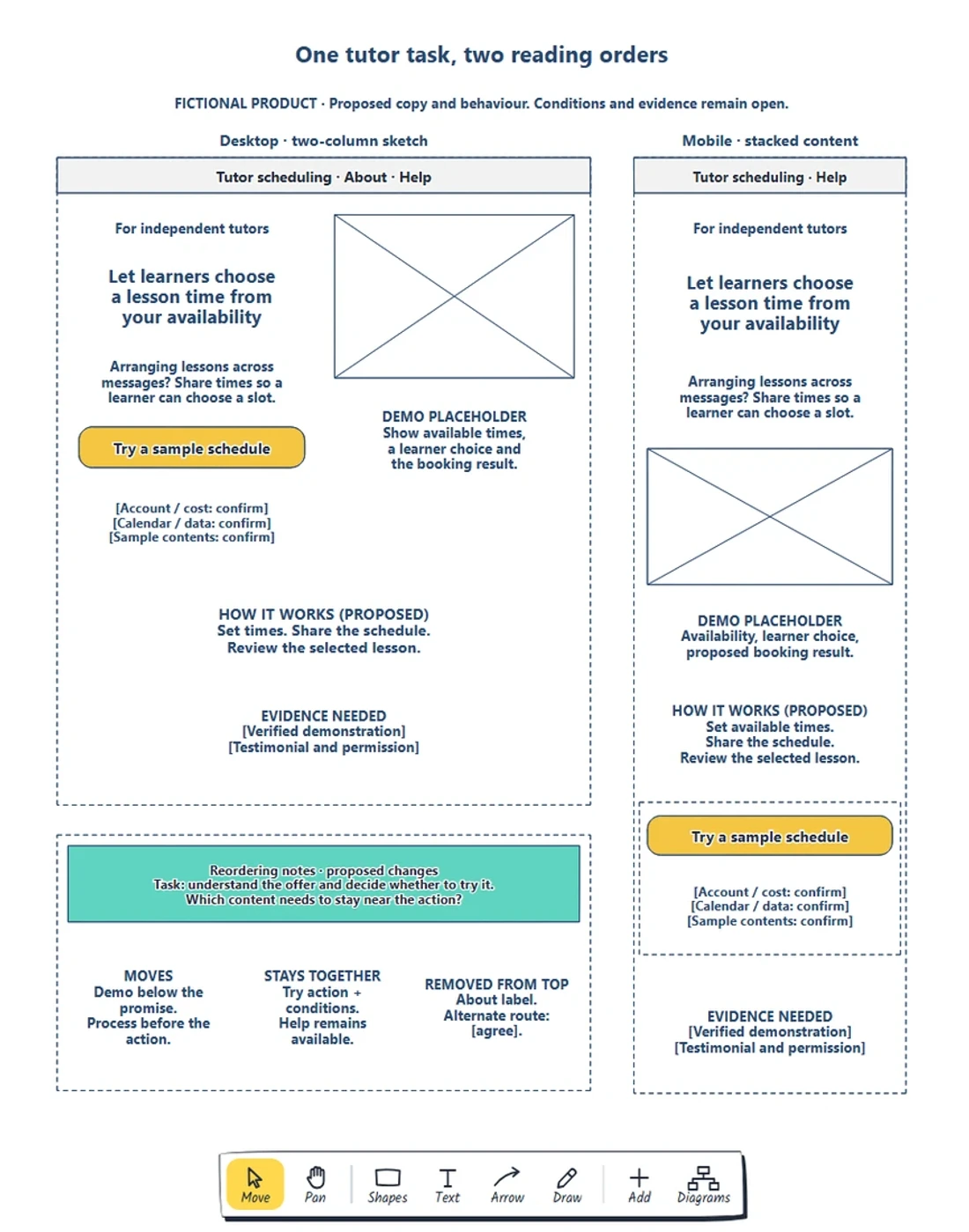
Preserve the visitor’s task and necessary information. · Choose a reading order before resizing boxes. · Keep requirements beside the action.
Preview and use template →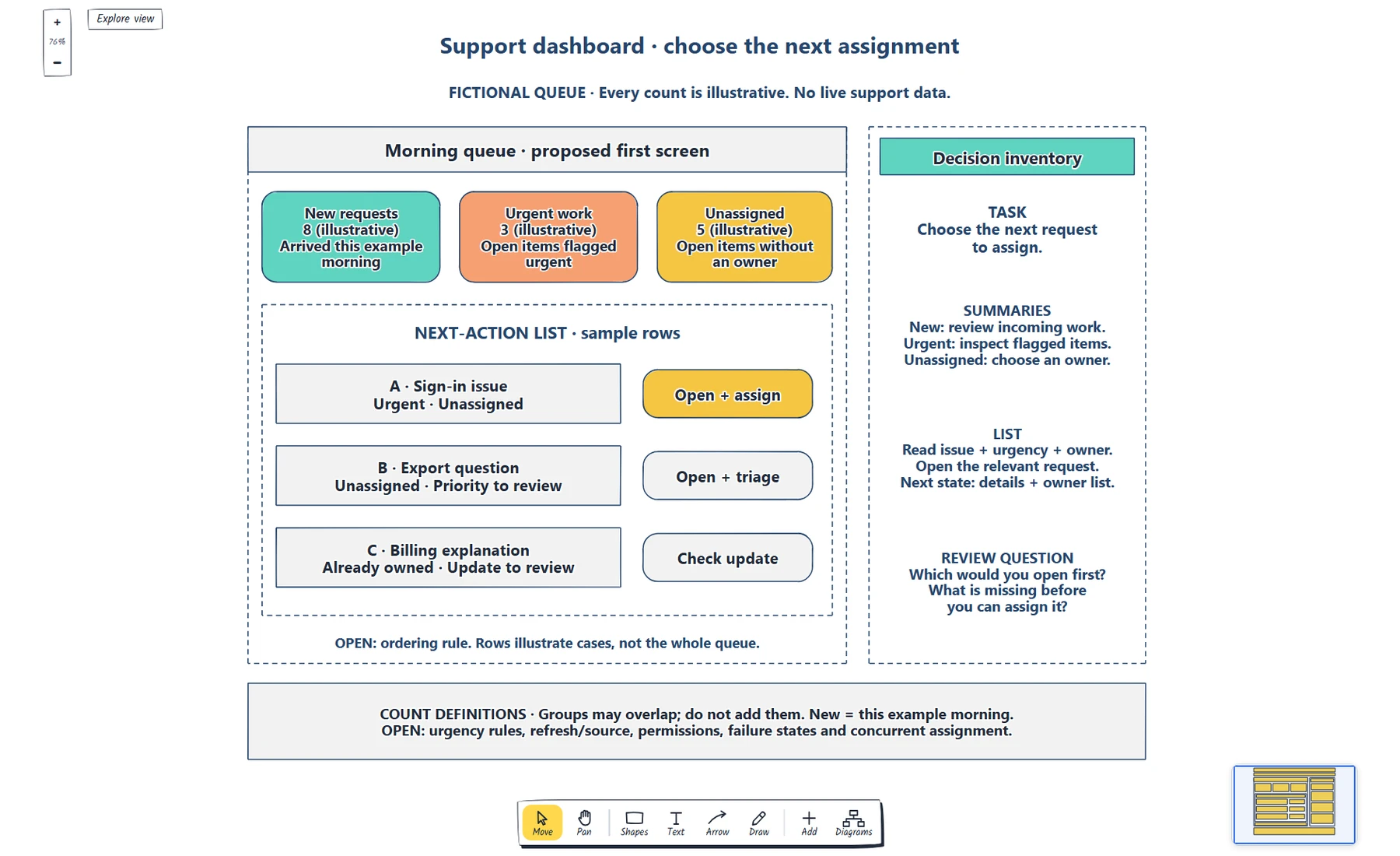
Write the role and first decision. · Define each summary, scope and destination. · Label sample counts and explain overlapping groups.
Preview and use template →