Design / Free editable template

Affinity map and observation cards template

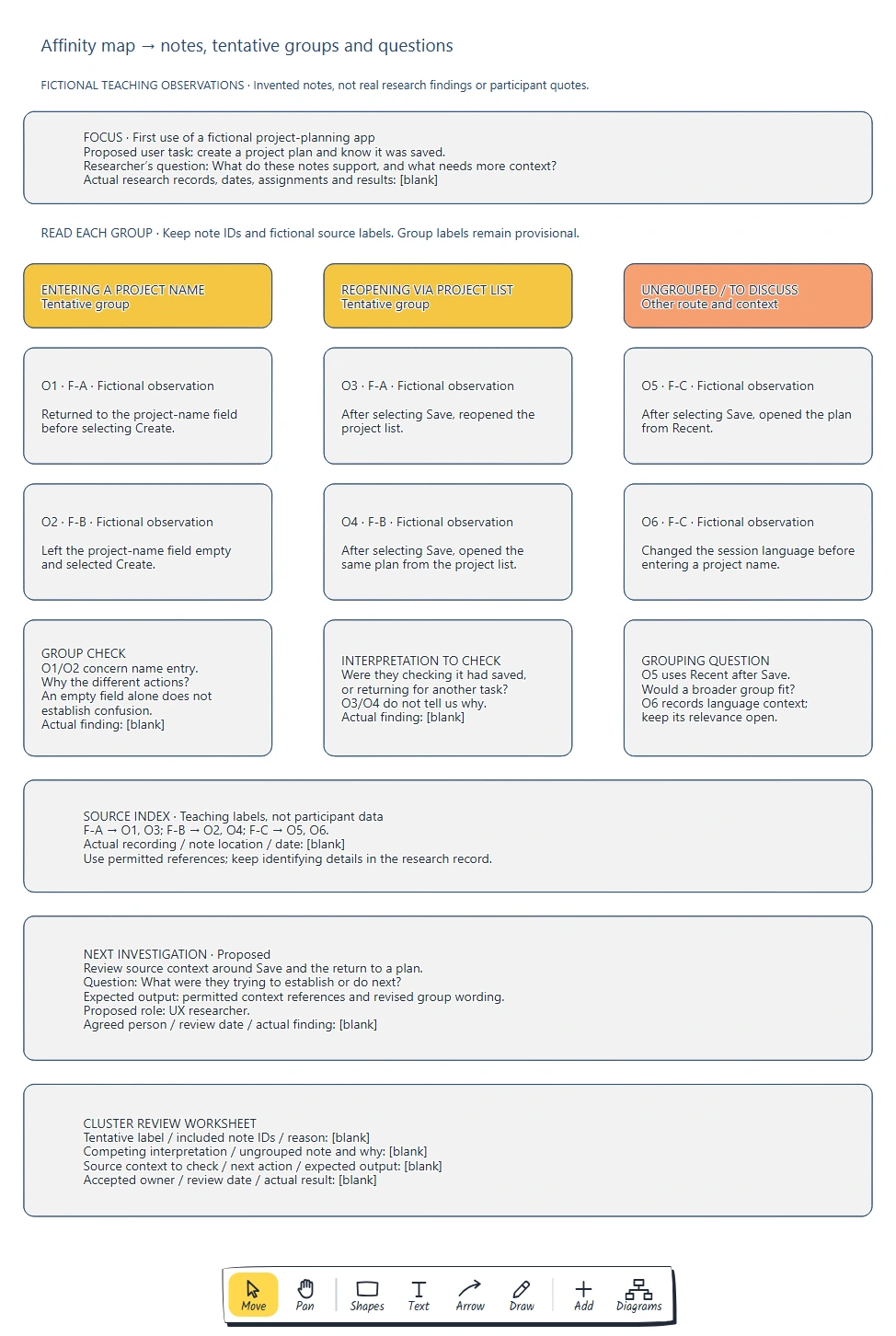
Put one observation on each card and keep its source ID. Group related notes, choose tentative labels that fit them, and keep outliers visible. Check the source context before turning a possible interpretation into a finding.

No account needed · Opens as your own editable page

Preview the affinity map and observation cards

View full-size preview ↗
Affinity map and observation cards example showing keep one observation per card with a stable source id., distinguish observations, quotations and interpretations., check each label against all its included notes.
Everything in this example is editable. Replace the labels, move the shapes and adapt the layout to your work.

How to use this template

  1. Choose a research question and traceable notes

    Research clusters become opinions without traceable notes.

  2. Group observations by meaning before naming them

    Group observations while keeping their sources visible.

  3. Check labels, alternative groupings and ungrouped notes

    Preserve observation wording and source references when grouping. Name only what the included notes support. Keep competing explanations and outliers visible. Use uncertainty to choose the next investigation.

Questions about this template

Can I change the example content?

Yes. Every label, box and line is editable, so replace the fictional example with your own screens and notes.

Do I need an account to use it?

No. Open the template and edit it in your browser. Your work saves on this device. An account is optional if you want to sync your workspace.

Can I export the finished diagram?

Yes. Use Export in the editor to save a PNG, SVG or PDF, or download an editable .epicdraw backup.