Draw your ideas
the way you'd sketch them.
Flowcharts, plans, process maps and mind maps with a friendly hand-drawn look. Open it and start drawing. No sign-up needed.
Free forever · no account · works offline · your drawings stay on your device
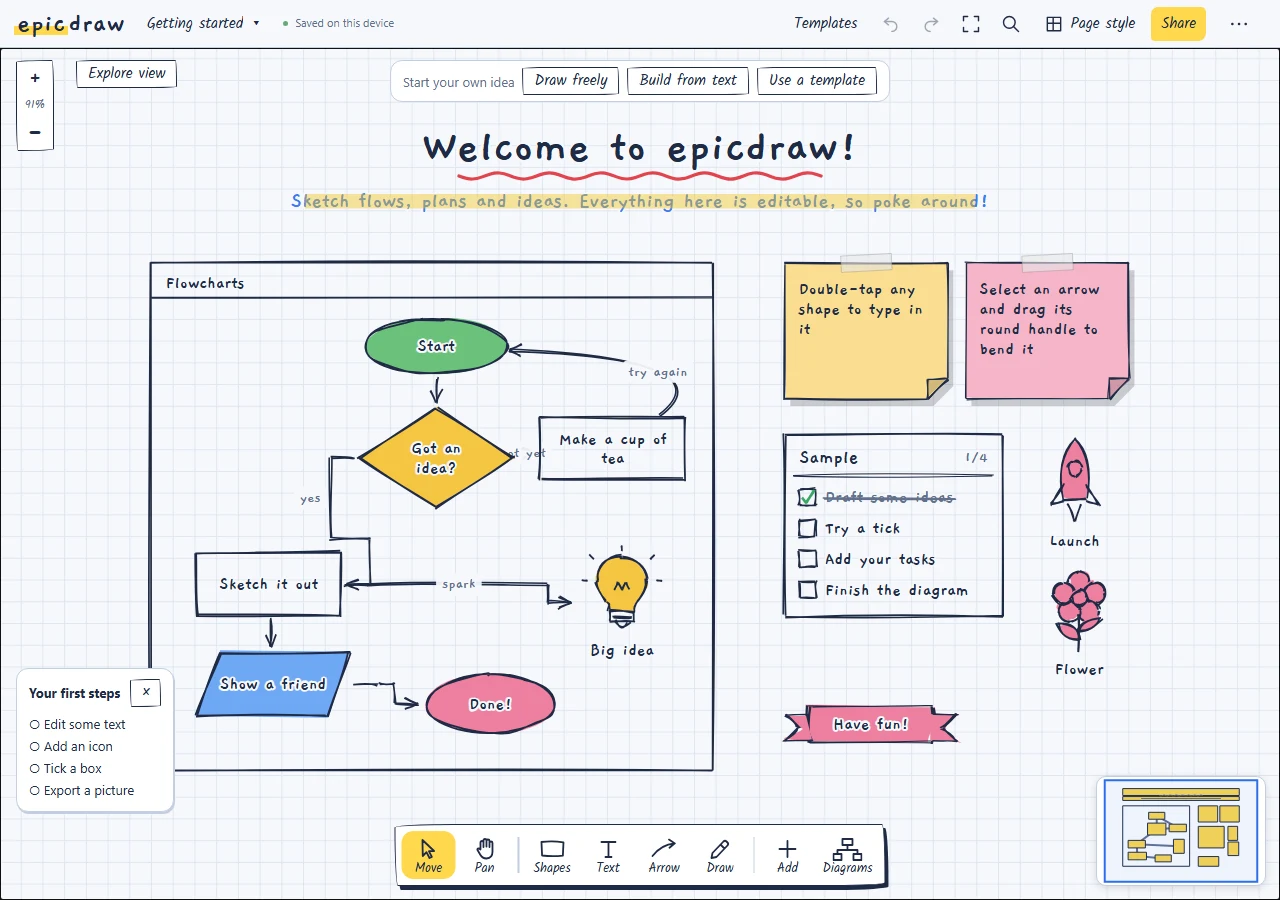
Everything on one sheet of paper
Simple enough for a quick sketch, capable enough for a full process map.
Wobbly by design
Shapes, arrows and connectors that look hand-drawn but snap neatly into place.
Type to build
Write steps as text, and epicdraw lays out the chart for you, decisions included.
100+ doodle icons
Rockets, lightbulbs, people, buildings and more. Search for one and drop it on the page.
Present mode
Reveal your flow one step at a time, with each step drawing itself in.
Export anything
PNG, SVG and print-ready PDF with the handwriting fonts built in.
Works offline
Install it like an app. It keeps working on a plane, on a train or anywhere without wifi.
Your page library
Find diagrams by thumbnail or text. Keep them in folders and star the pages you use most.
Make it your own
Favourite your regular elements and save named styles to keep diagrams consistent.
Review with comments
Share a fixed drawing, discuss shapes or canvas positions, and resolve feedback. A free account creates the link.
Start from a template
Process improvement classics, ready to fill in, plus flowcharts, Kanban boards, mind maps, org charts and more.
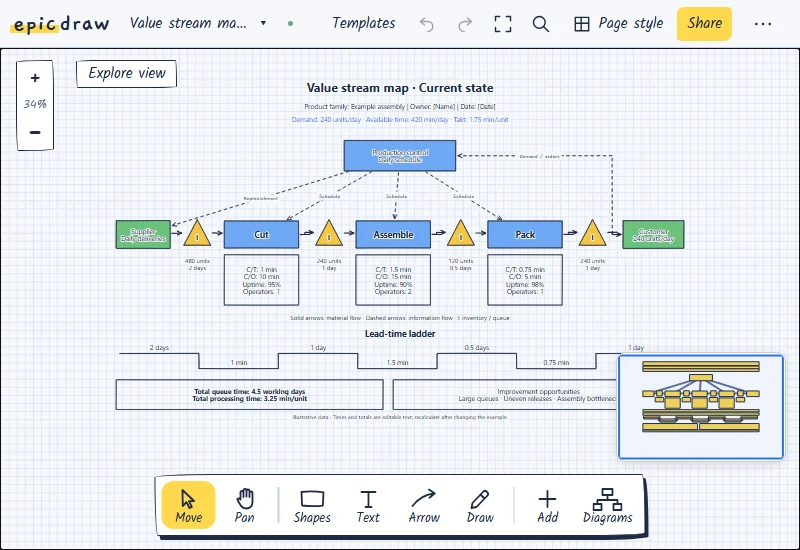 Value stream map
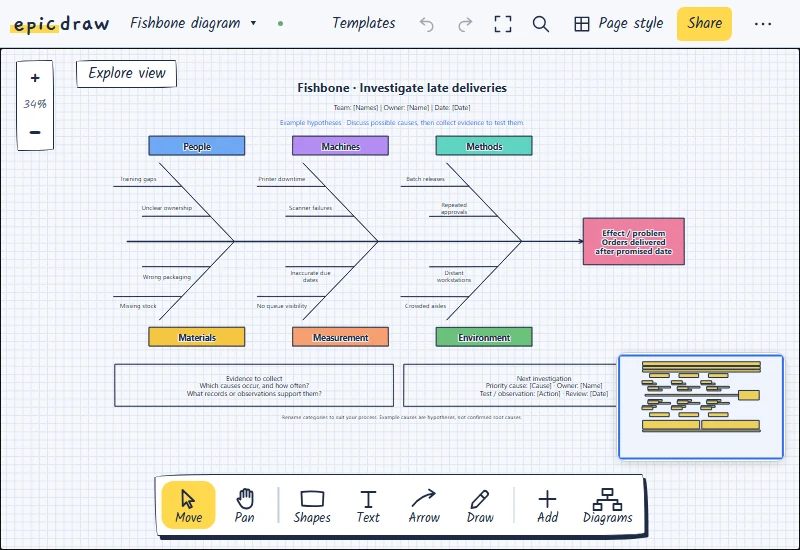 Fishbone diagram
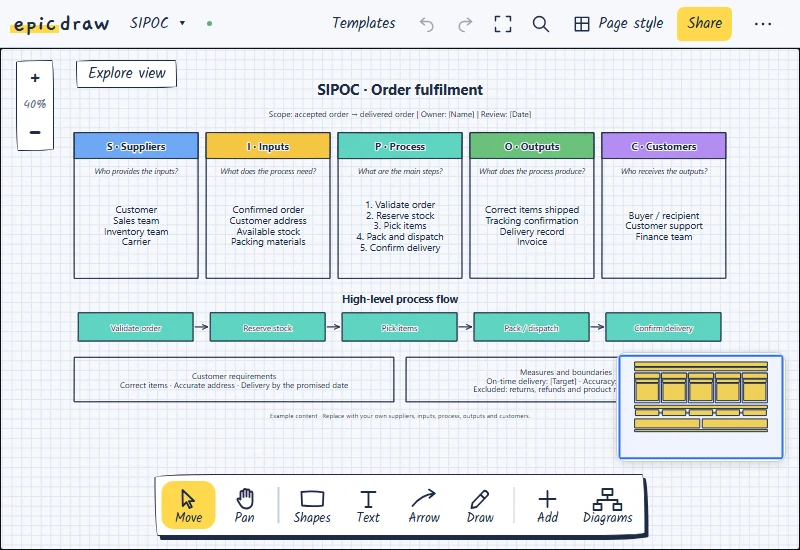 SIPOC
SIPOC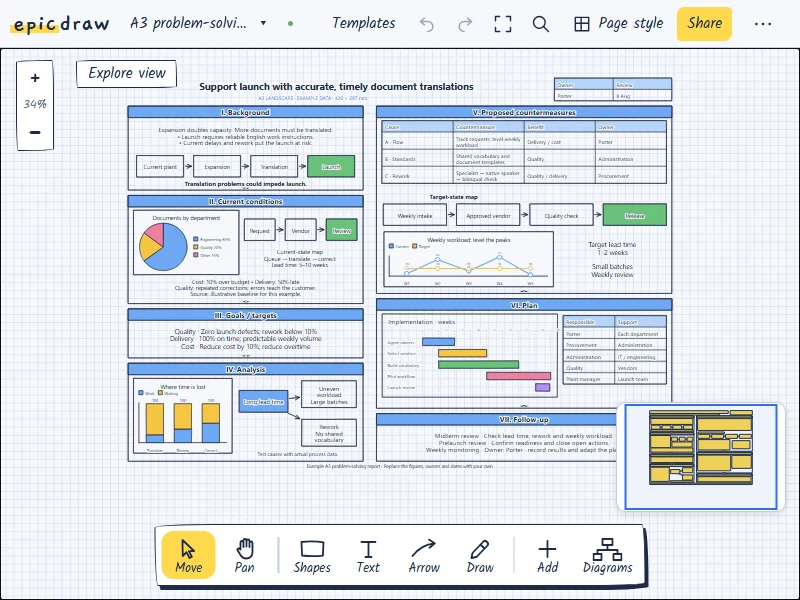 A3 report
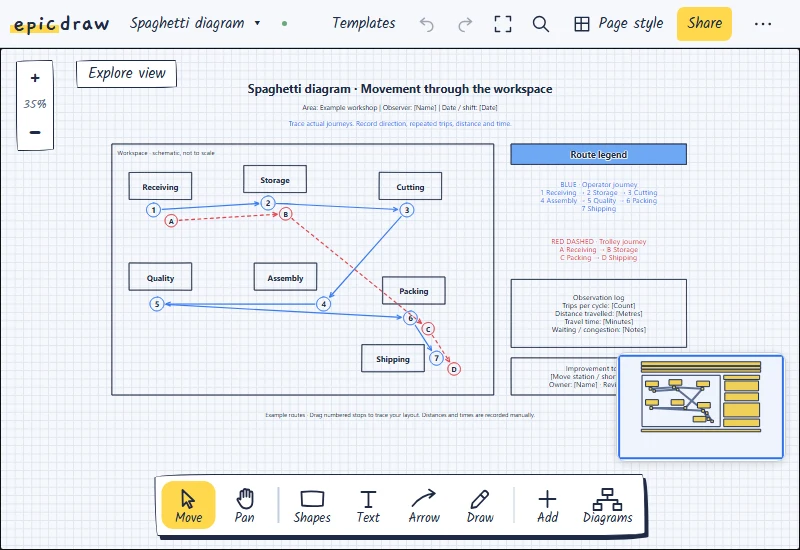 Spaghetti diagram
Two ways to use it
Start on your own device with no strings attached. Add an account only if you want your pages everywhere.
On this device
- No account, no email, no sign-up
- Unlimited pages and diagrams
- Every shape, icon and template
- PNG, SVG and PDF export
- Works fully offline
- Download backups whenever you like
With an account
- Everything in the free version
- Your pages on every device
- Connect AI assistants through MCP
- Share pages as interactive links
- Automatic cloud copy
- Edits from two devices merged safely
- Review links with comments and replies
- Still saved locally, still works offline
No account means no data leaves your browser.
That's a promise, not a trial.
Questions
The short answers. The how-to guide has the long ones.
Is it really free forever?
Yes. Everything that runs on your device stays free, with no time limit, no page limit and no watermark.
Where are my drawings stored?
Without an account, only in your browser on this device. Nothing is uploaded. You can download a backup file at any time. Read the privacy policy for the details.
What does an account add?
Sync between devices, shared page links, and connections to AI assistants through MCP. You choose whether an assistant can read or also edit your synced diagrams. Drawing stays free without an account, and your local pages still work offline.
Can I start without an account and add one later?
Yes. When you sign in, the pages already on your device come with you.
Do I need to install anything?
No. It runs in any modern browser. You can install it to your home screen or desktop from your browser's menu if you like it as an app.
Grab a pen. Well, sort of.
It opens in a second and saves as you go.
Open epicdraw