Design / Free editable template

Side-by-side comparison and decision board template

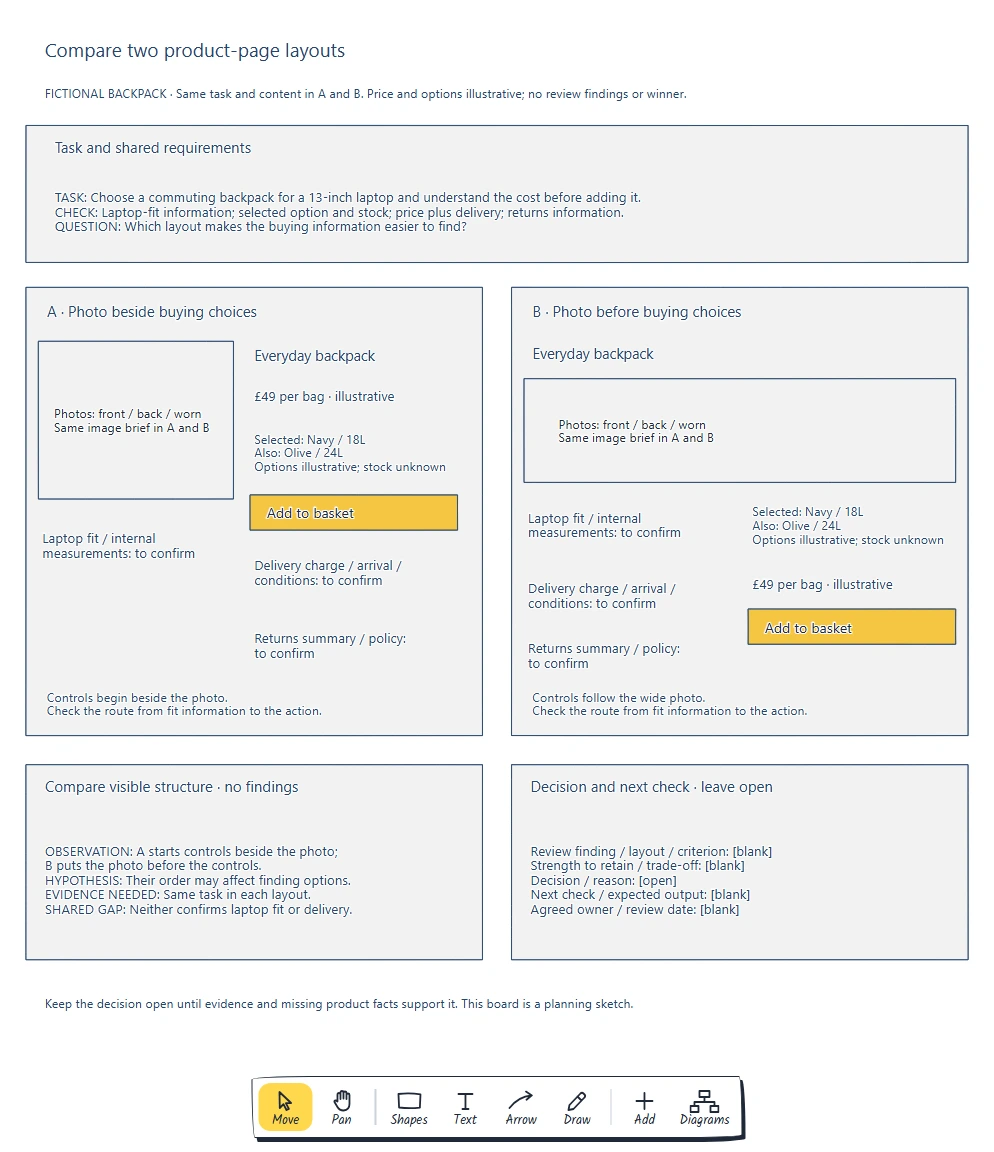
Keep the task and content the same, compare each requirement and record the evidence behind your next step.

No account needed · Opens as your own editable page

Preview the side-by-side comparison and decision board

View full-size preview ↗
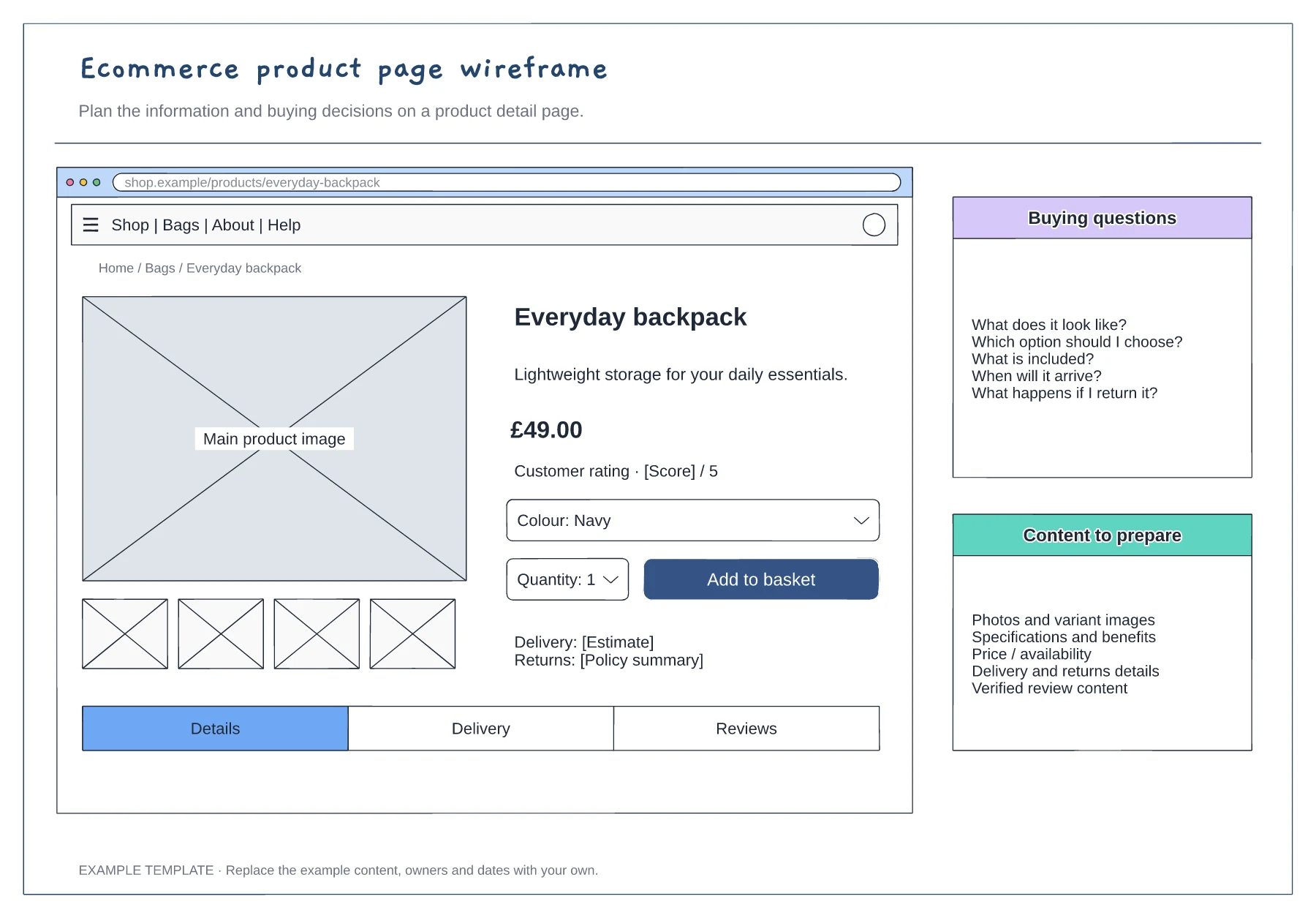
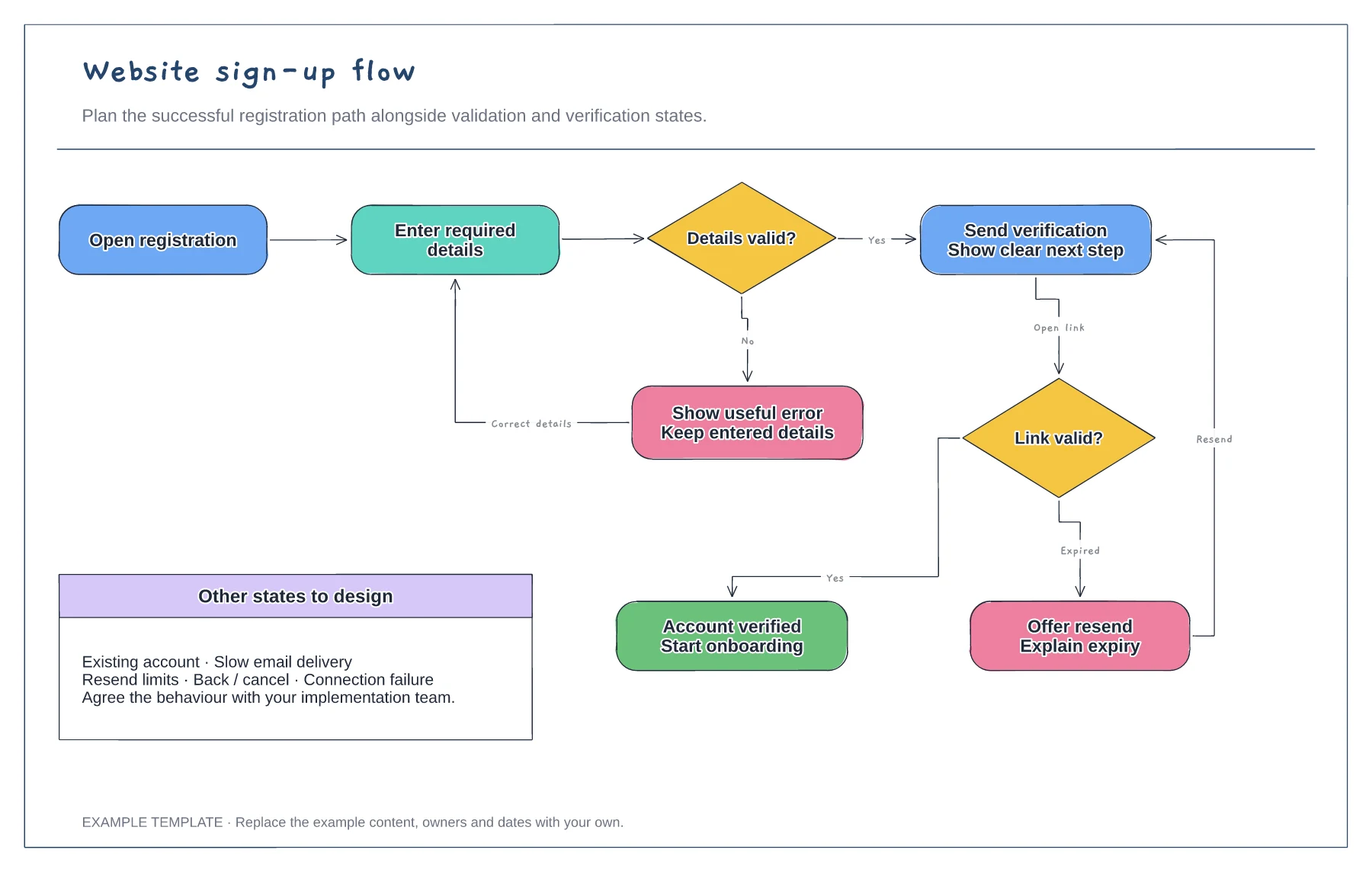
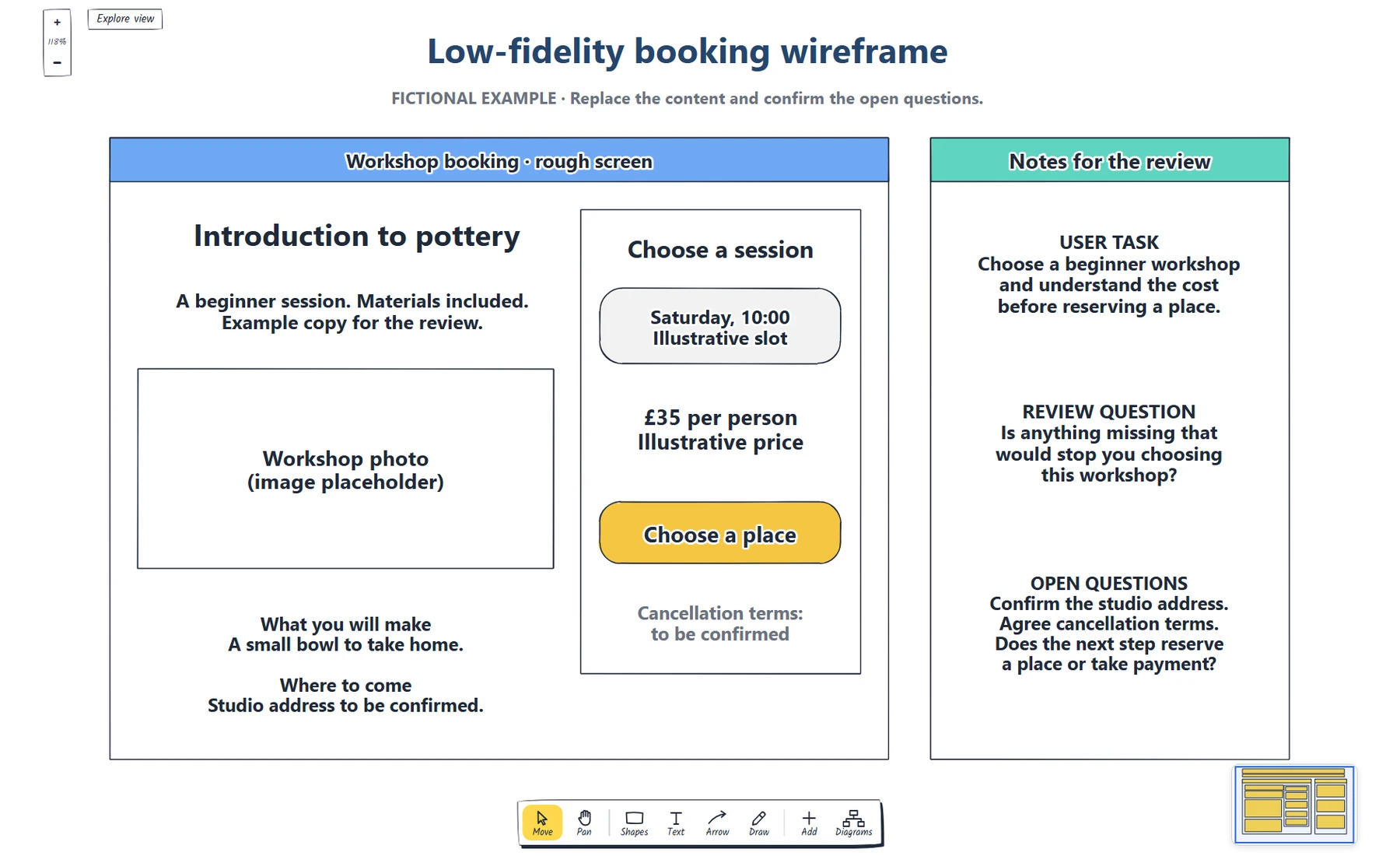
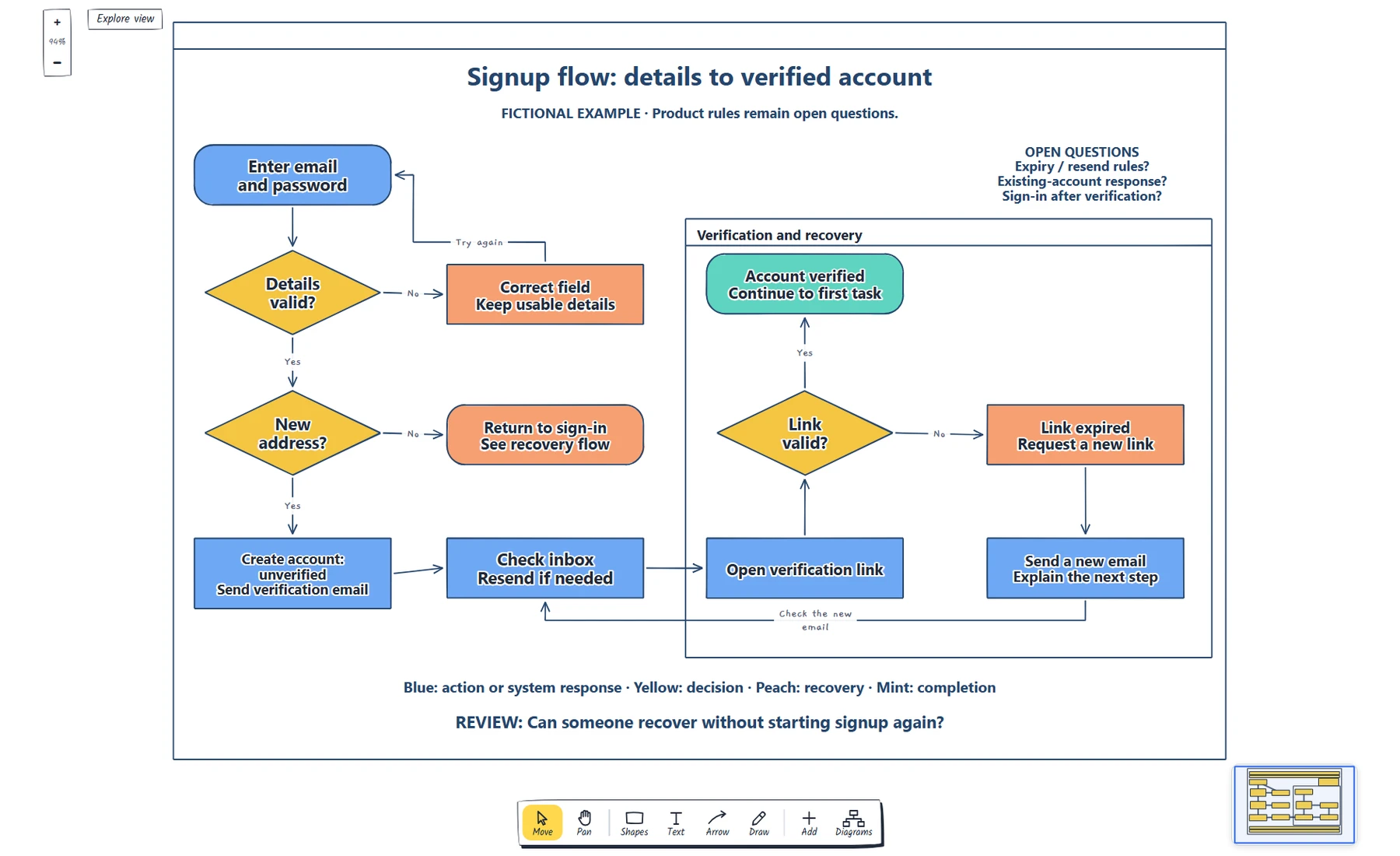
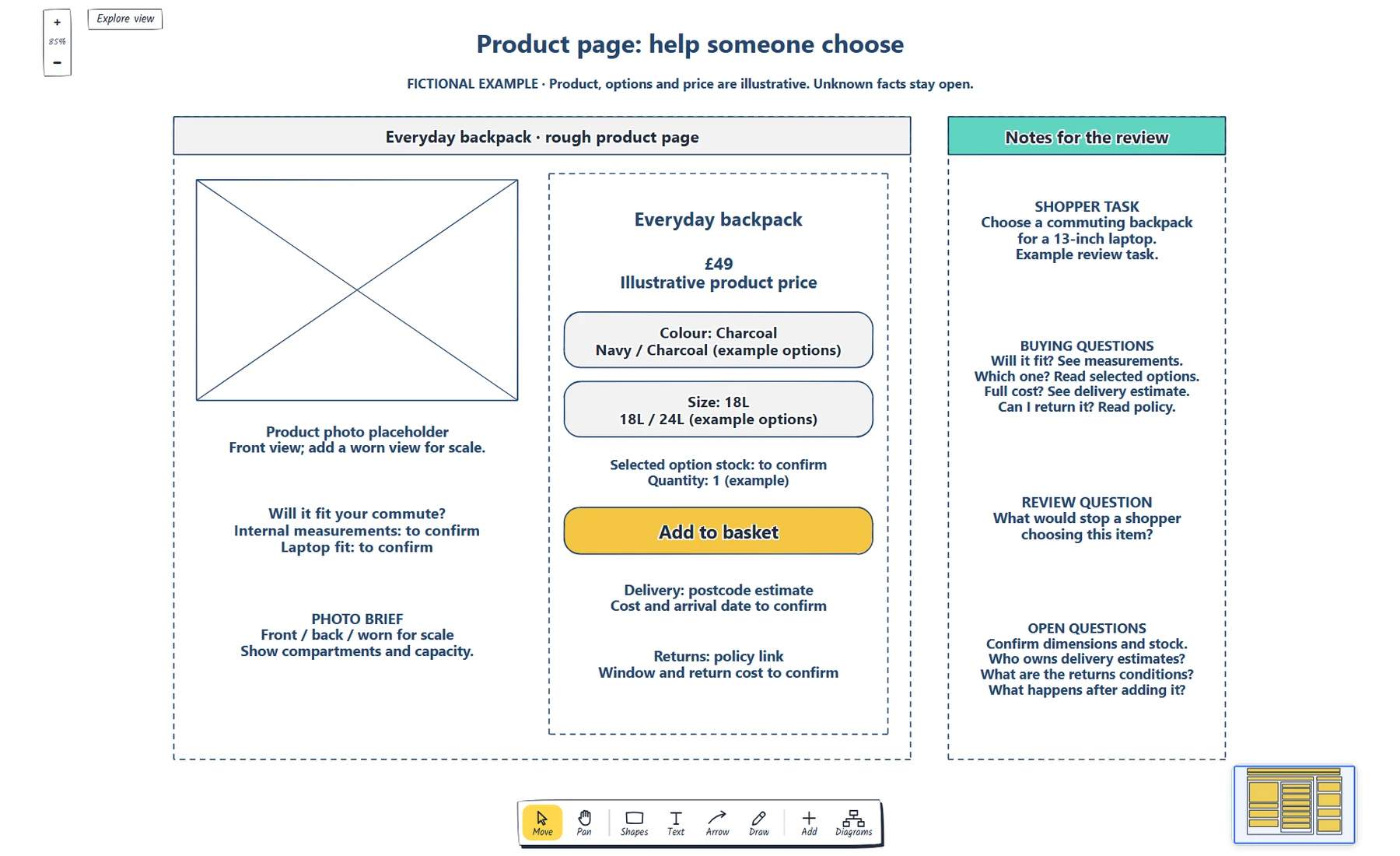
Side-by-side comparison and decision board example showing agree requirements., sketch two distinct arrangements., which layout makes the buying information easier to find?
Everything in this example is editable. Replace the labels, move the shapes and adapt the layout to your work.

How to use this template

  1. Agree requirements

    Teams compare visual preference without agreed requirements.

  2. Sketch two distinct arrangements

    Compare two layouts and explain what to check next.

  3. Record strengths and unresolved questions

    Compare two layouts using the same task and decision criteria. Which layout makes the buying information easier to find?

Questions about this template

Can I change the example content?

Yes. Every label, box and line is editable, so replace the fictional example with your own screens and notes.

Do I need an account to use it?

No. Open the template and edit it in your browser. Your work saves on this device. An account is optional if you want to sync your workspace.

Can I export the finished diagram?

Yes. Use Export in the editor to save a PNG, SVG or PDF, or download an editable .epicdraw backup.